Photoprompt
  • How It Works
  • Pricing
  • Prompting Guide

Transform your Images with the Pop Art Filter

Bold, colorful art inspired by popular culture, often used for striking visuals.
Try it out for free
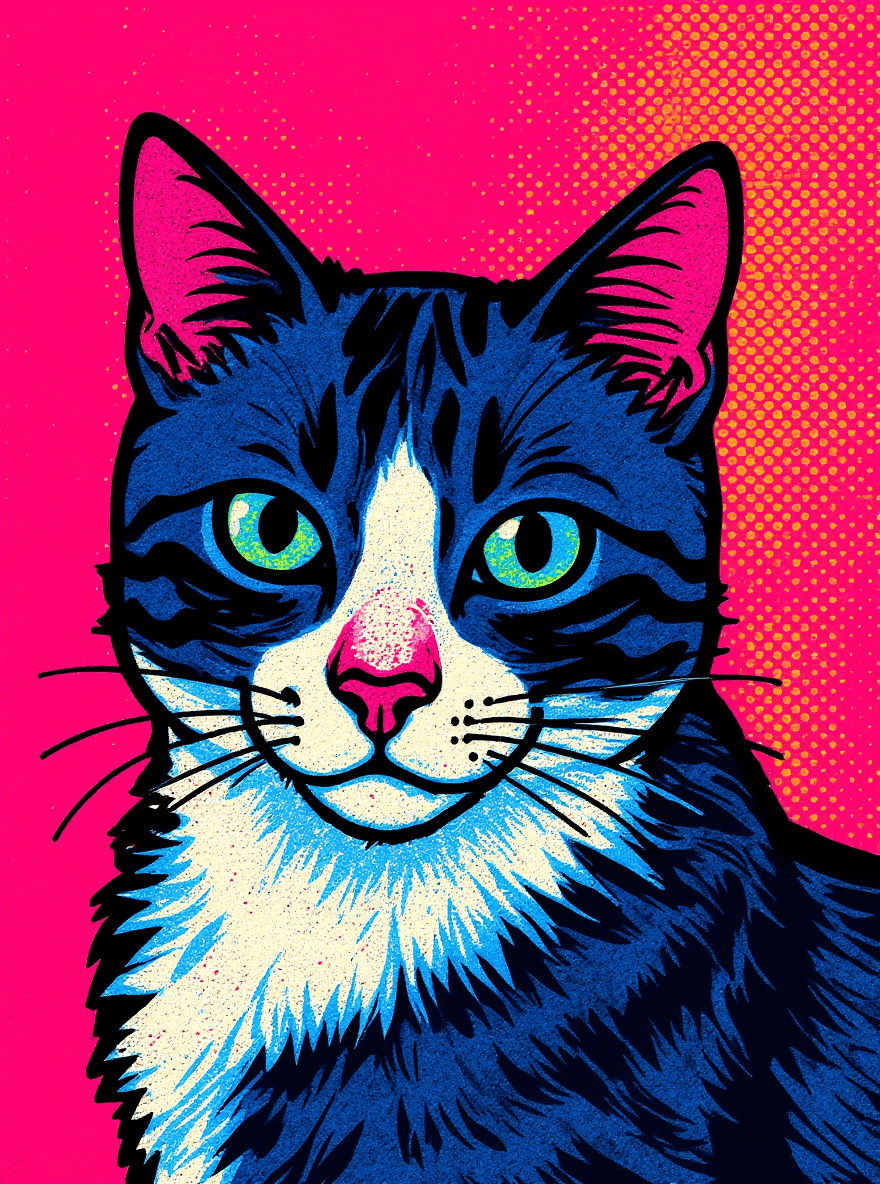
Pop Art after
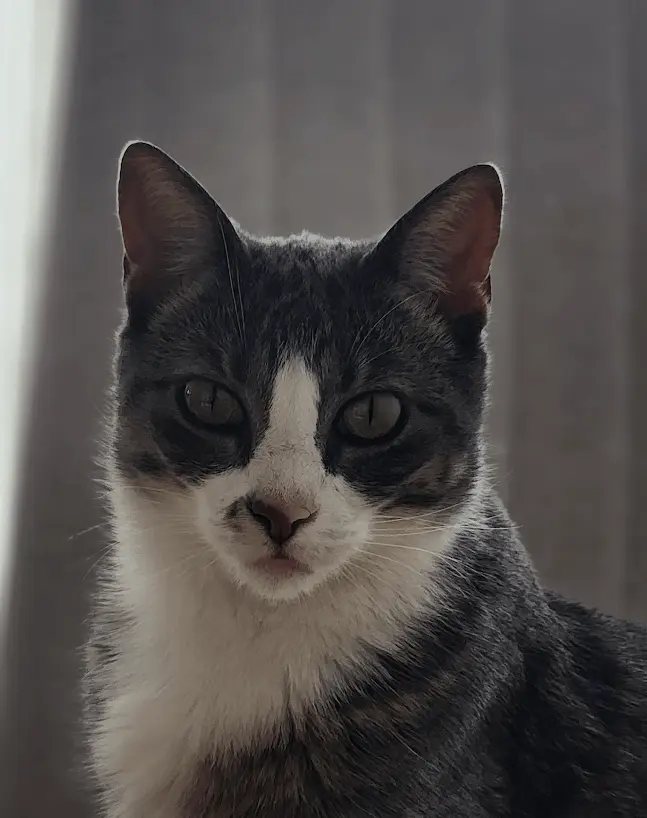
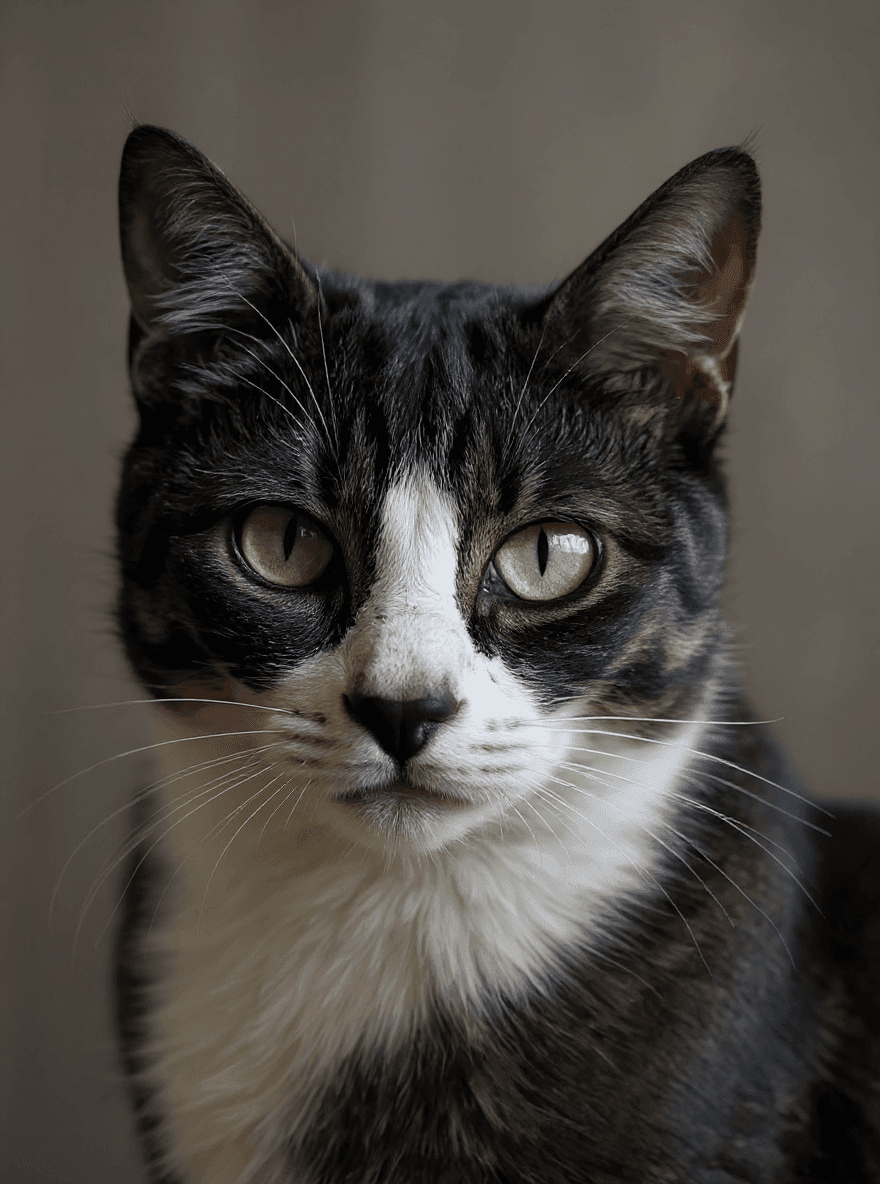
Pop Art before

What the Pop Art filter changes

The Pop Art filter restyles your image while keeping the original subject and composition recognizable. It is a fast way to explore a visual direction without rebuilding the image from scratch.

Use a clear image with the main subject in focus, then compare the before and after preview. If the first result is too subtle or too stylized, try a cleaner source image or use the broader AI filters page to test another look.

Best photos for Pop Art

  • Portraits with clear facial features and simple lighting.
  • Product images where the object is easy to separate from the background.
  • Pet, travel, and lifestyle photos with one main focal point.
  • Creative references where you want style inspiration, not a full redesign.
Explore other filters

Photorealism
Photorealism
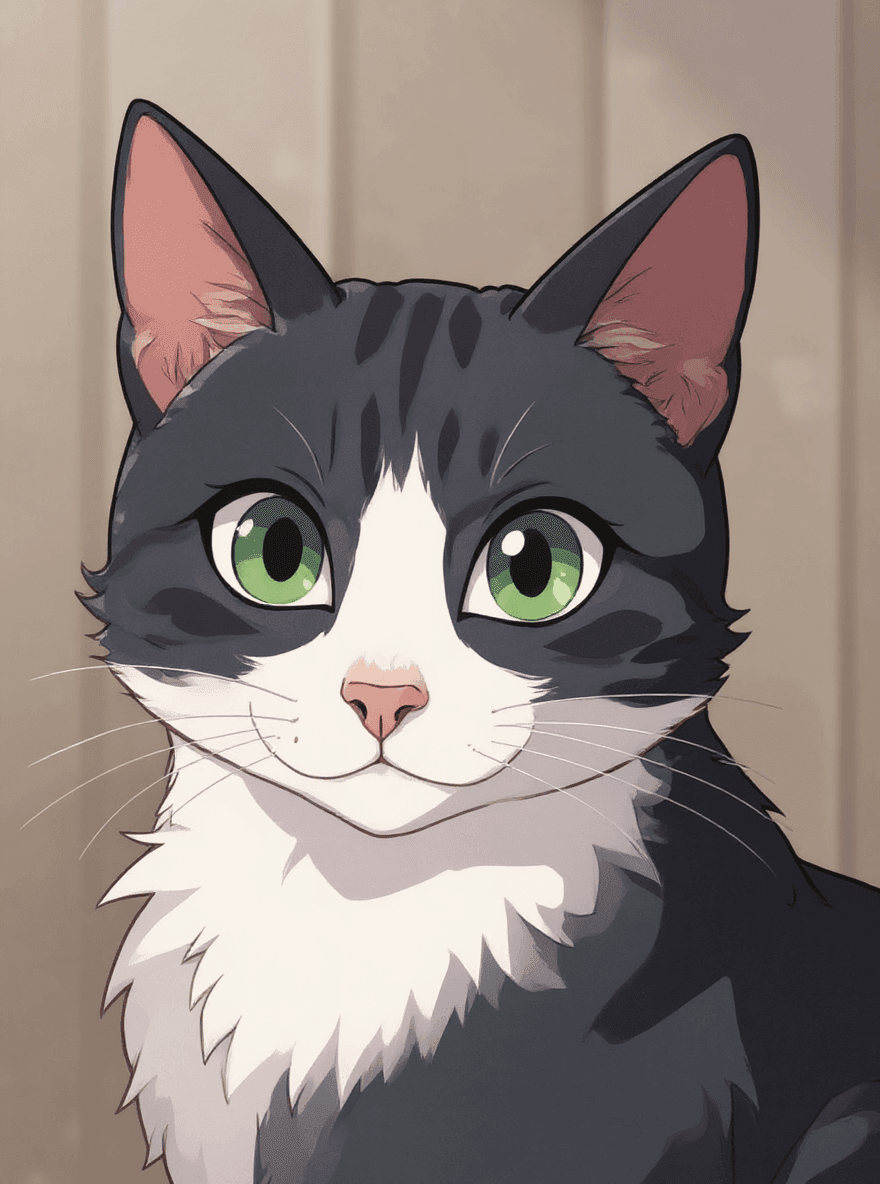
Anime
Anime
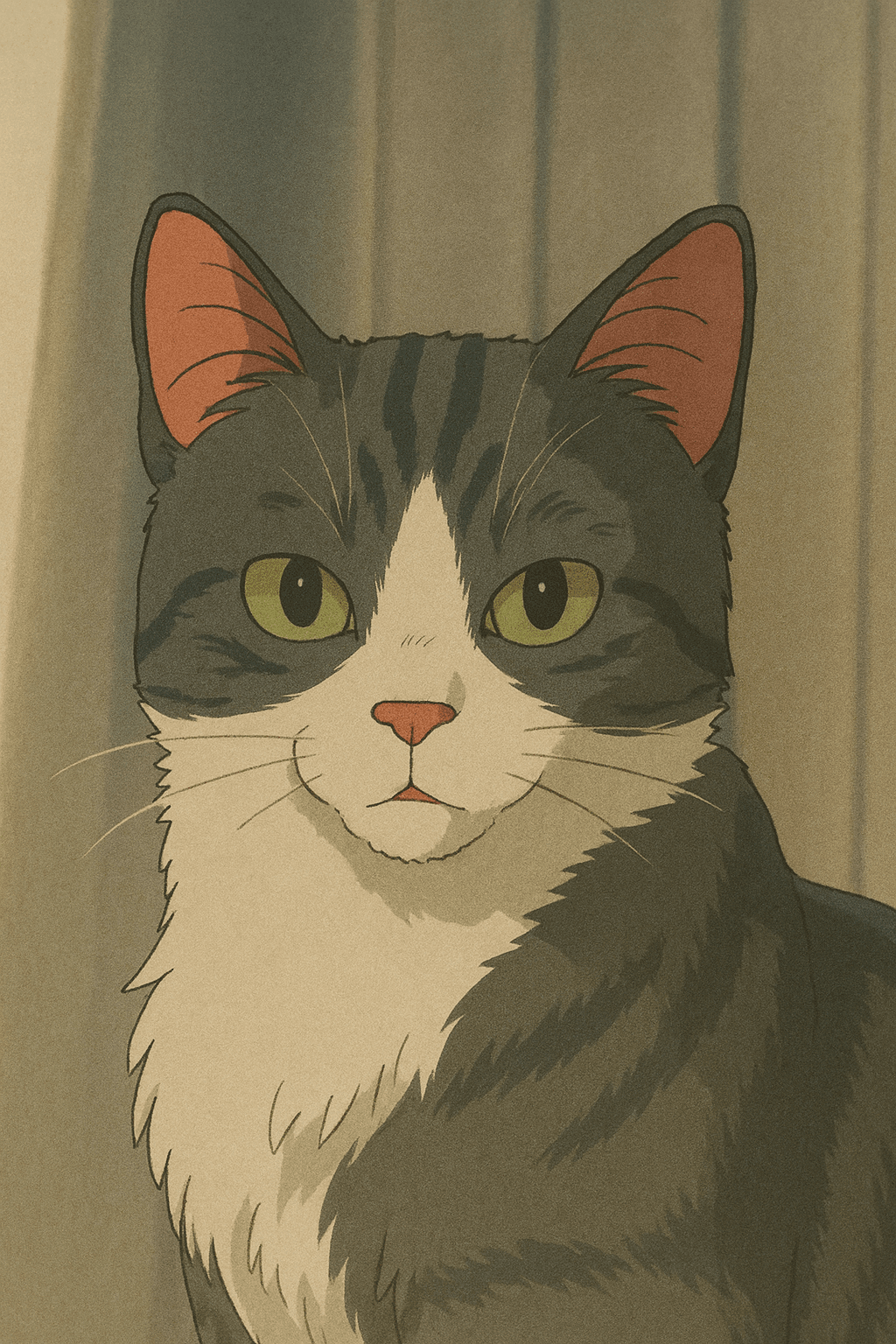
Ghibli Studio
Ghibli Studio
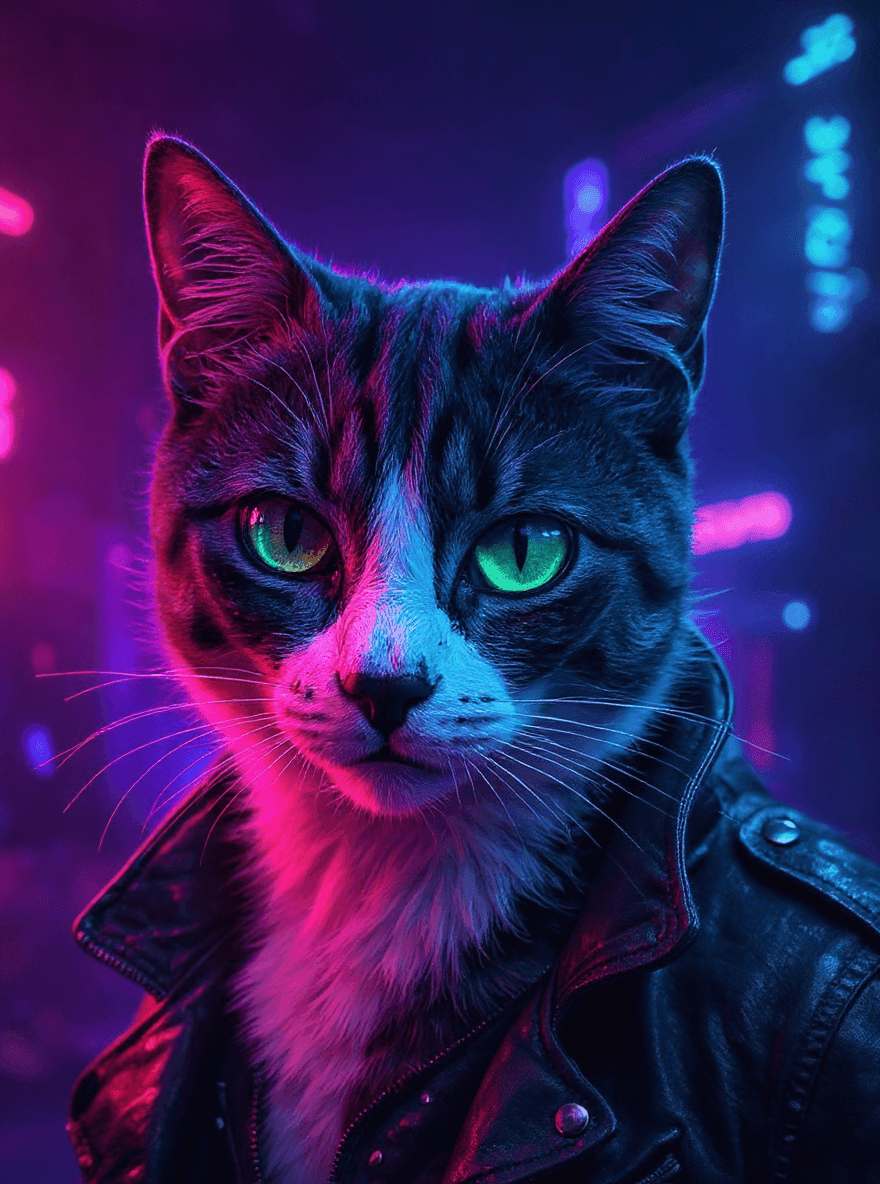
Cyberpunk
Cyberpunk
Surrealism
Surrealism
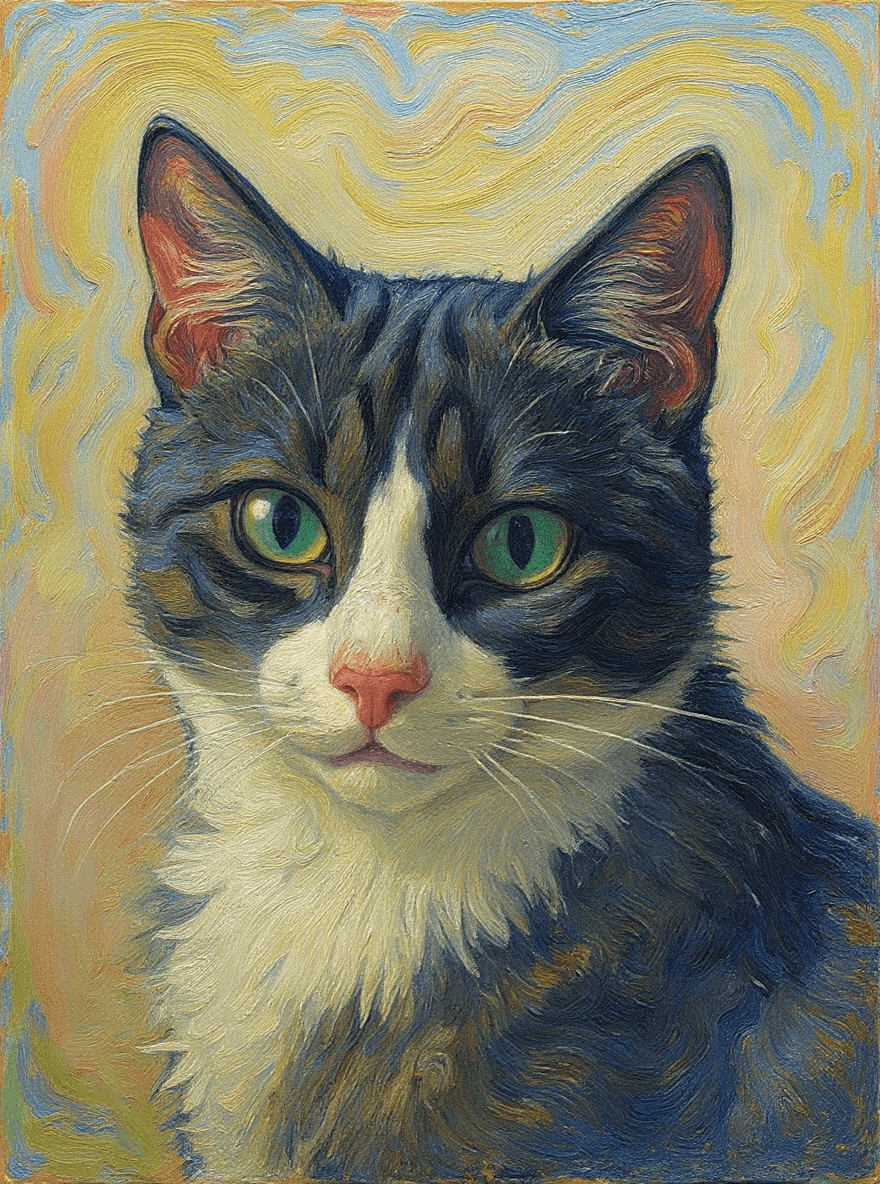
Impressionism
Impressionism
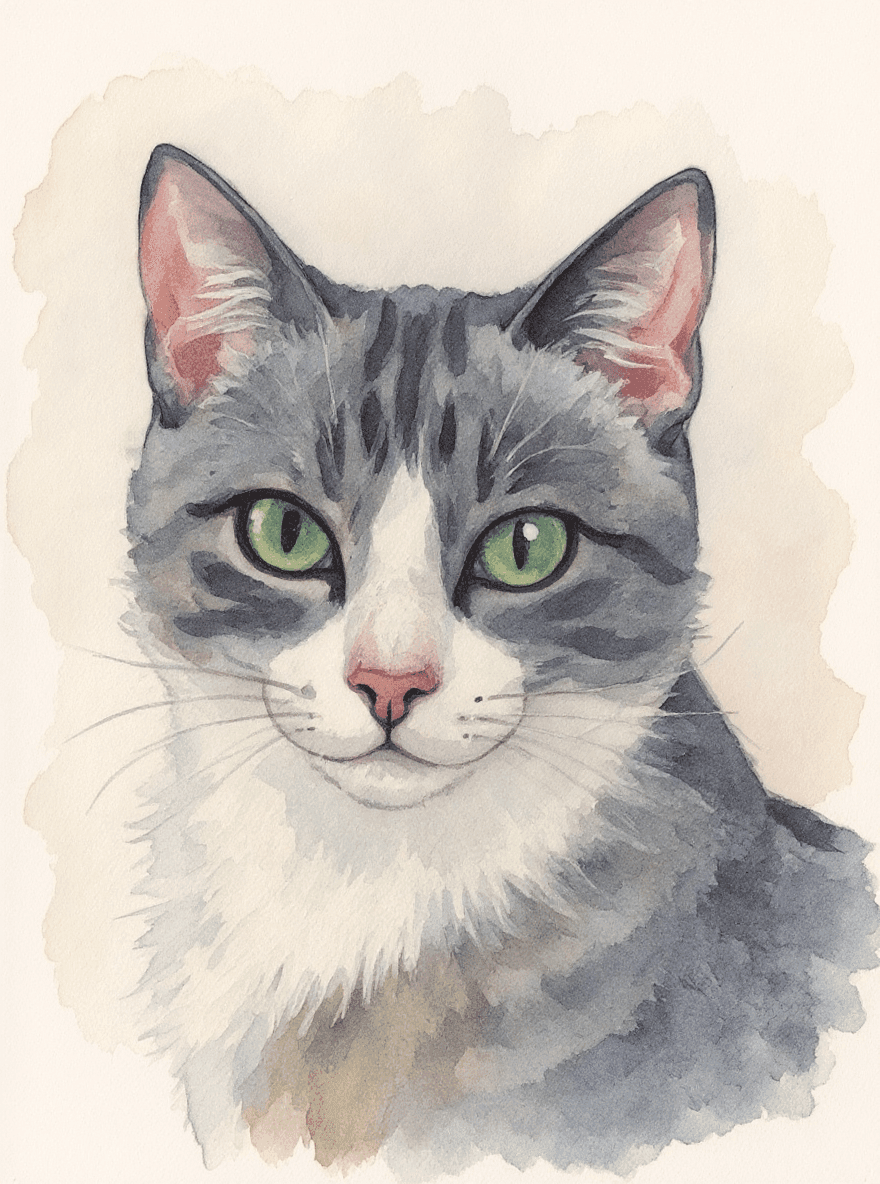
Watercolor
Watercolor
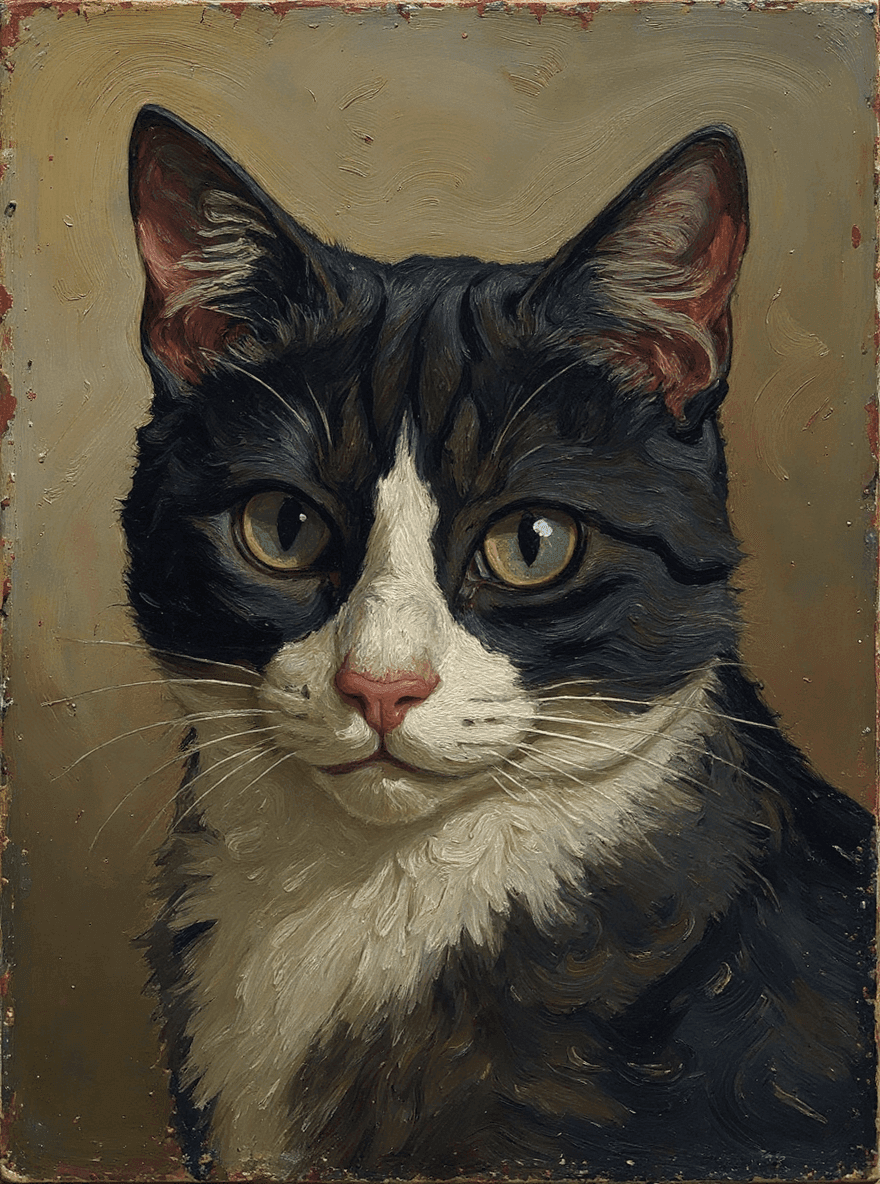
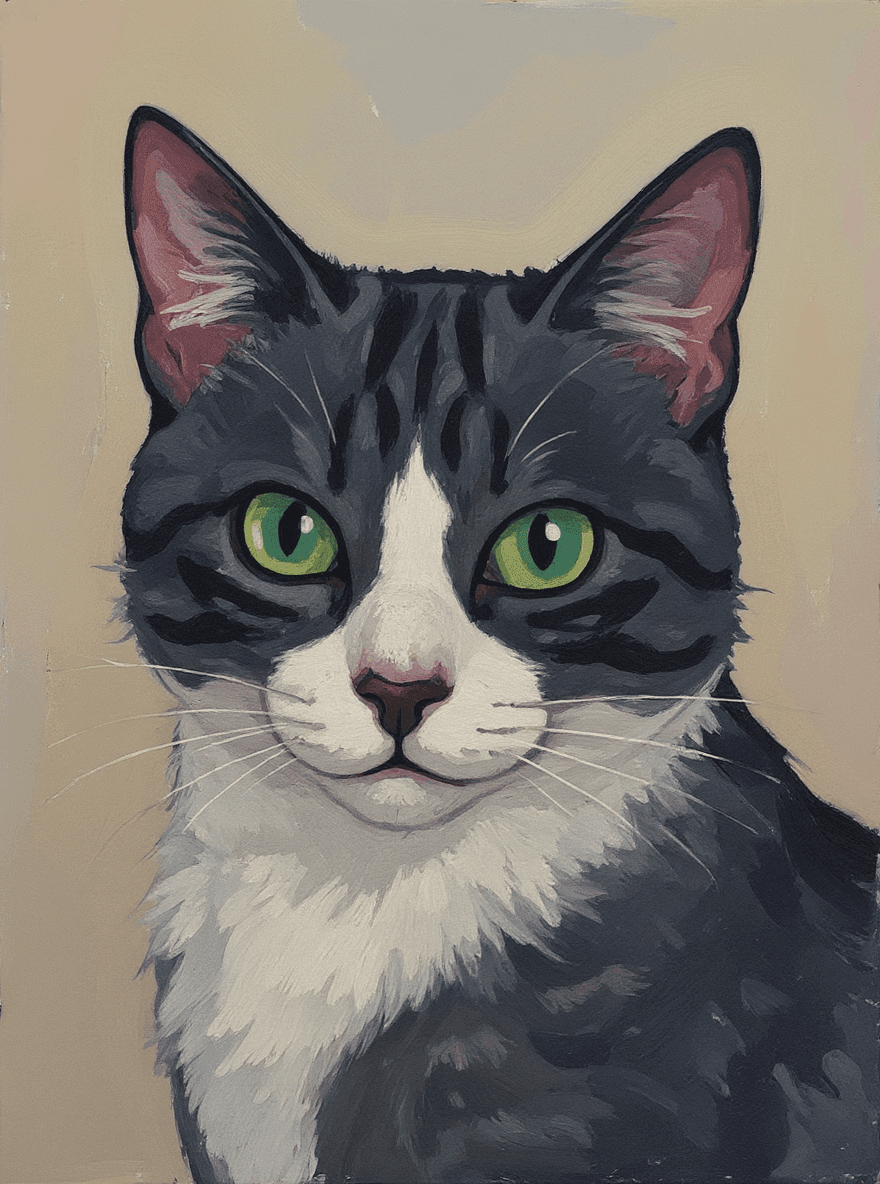
Oil Painting
Oil Painting
Digital Painting
Digital Painting
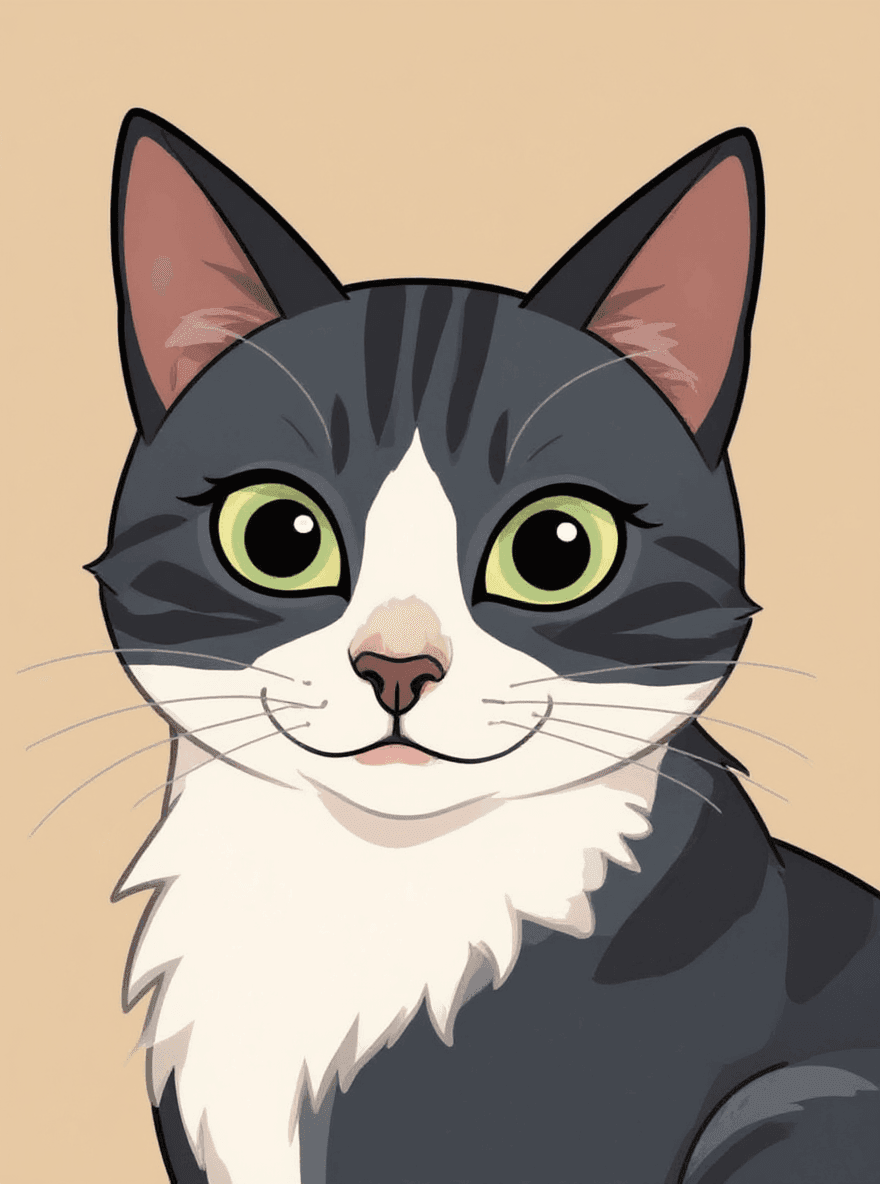
Cartoon
Cartoon
Pixel Art
Pixel Art
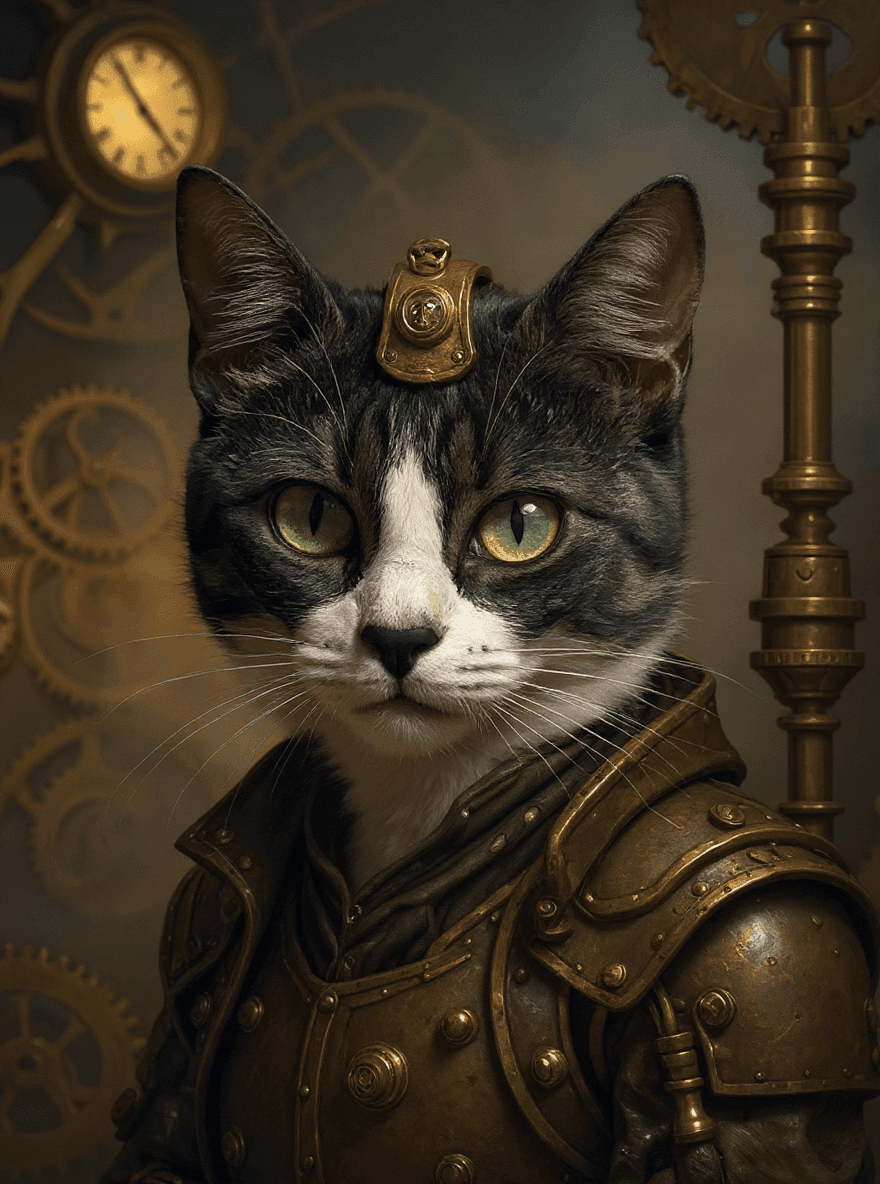
Steampunk
Steampunk
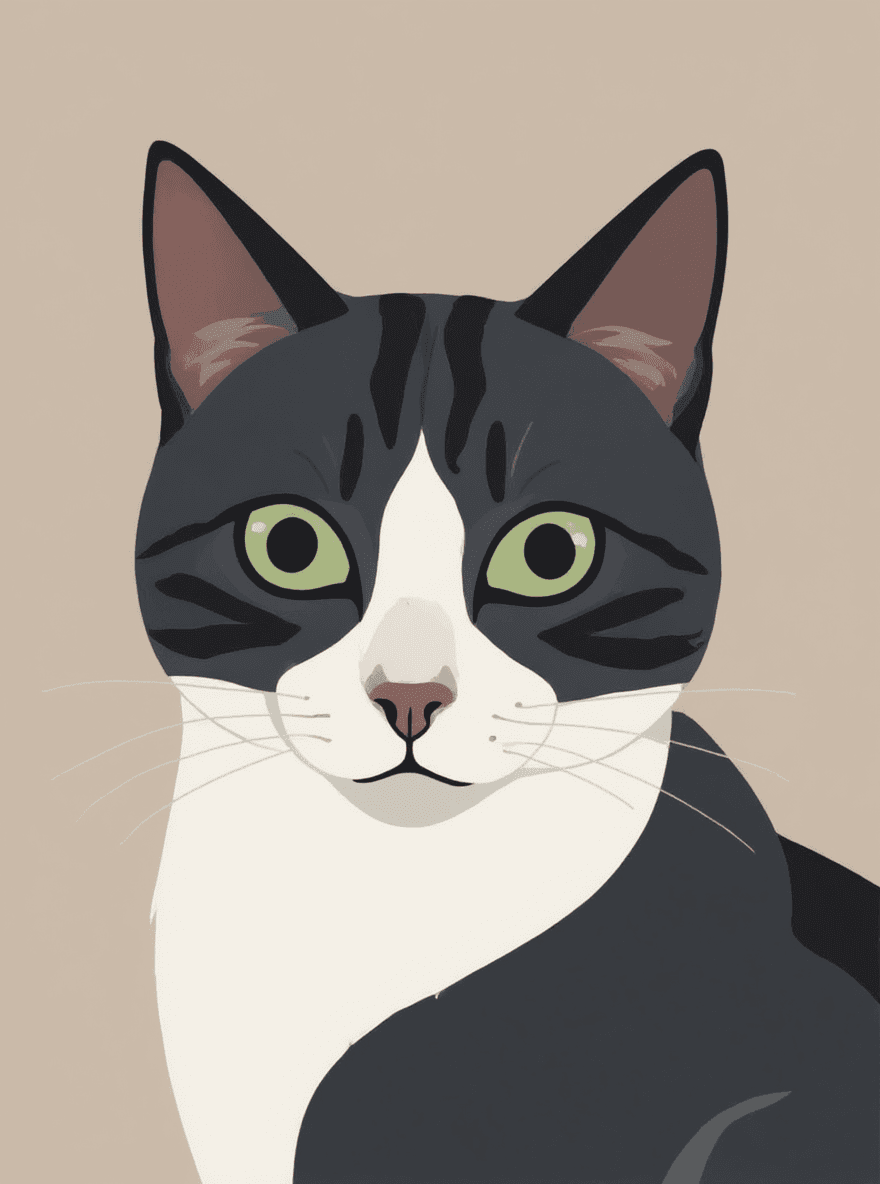
Minimalism
Minimalism
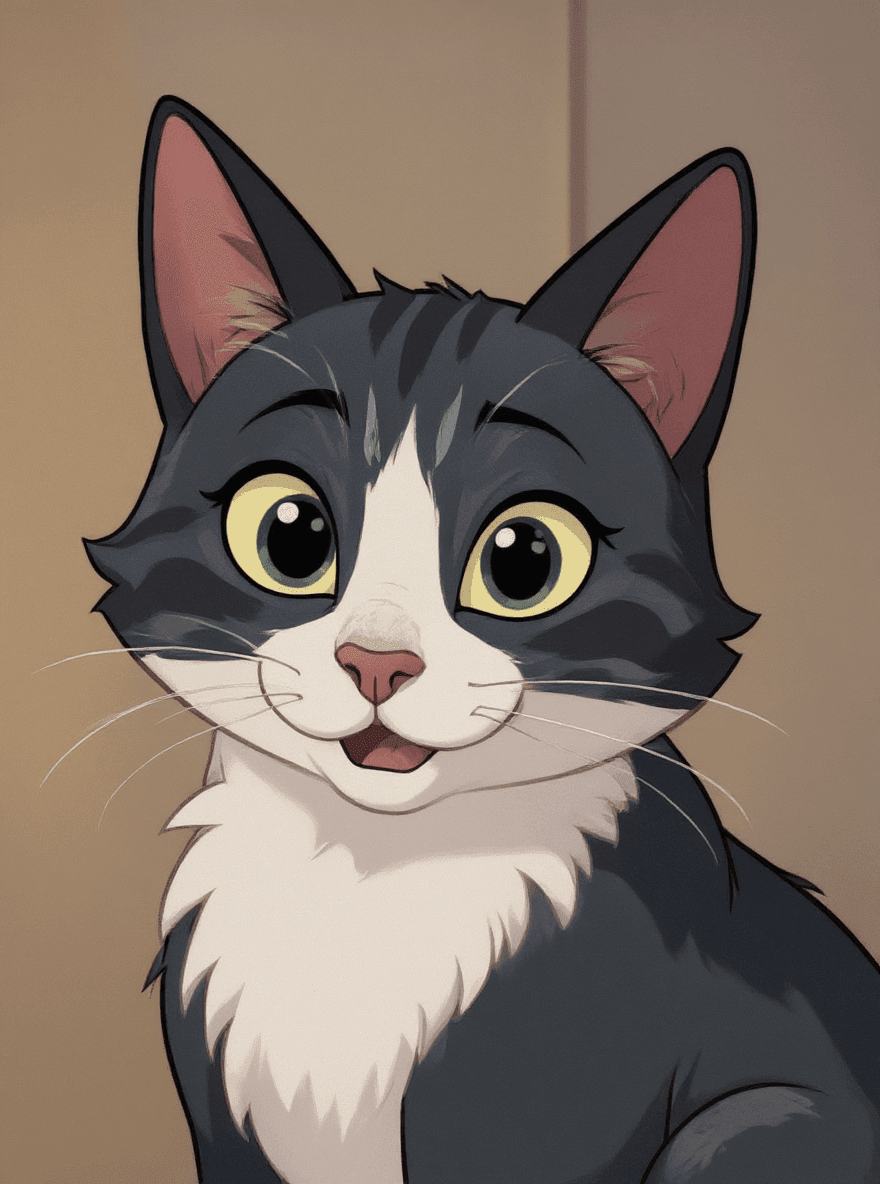
Disney
Disney
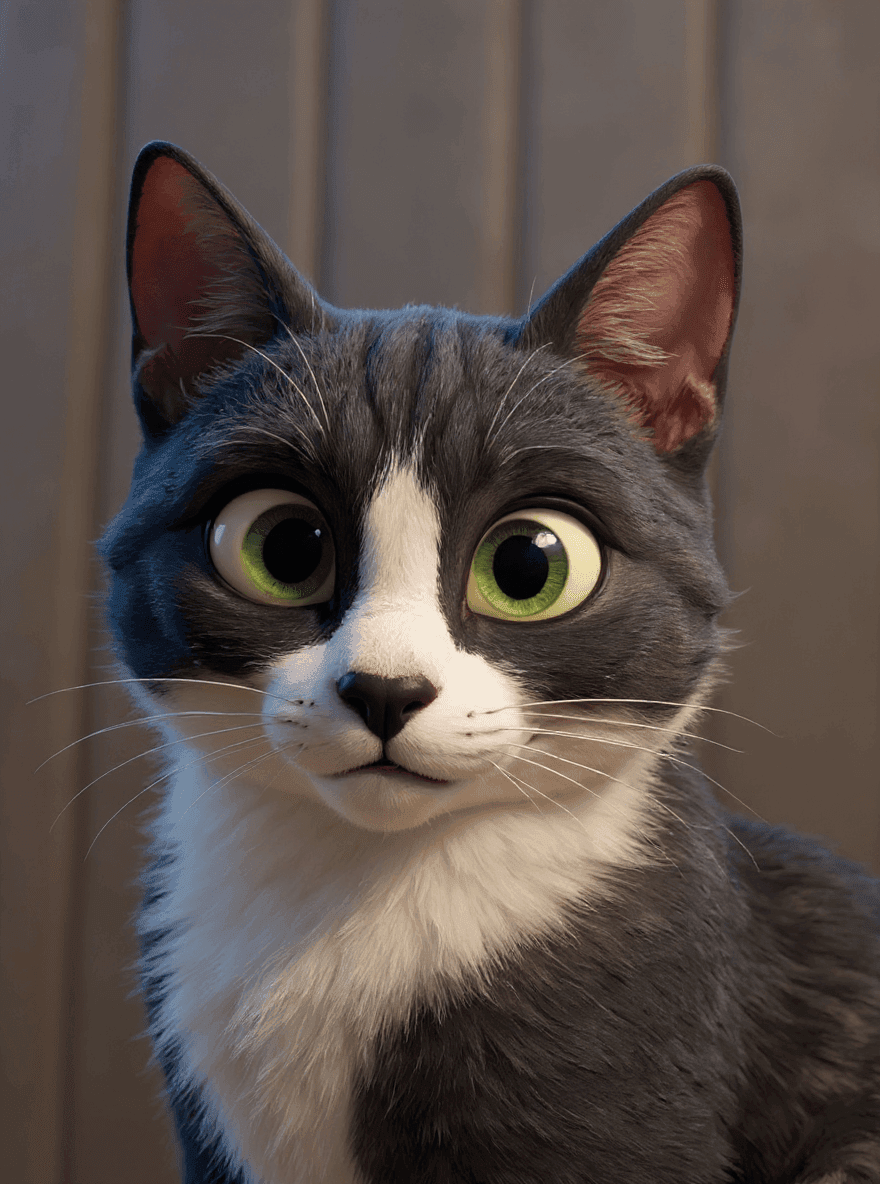
Pixar
Pixar
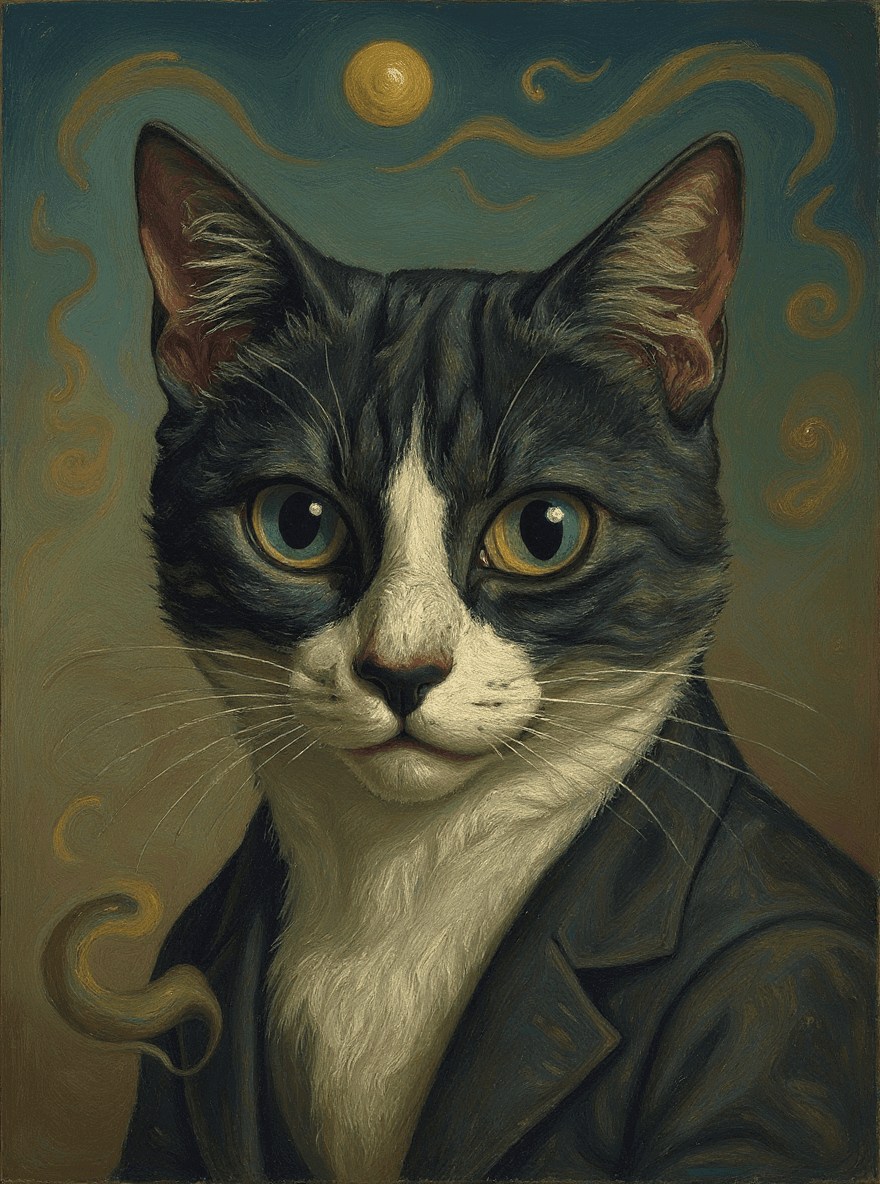
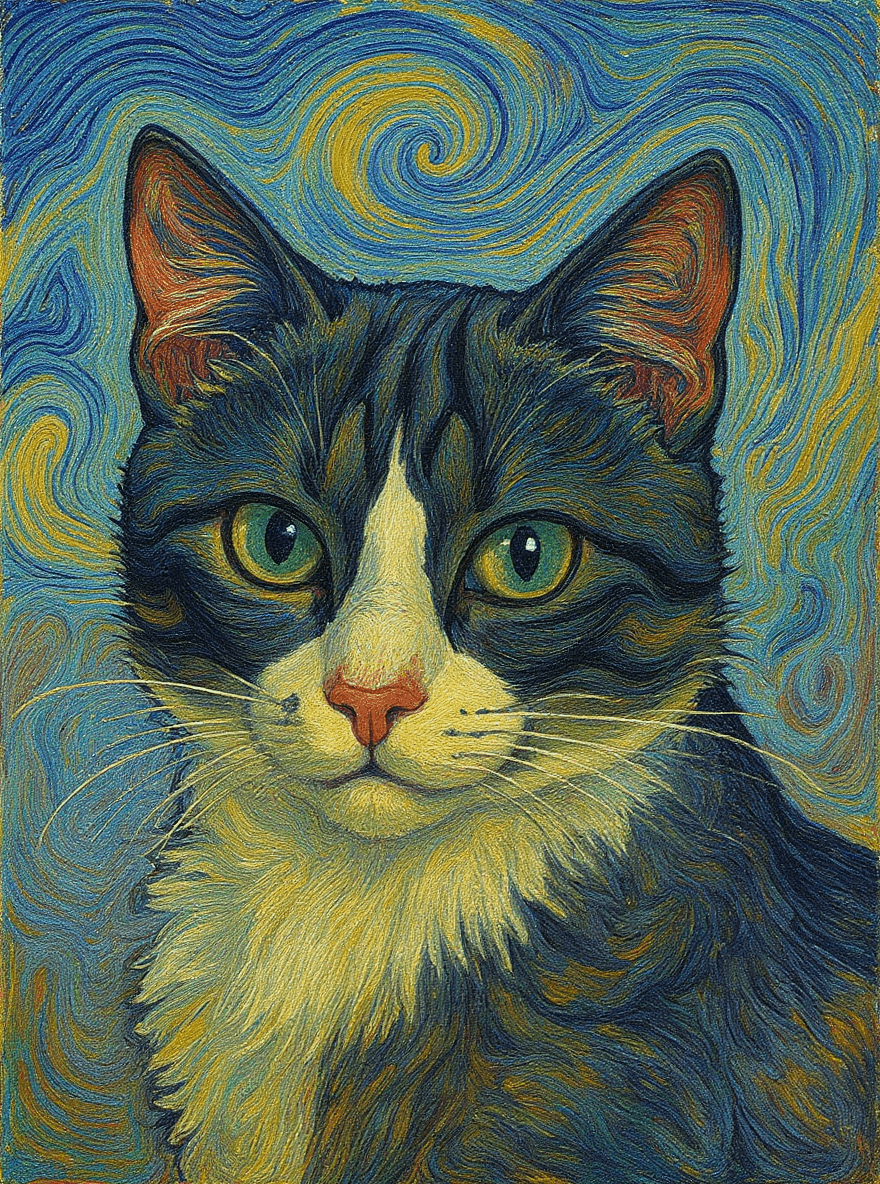
Van Gogh
Van Gogh
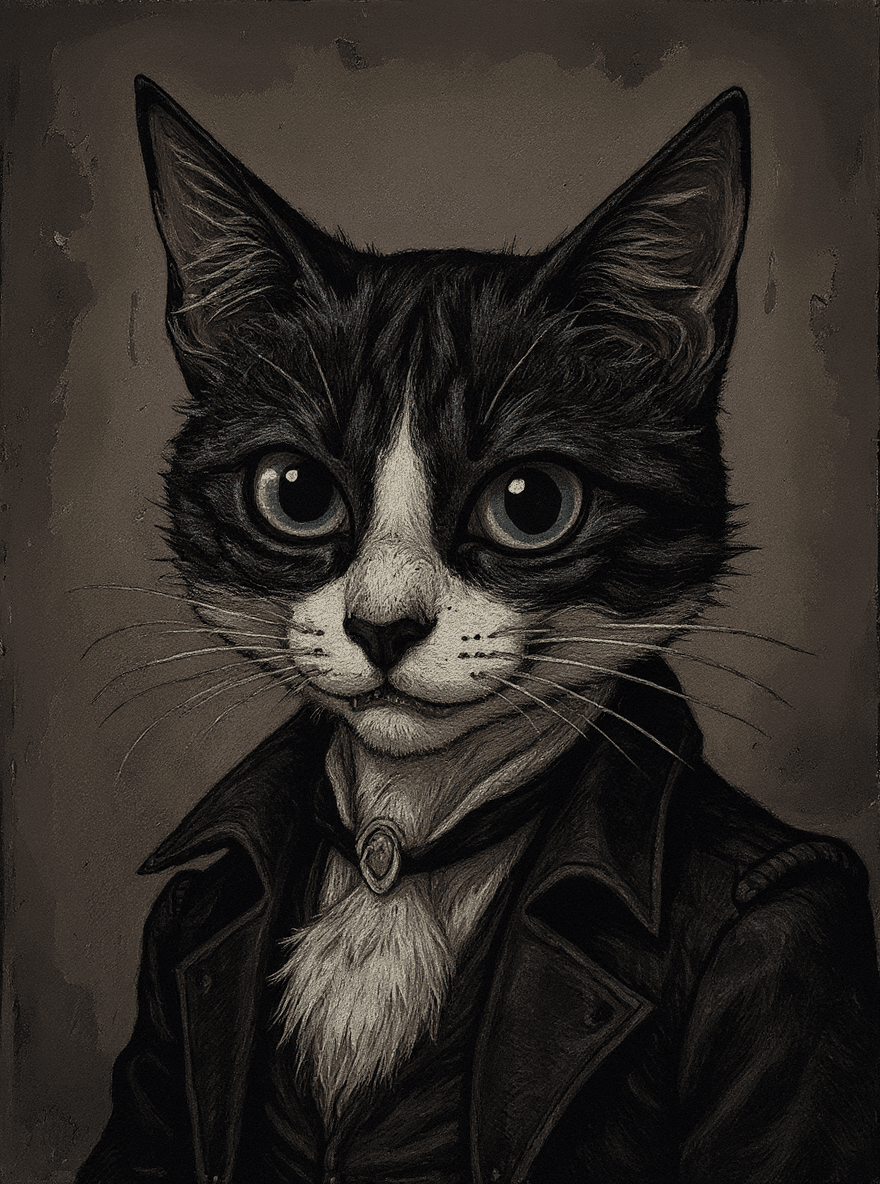
Tim Burton
Tim Burton
Photoprompt

Transform your images with the power of artificial intelligence and natural language.

Product

  • Home
  • Pricing
  • Features
  • Prompts
  • Prompting Guide
  • Prompt Editor

Tools

  • AI Filters
  • AI Photo Editor with Prompt
  • Background Replacer
  • Background Remover
  • Edit Text in Image
  • Image to Prompt
  • Watermark Remover

Legal

  • Privacy Policy
  • Terms

© 2026 Photoprompt. All rights reserved.

Log InSign Up