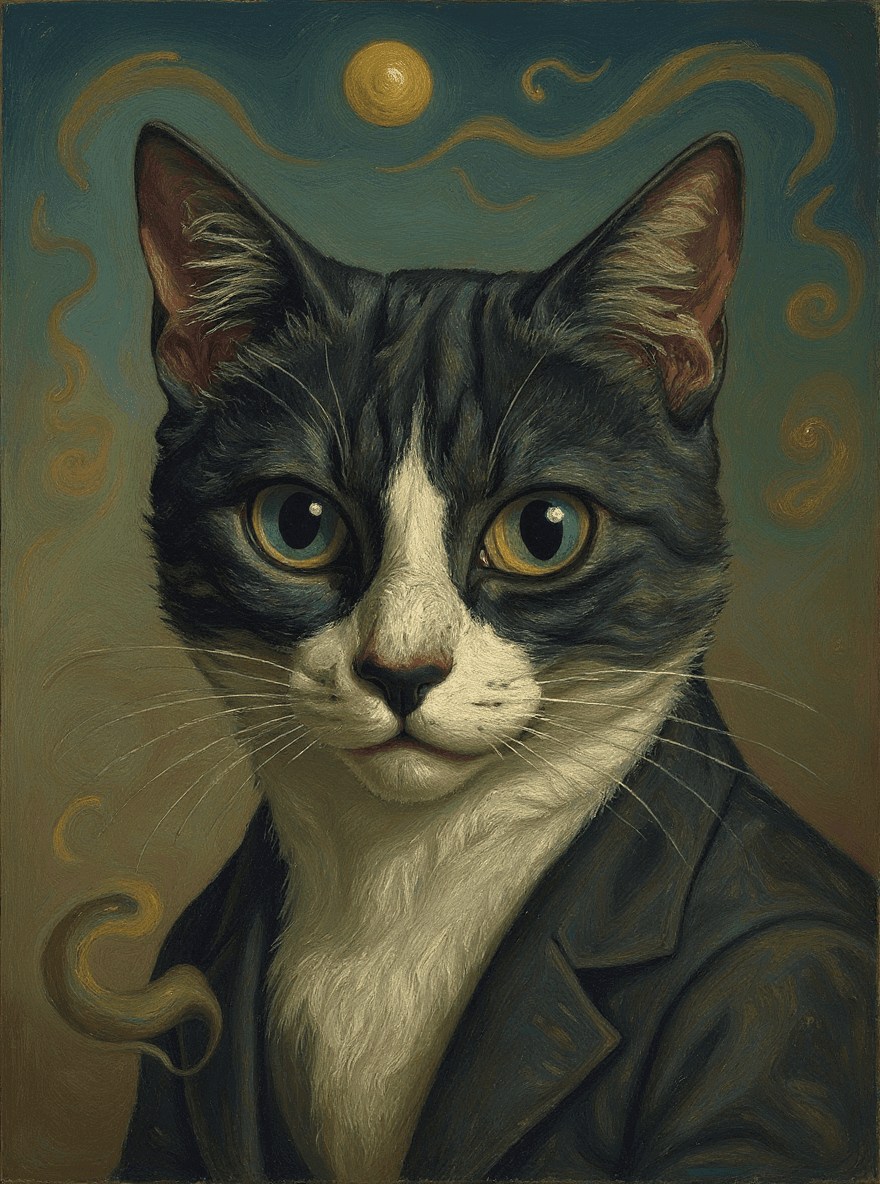
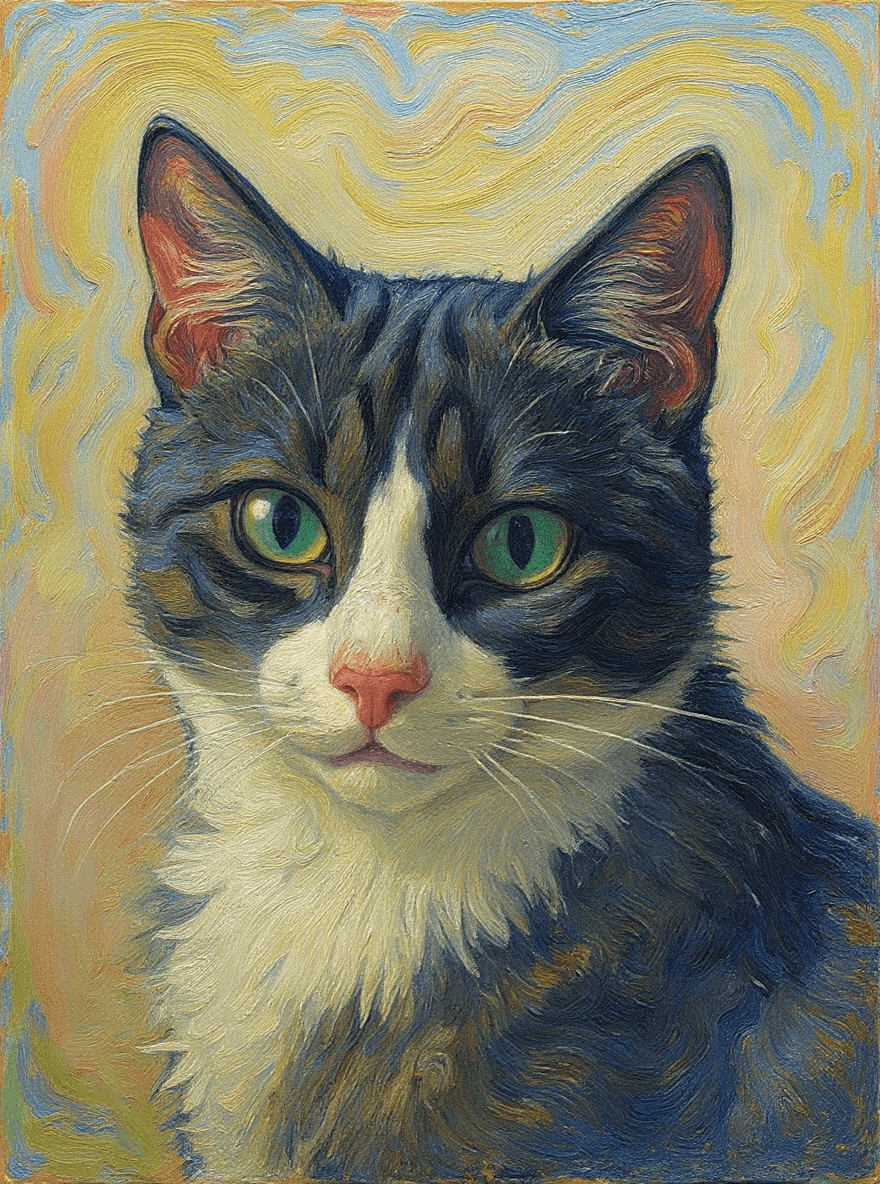
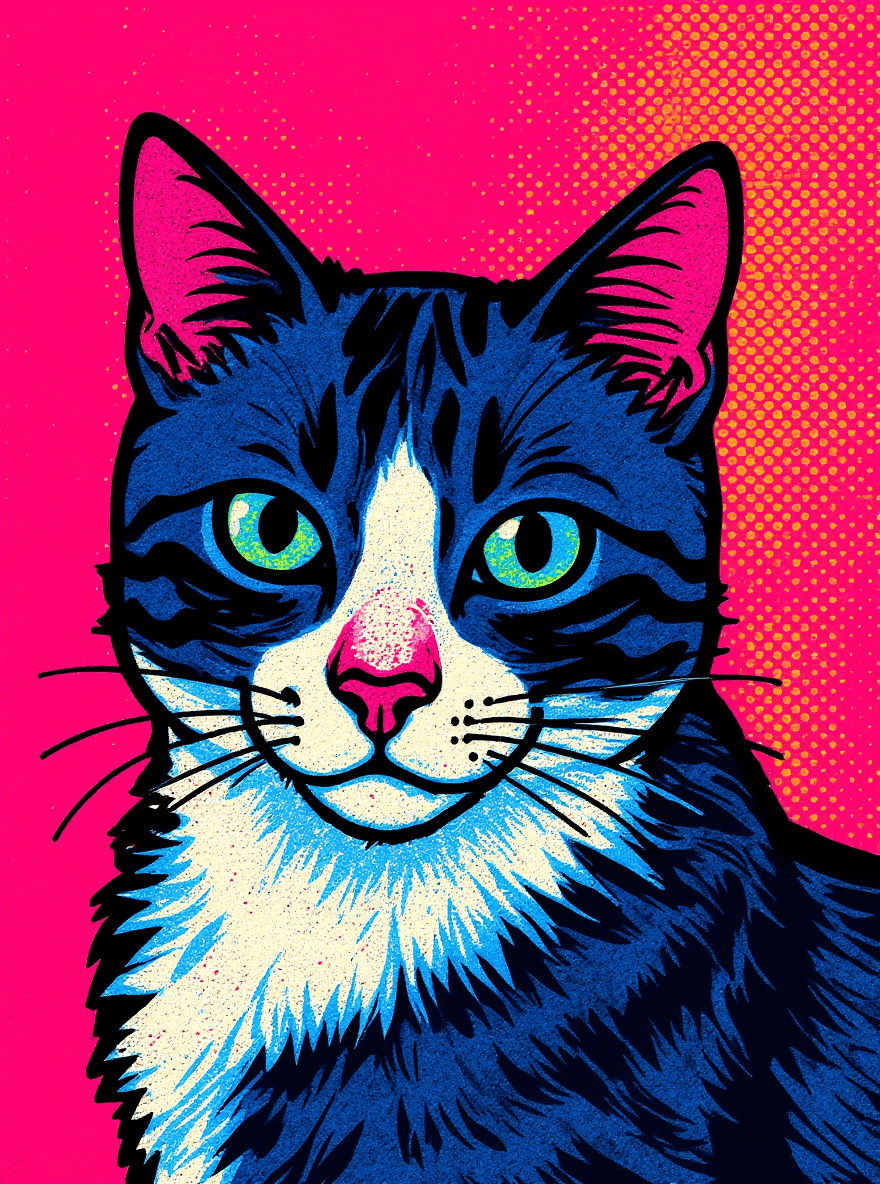
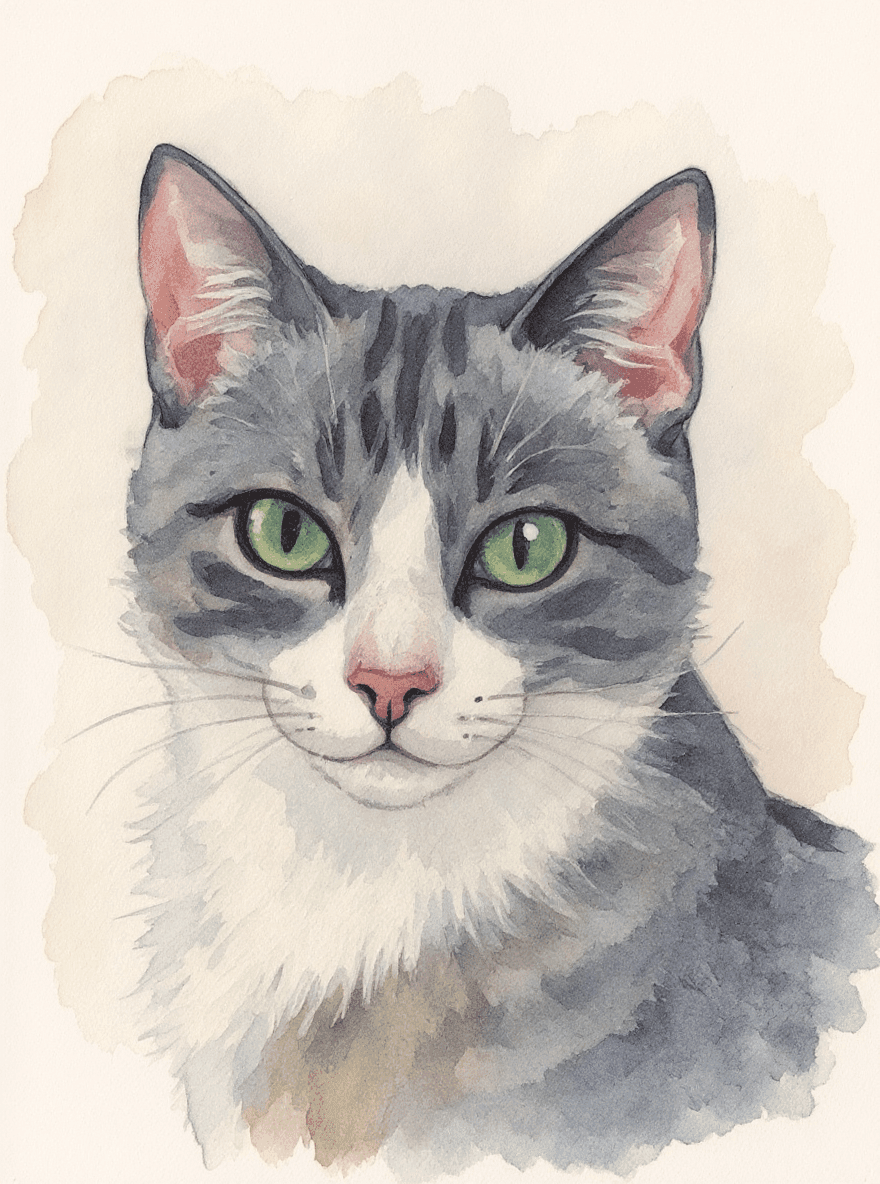
Transform your Images with the Digital Painting Filter
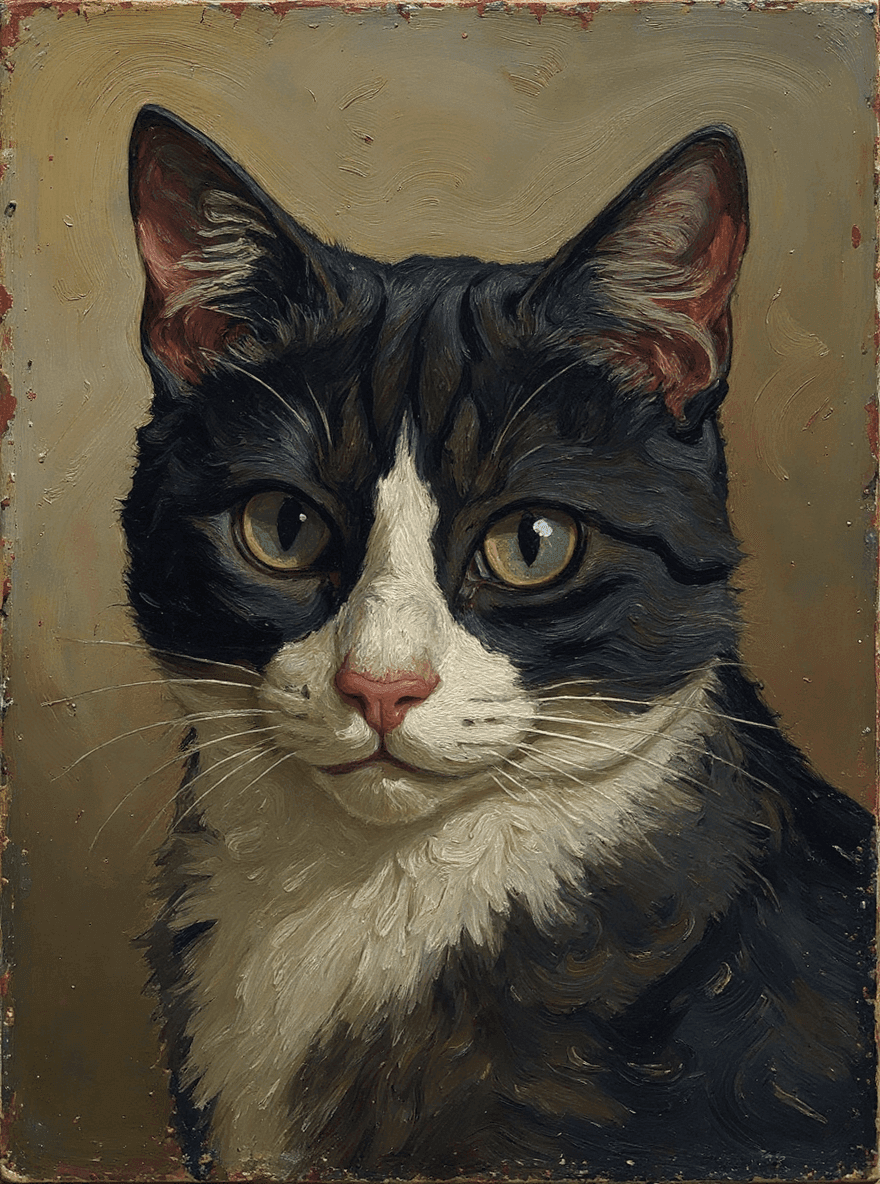
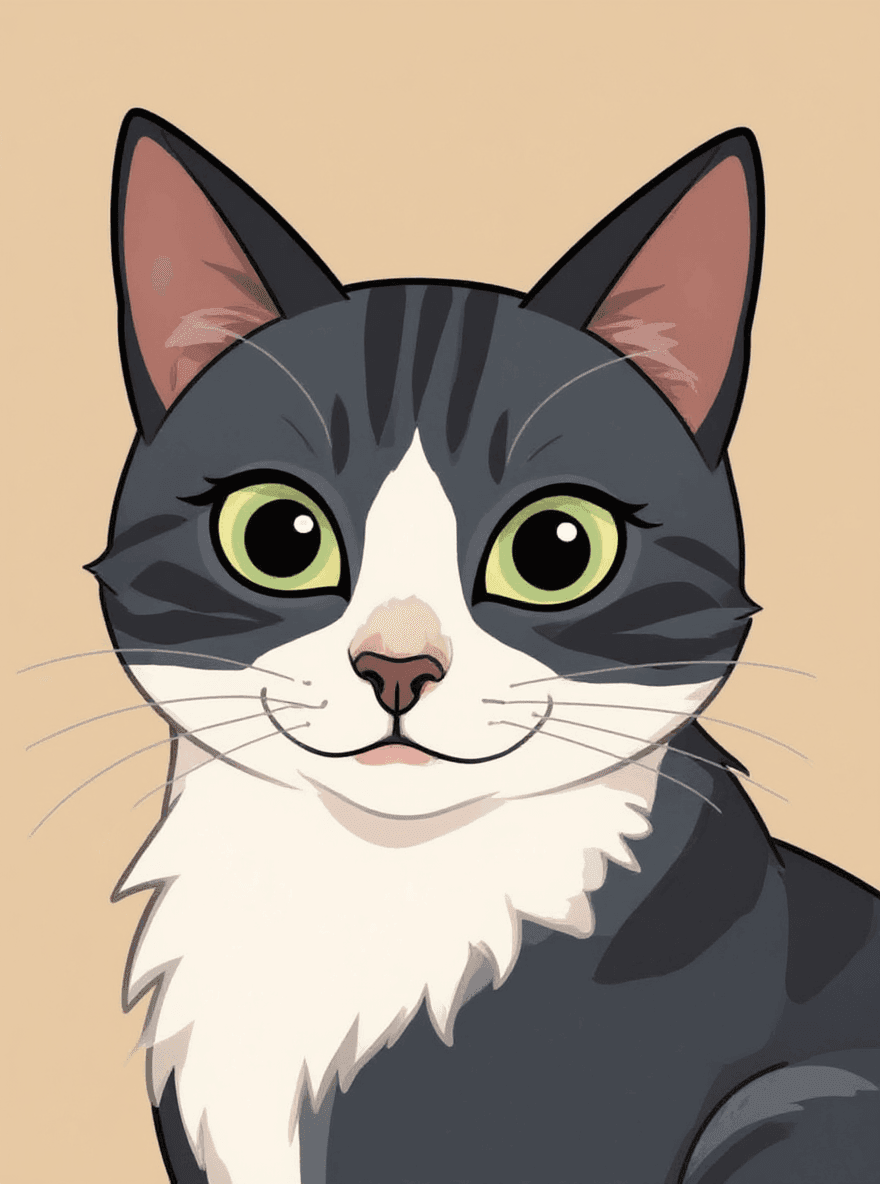
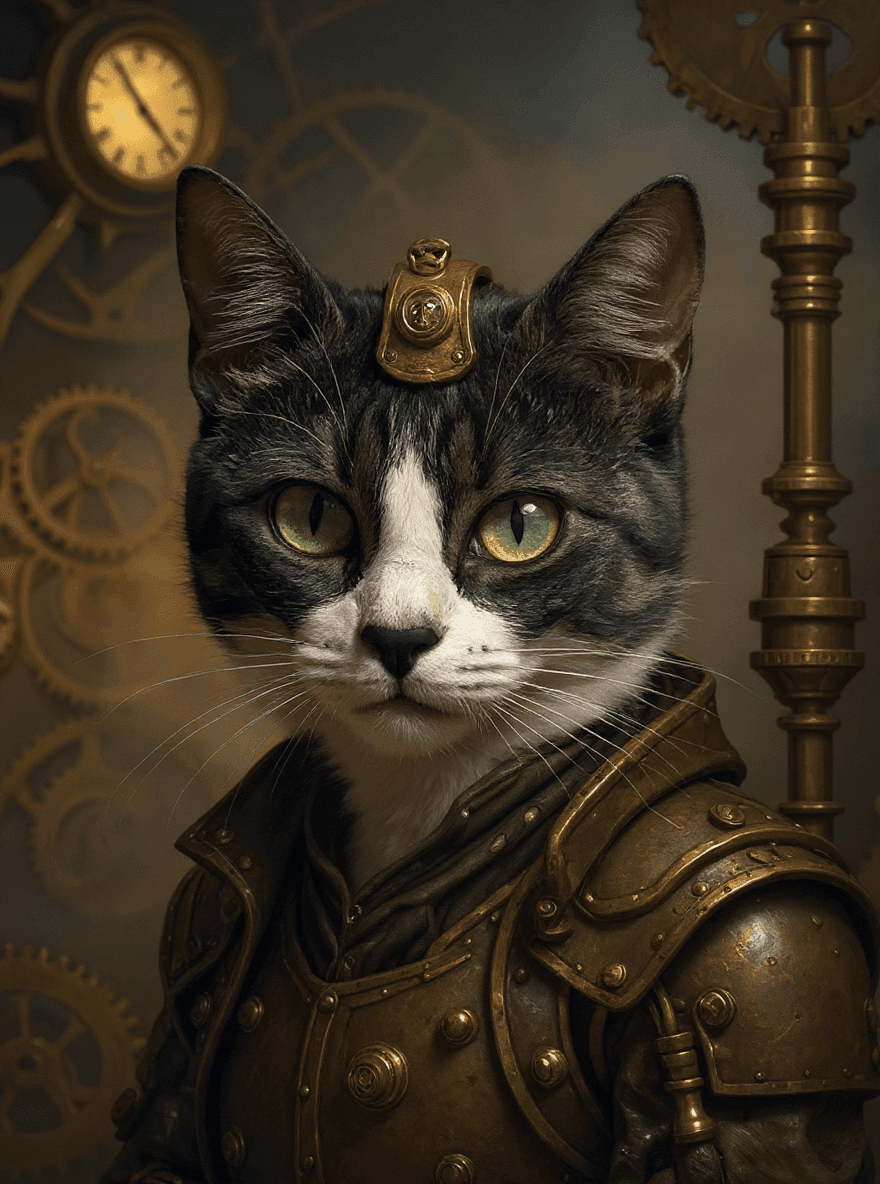
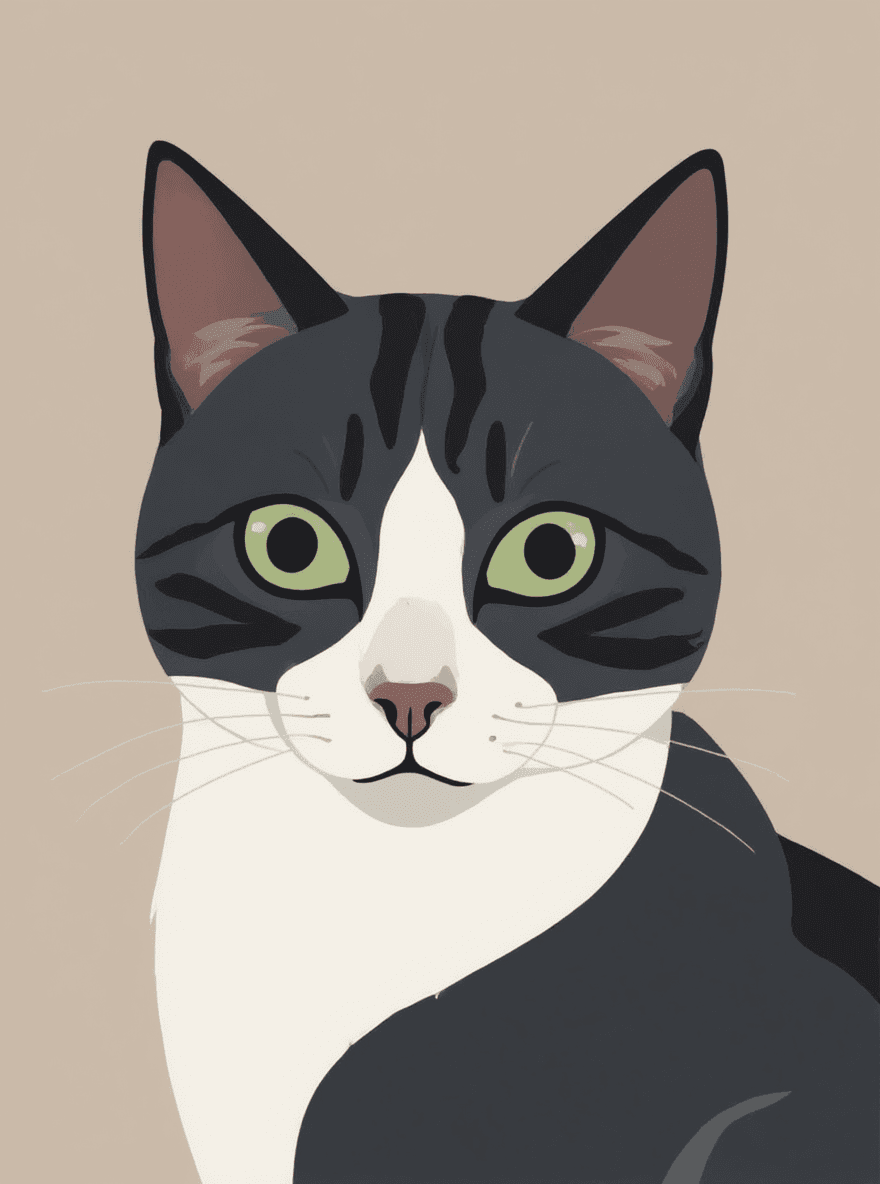
Art created digitally, mimicking traditional painting techniques, versatile and widely used.
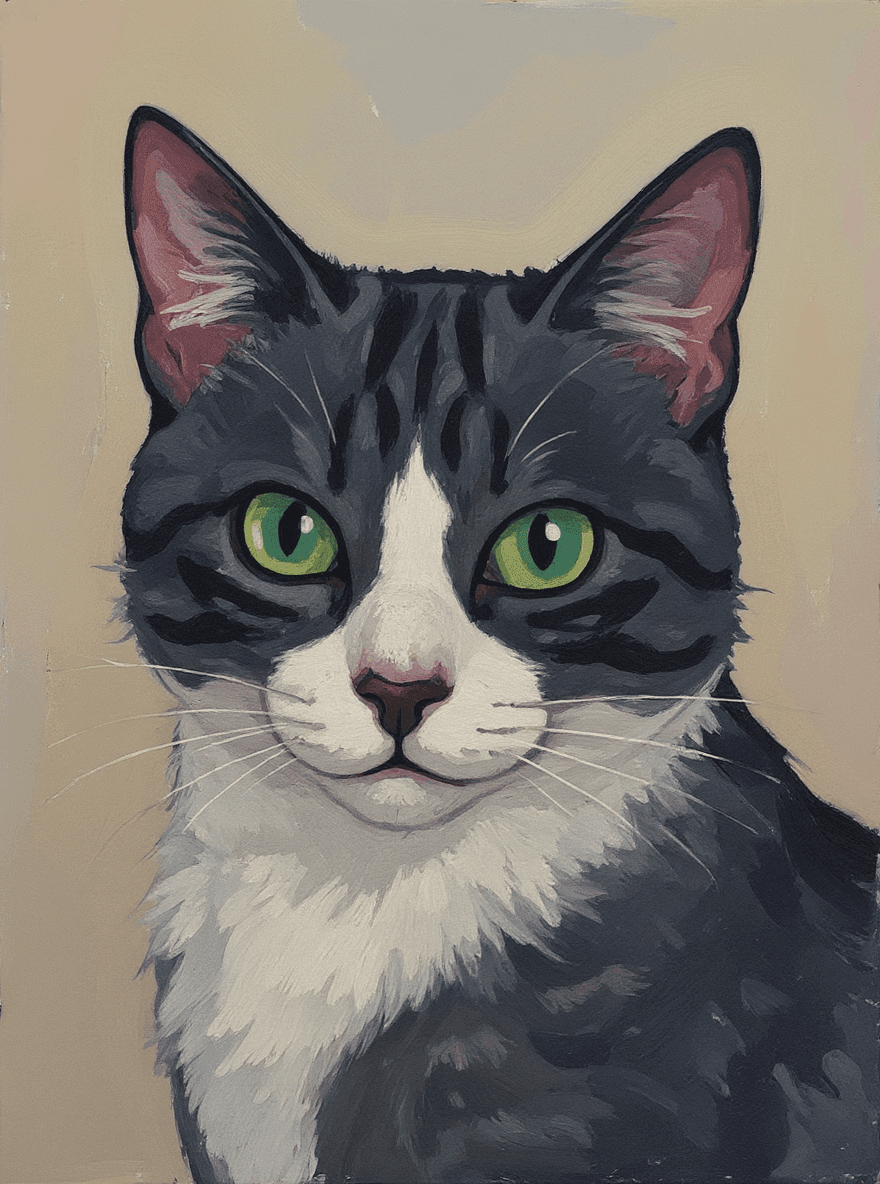
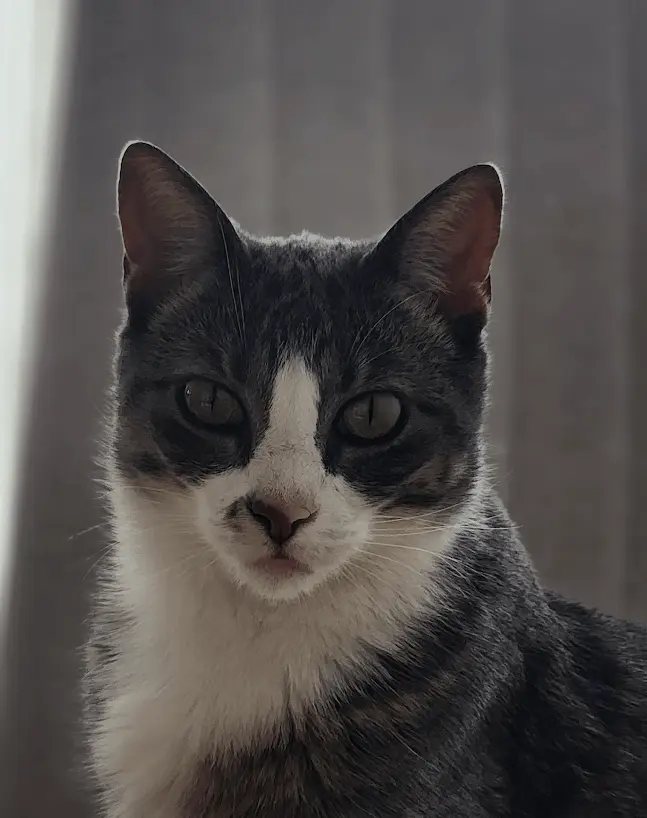
What the Digital Painting filter changes
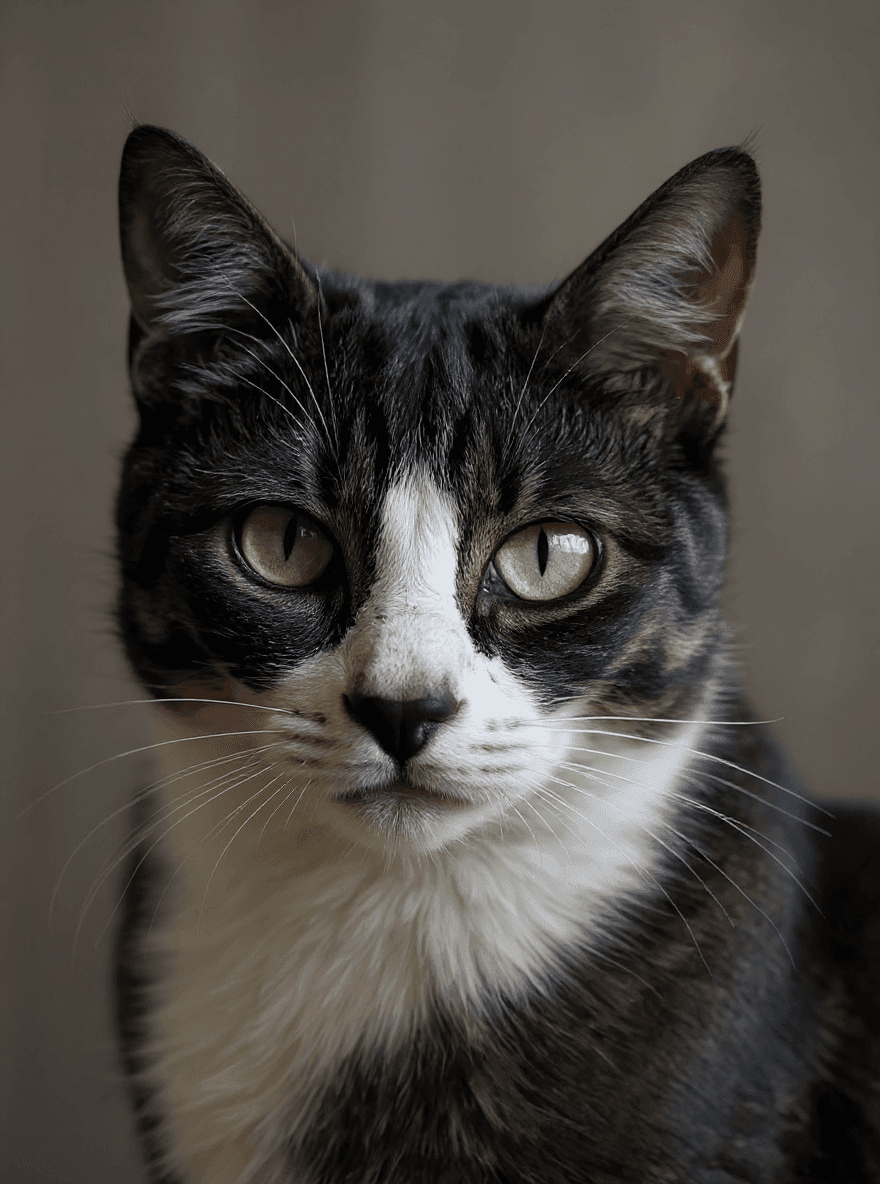
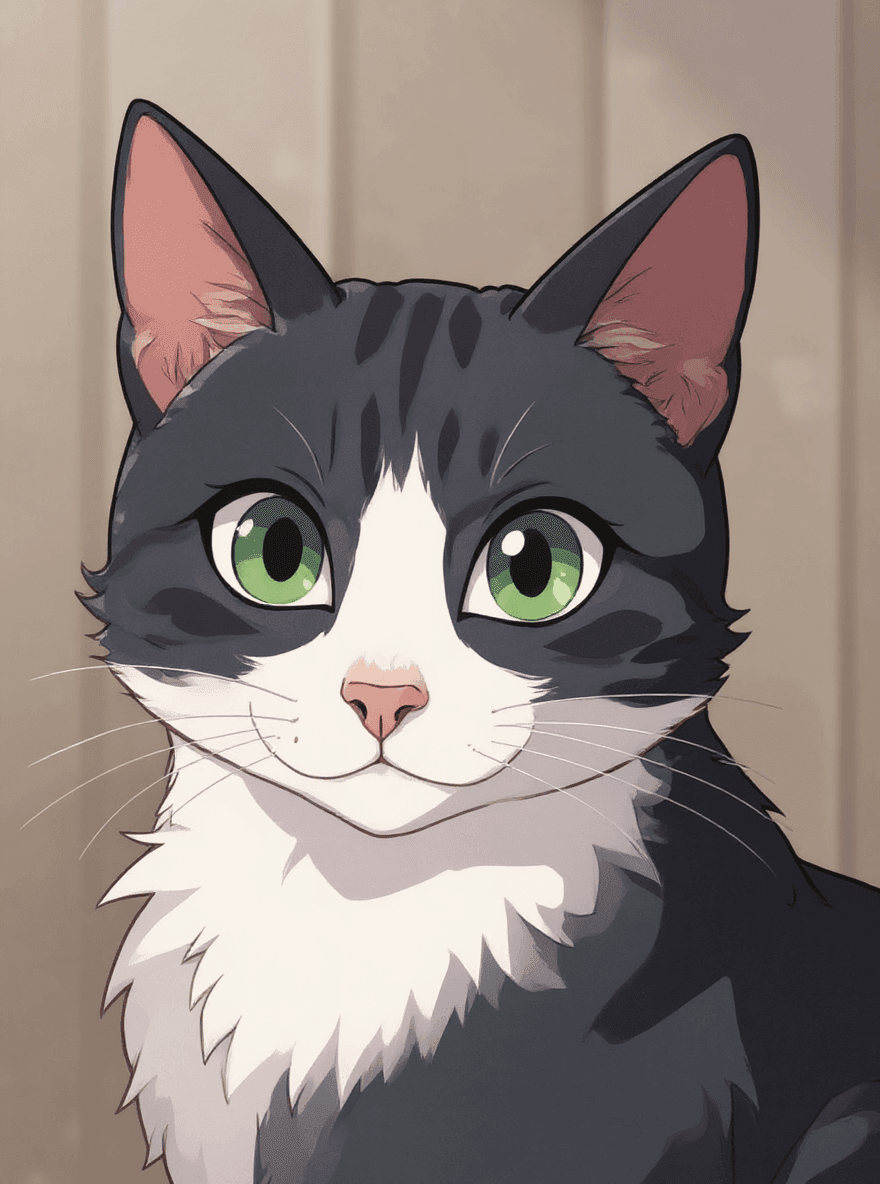
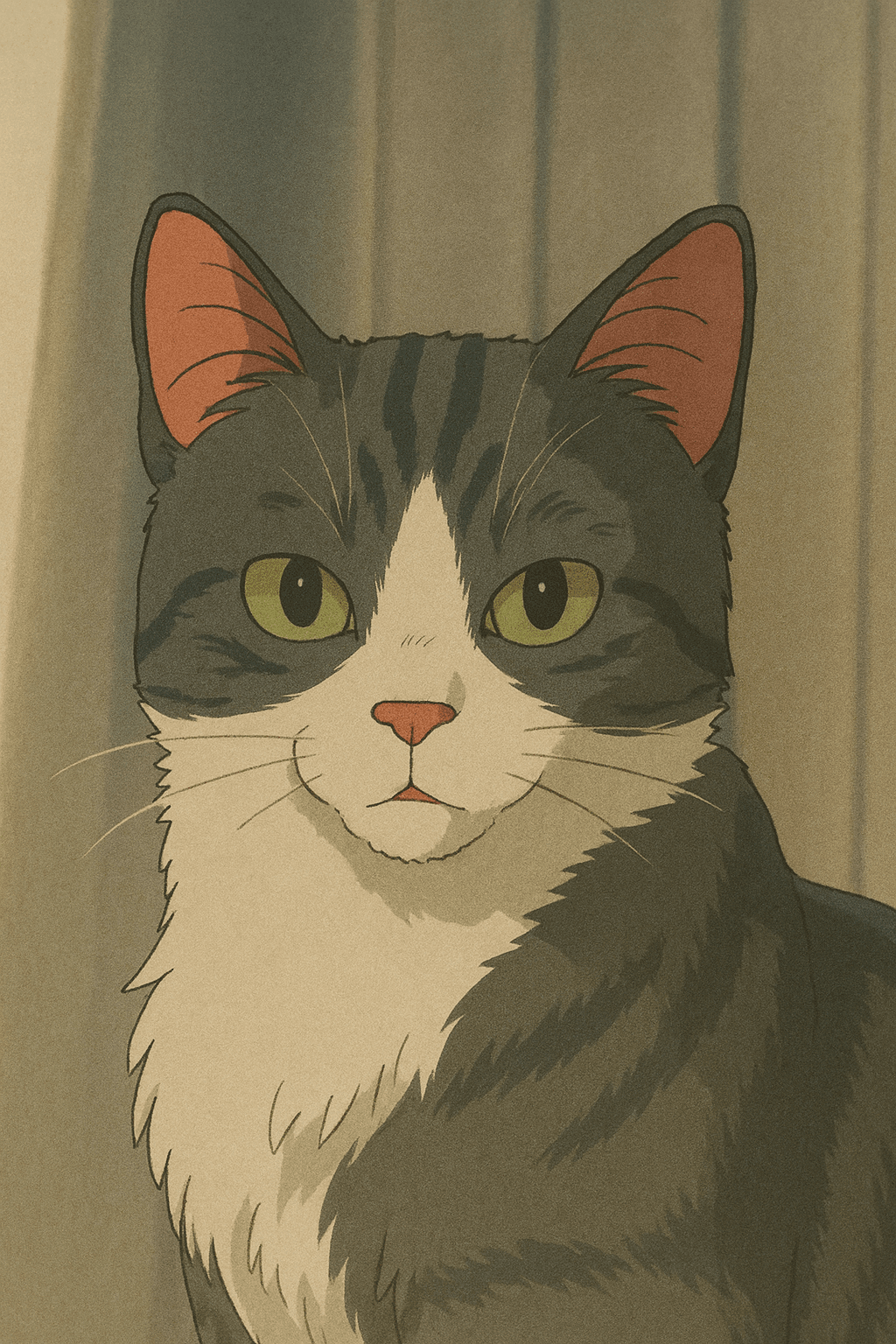
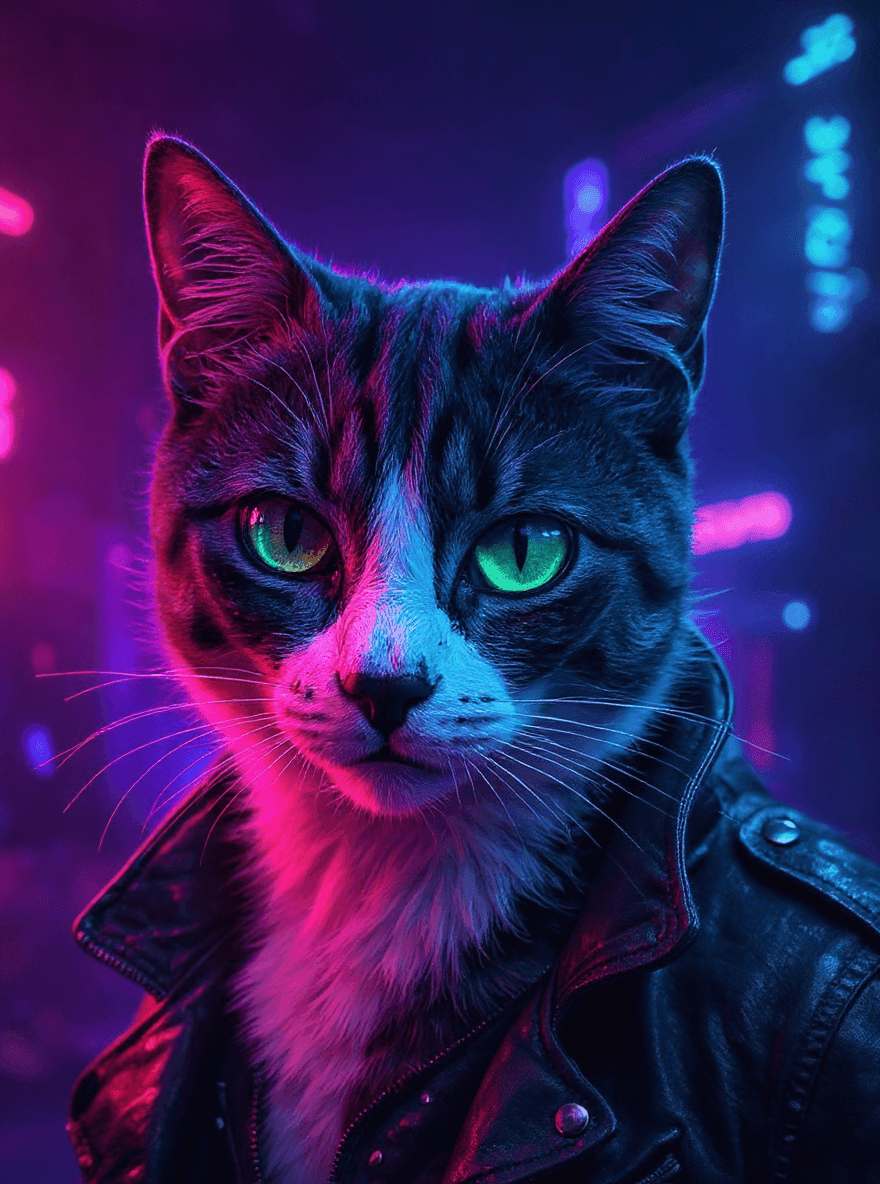
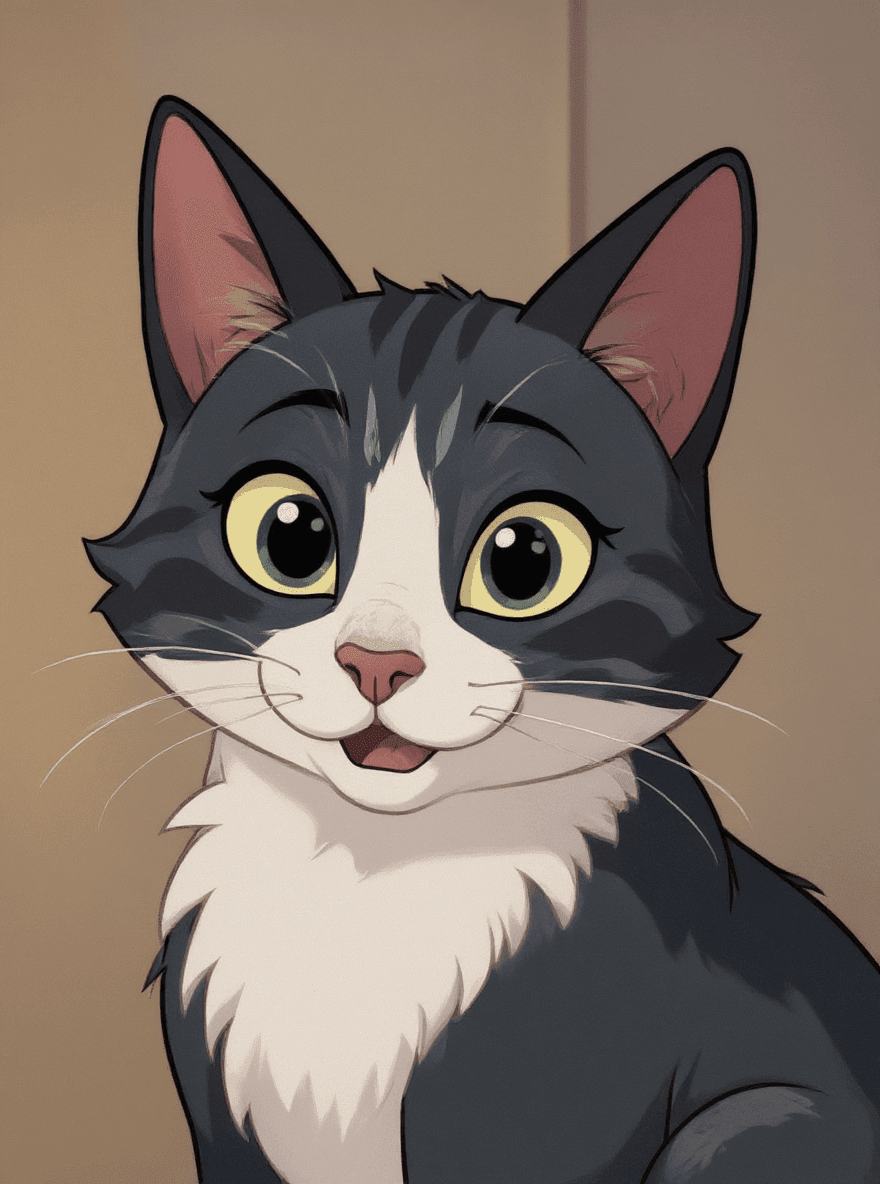
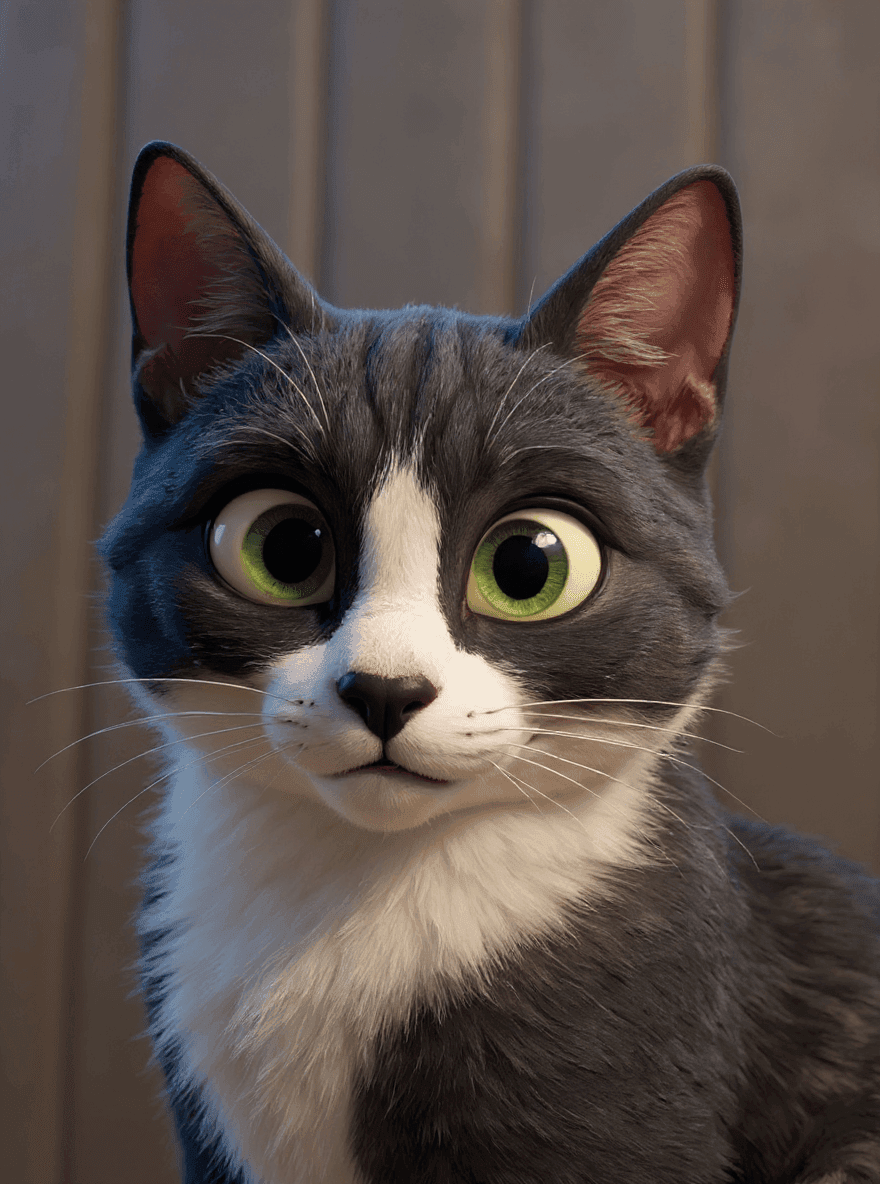
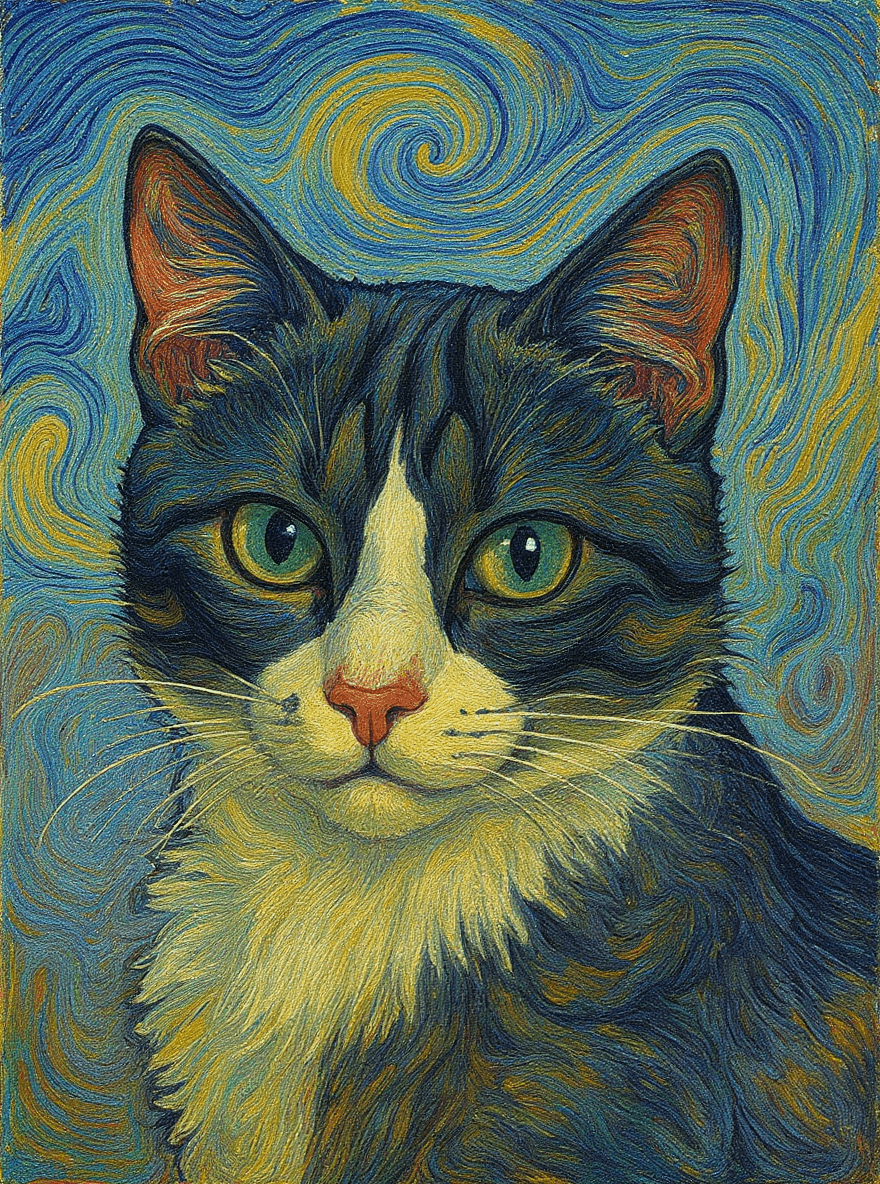
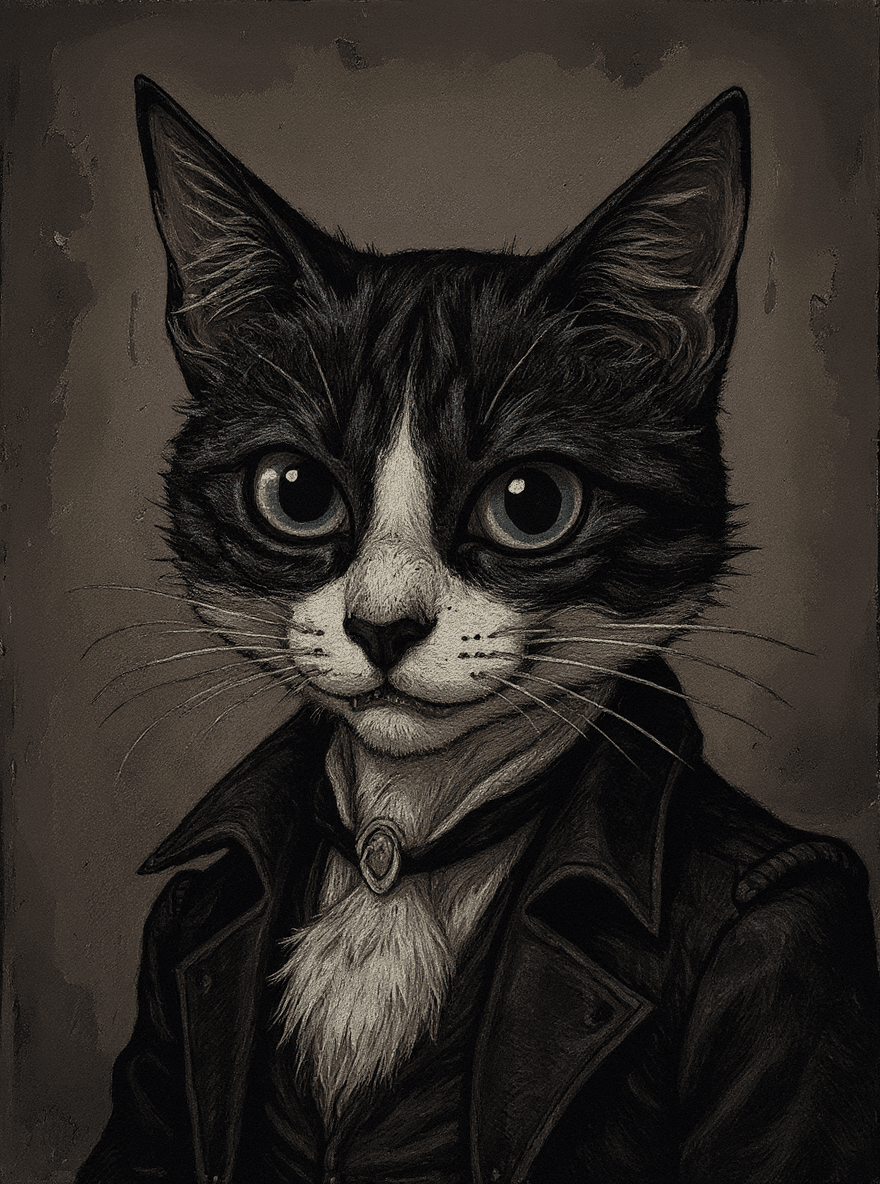
The Digital Painting filter restyles your image while keeping the original subject and composition recognizable. It is a fast way to explore a visual direction without rebuilding the image from scratch.
Use a clear image with the main subject in focus, then compare the before and after preview. If the first result is too subtle or too stylized, try a cleaner source image or use the broader AI filters page to test another look.
Best photos for Digital Painting
- Portraits with clear facial features and simple lighting.
- Product images where the object is easy to separate from the background.
- Pet, travel, and lifestyle photos with one main focal point.
- Creative references where you want style inspiration, not a full redesign.