
AI photo prompts you can copy and remix
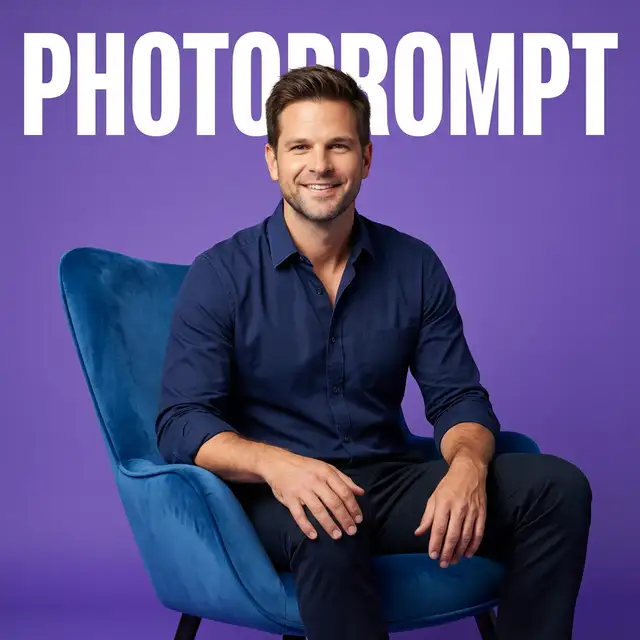
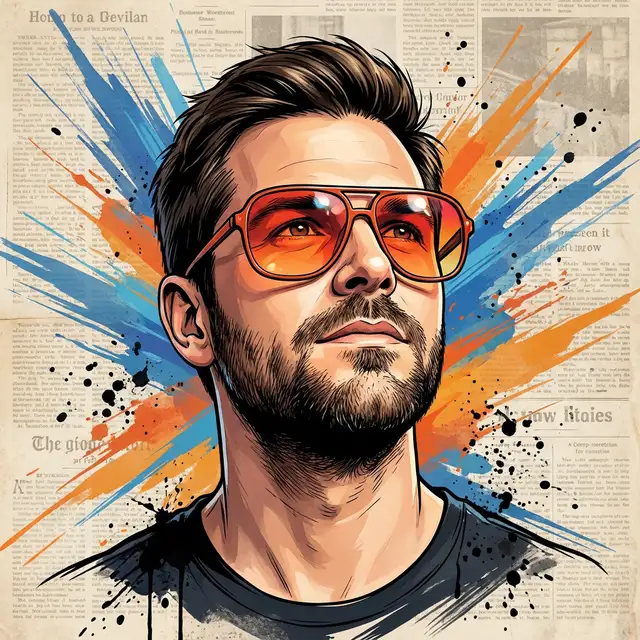
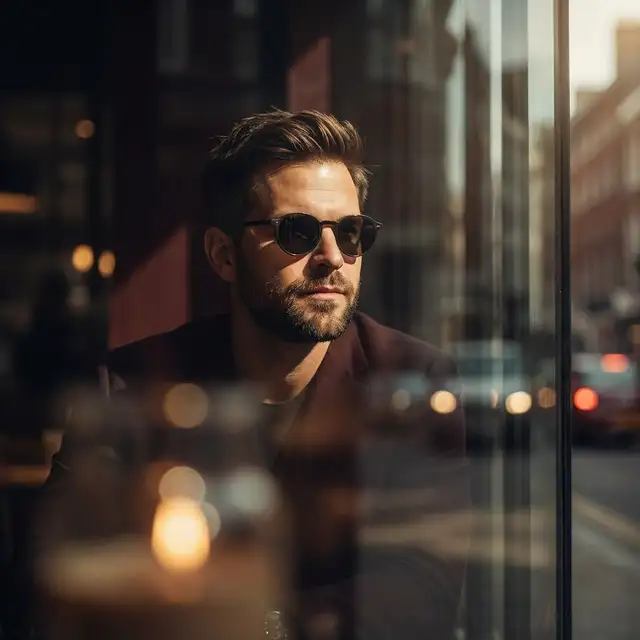
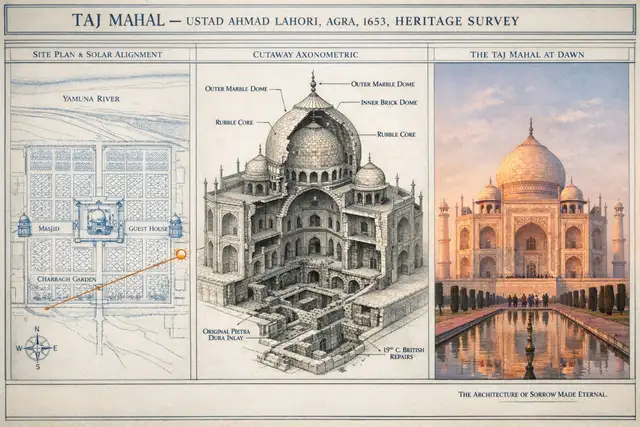
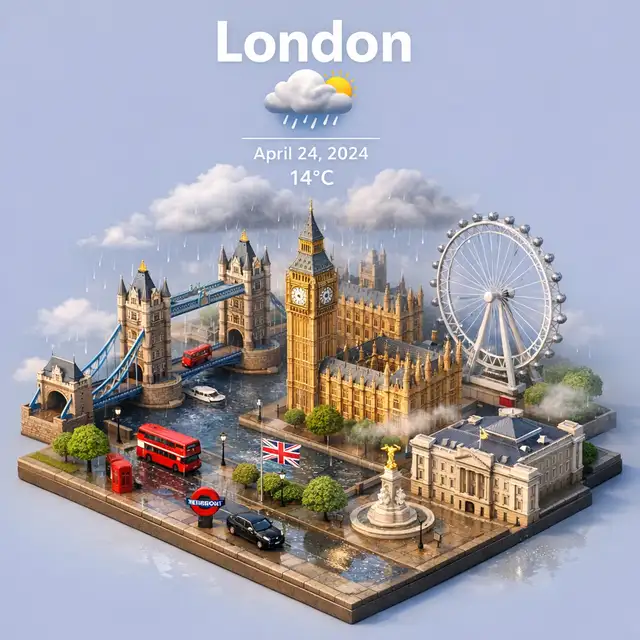
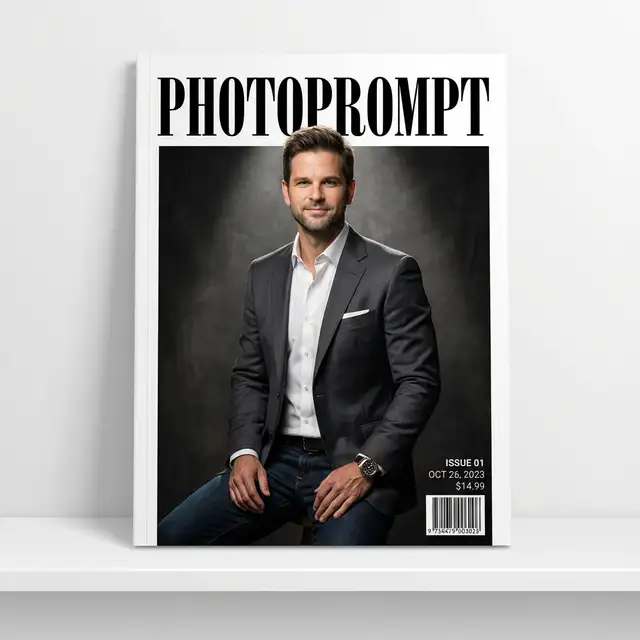
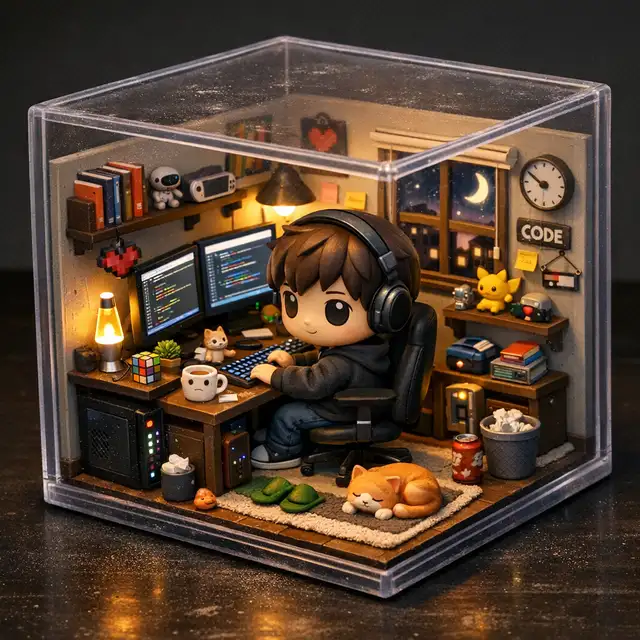
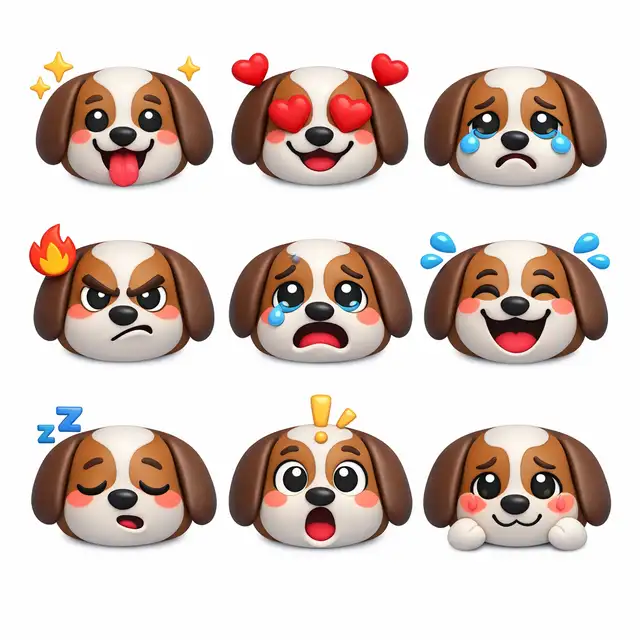
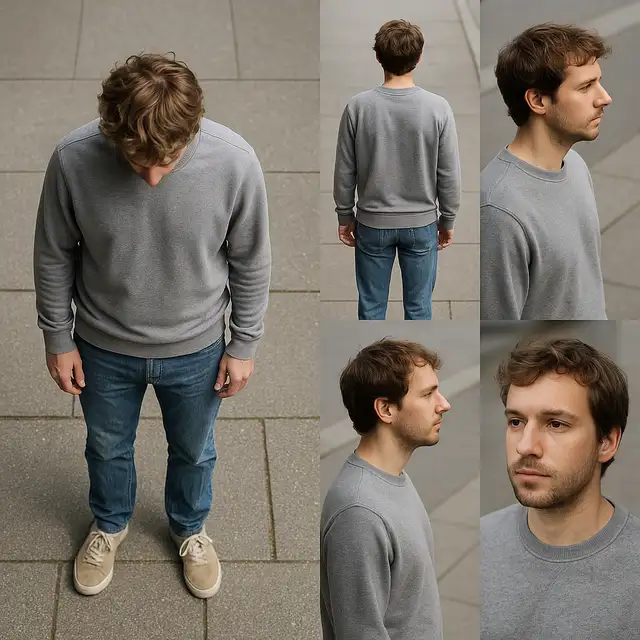
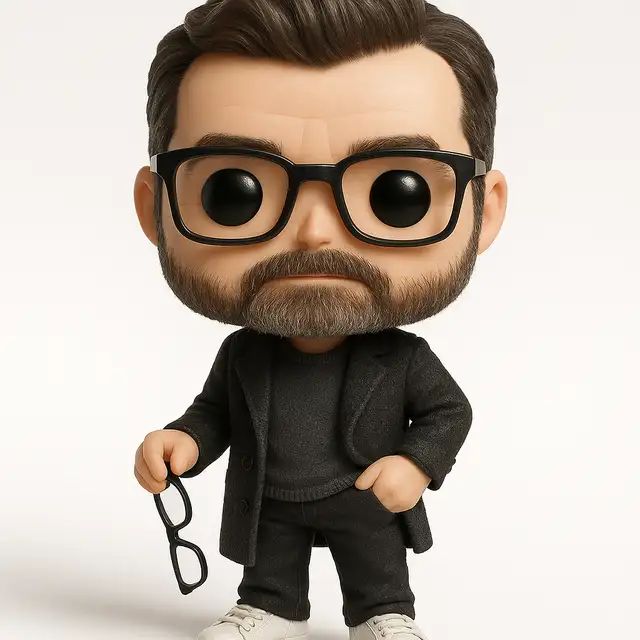
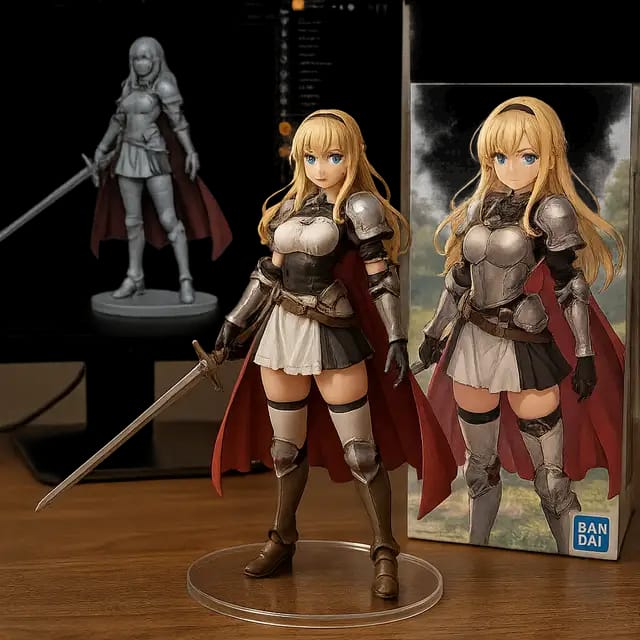
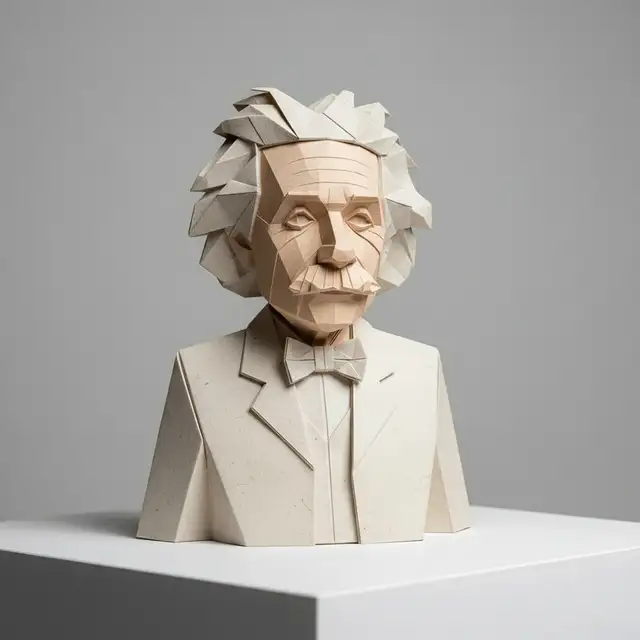
Browse 48 public AI photo prompts with preview images. Find prompt ideas for portraits, realistic edits, anime transformations, product shots, and stylized scenes, then copy the prompt that matches the result you want.
Highlight
Copy-ready photo prompts
Highlight
48 public prompts
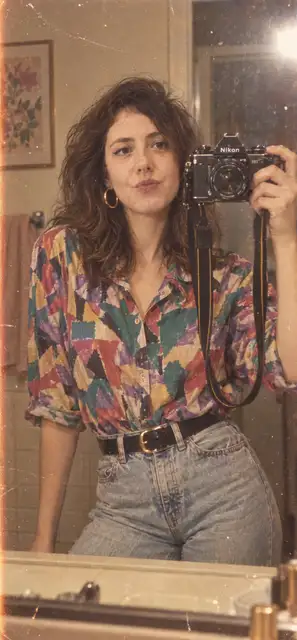
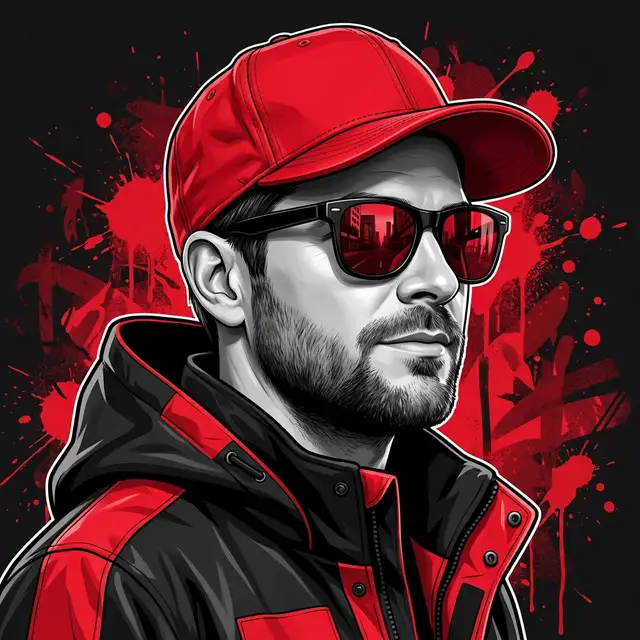
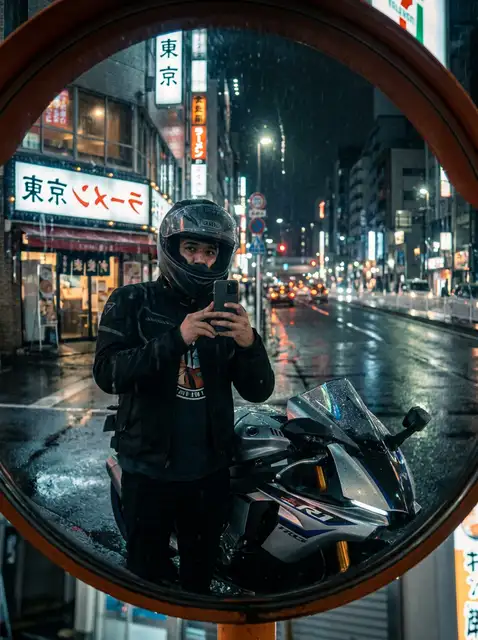
About this page
What is an AI photo prompt?
An AI photo prompt is the text instruction you give an image model to generate or transform a photo. The best AI photo prompts describe the subject, setting, lighting, composition, style, and mood in plain language so the output is easier to control.
Use this prompt library to browse prompt examples, compare real outputs, and copy the wording that fits your use case. If you want to extract a prompt from an existing image, visit Image to Prompt. If you want to edit a real image with text instructions, try AI Photo Editor with Prompt.
Best uses
Use this library to find photo prompt ideas fast
- 1. Open a prompt that looks close to the result you want.
- 2. Copy the prompt and swap the subject, style, or camera details.
- 3. Reuse the structure when you want consistent AI photo results.
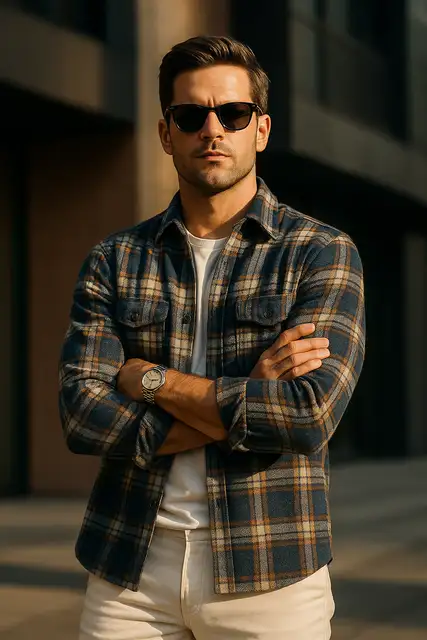
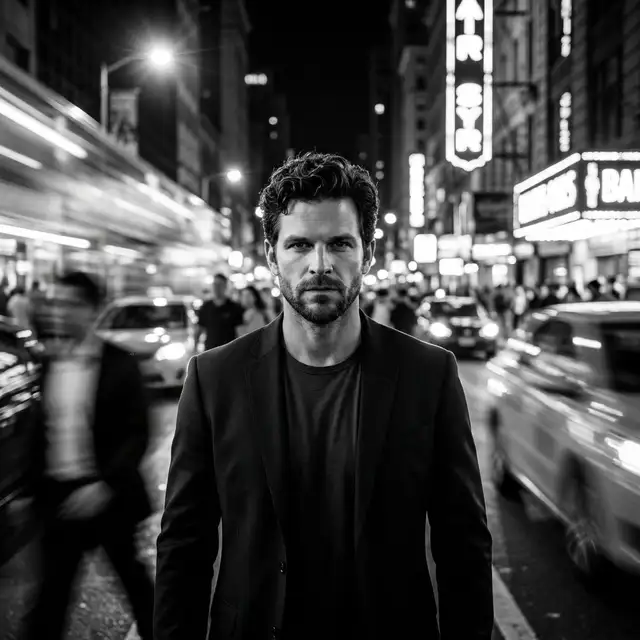
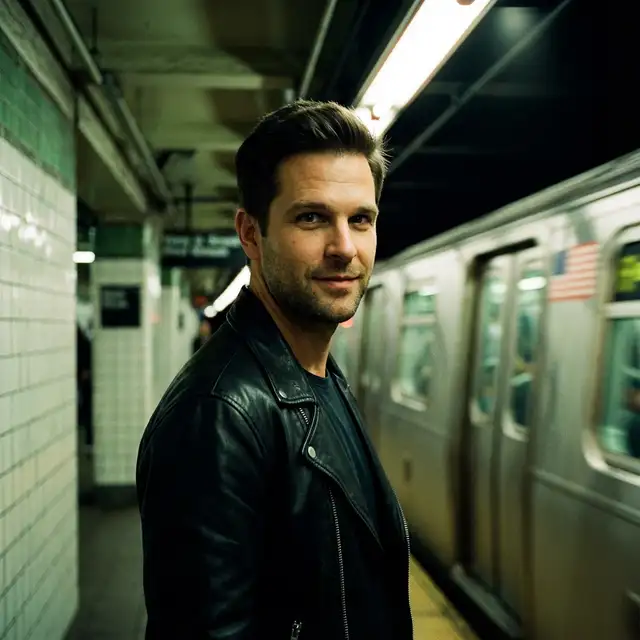
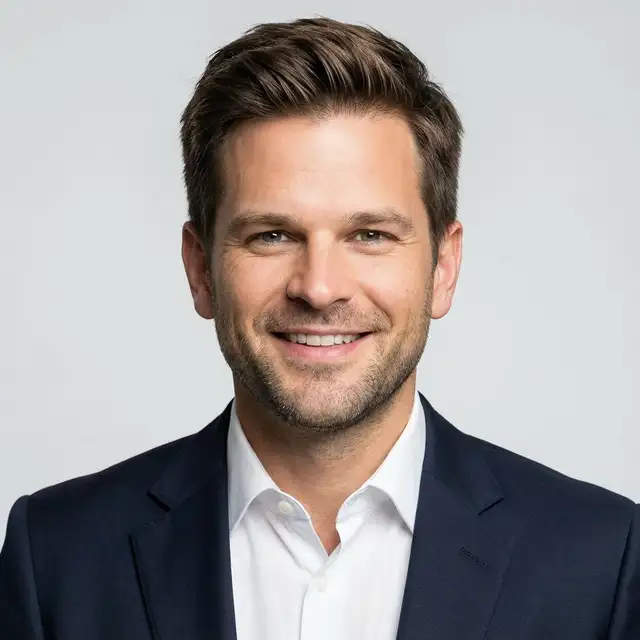
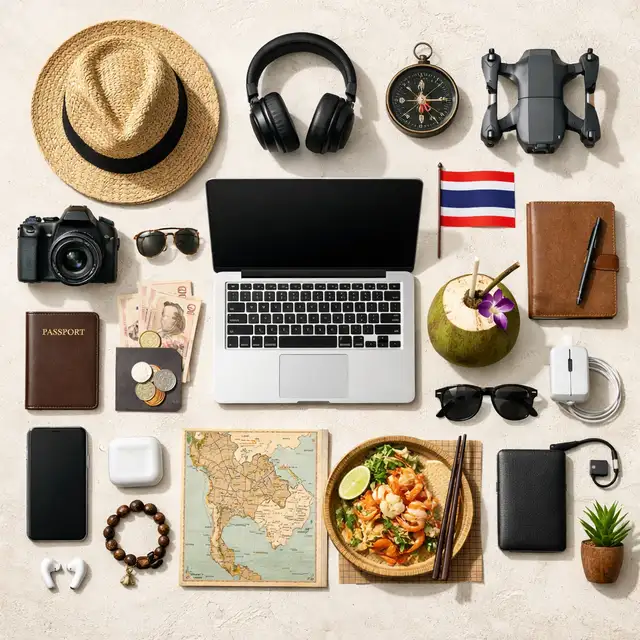
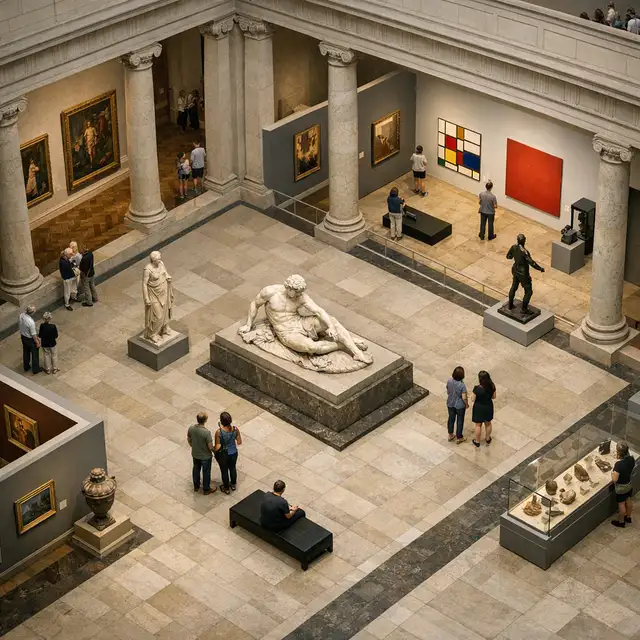
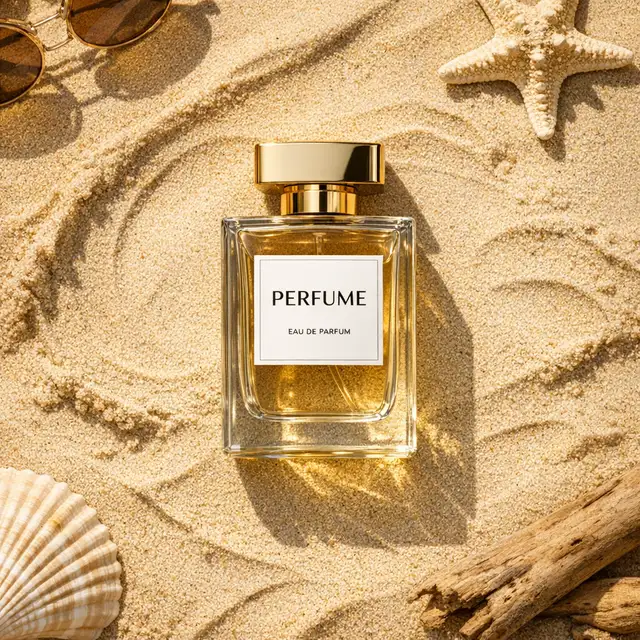
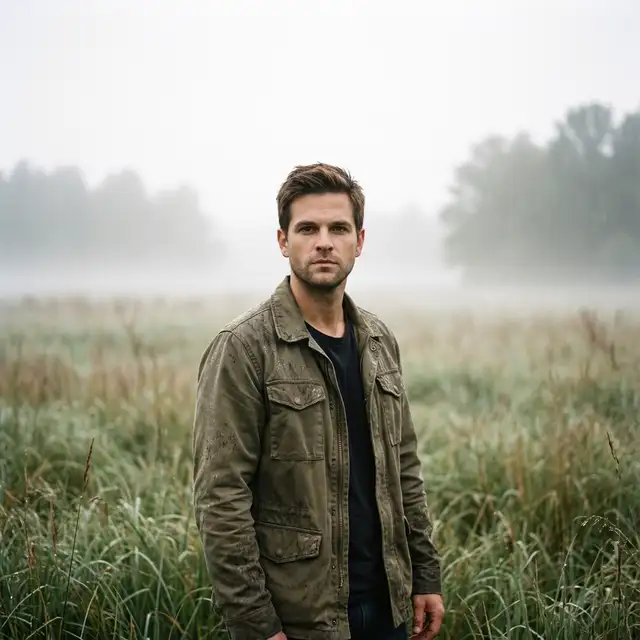
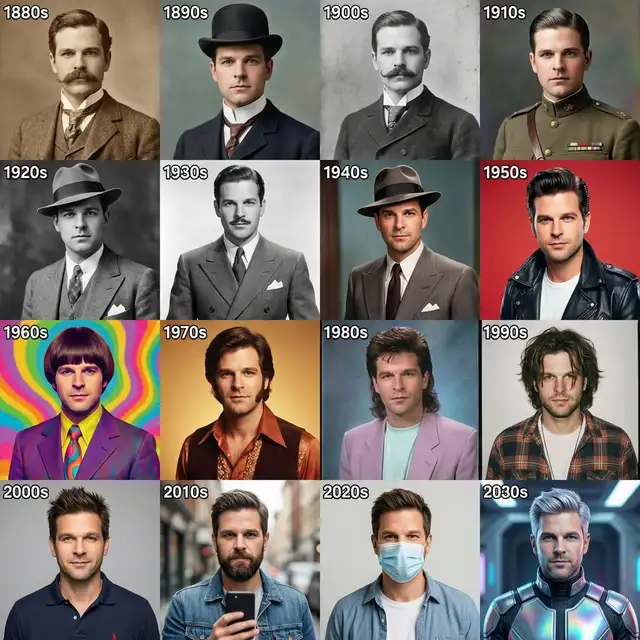
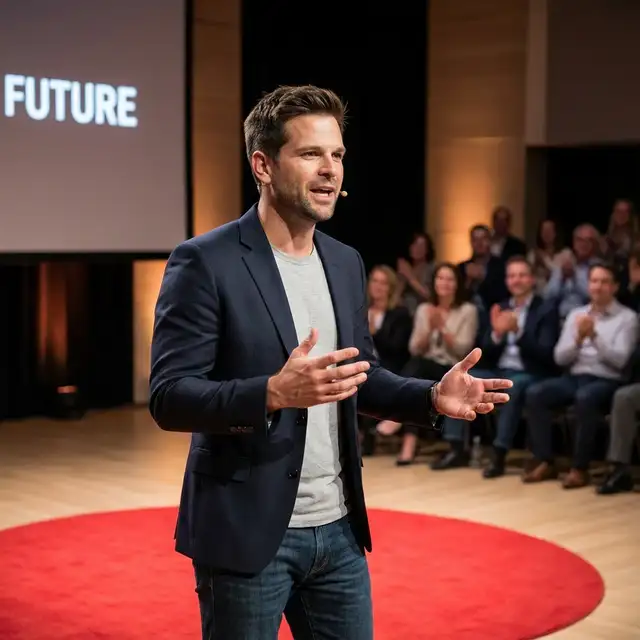
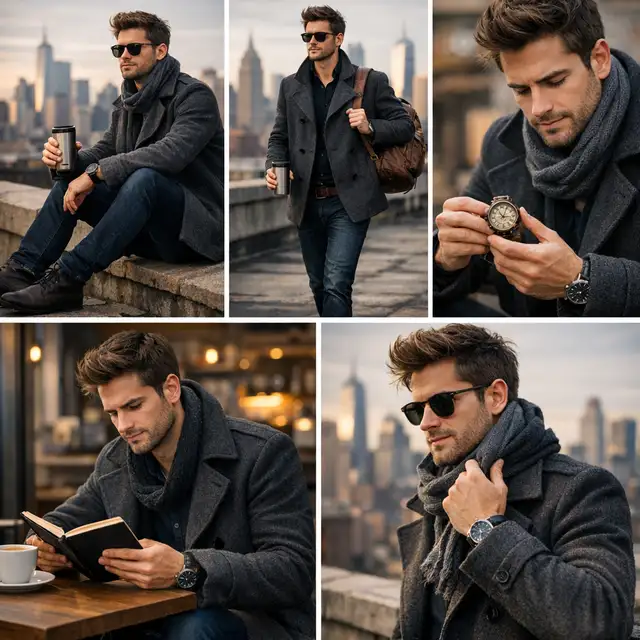
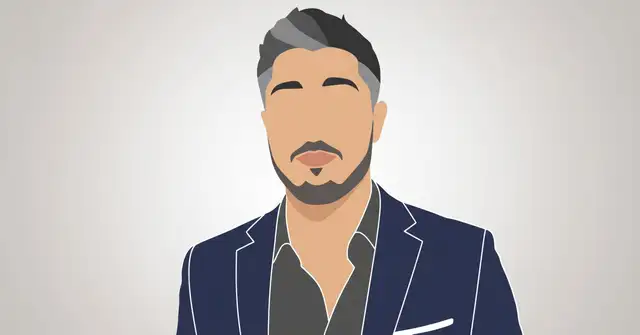
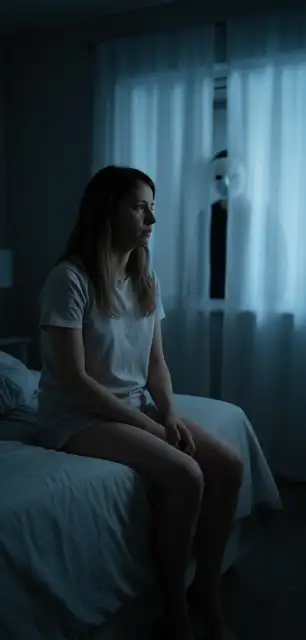
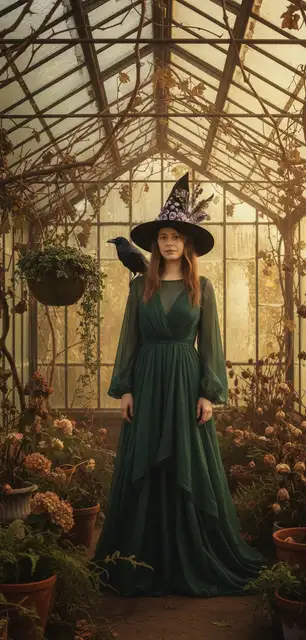
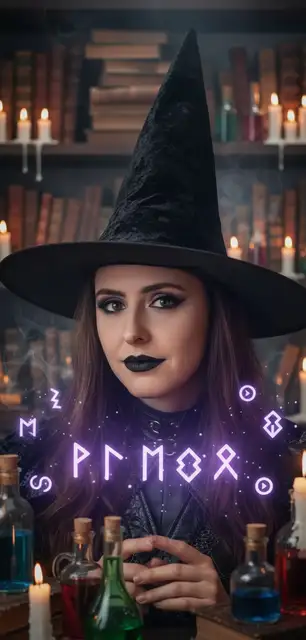
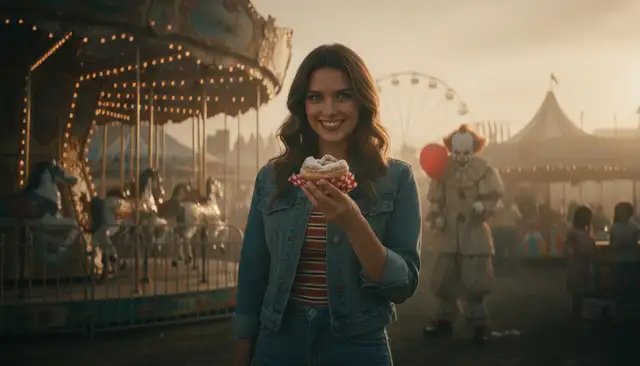
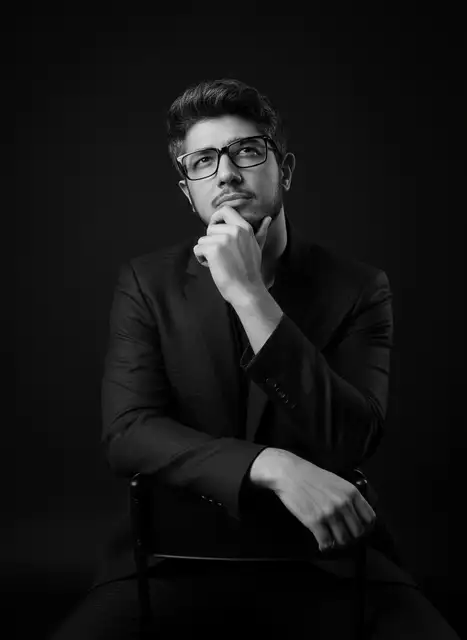
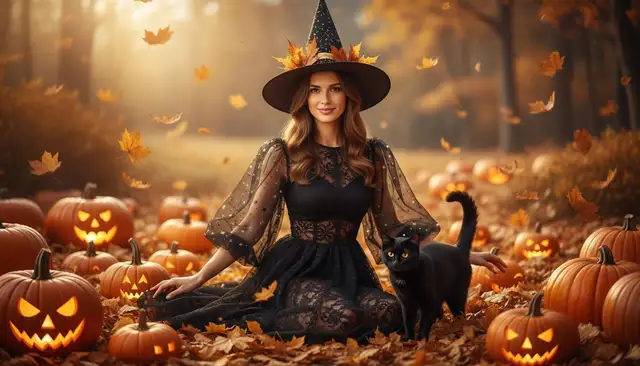
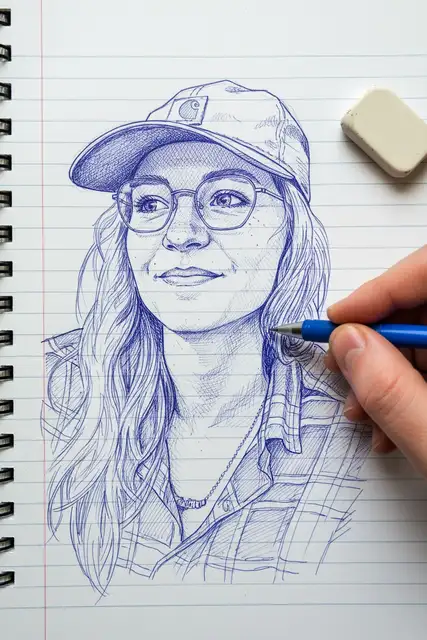
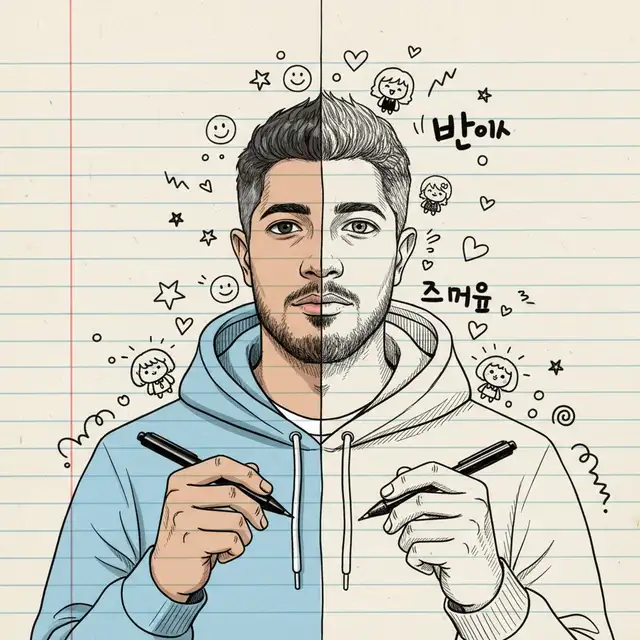
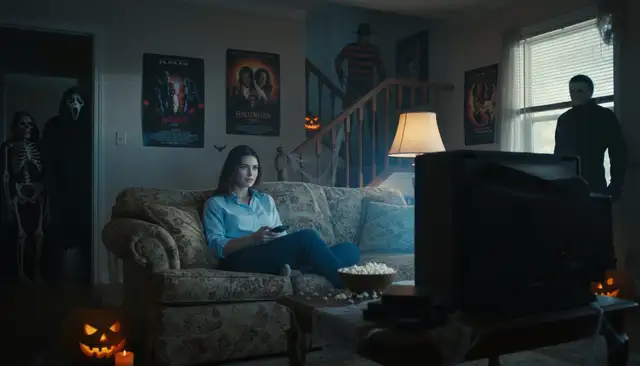
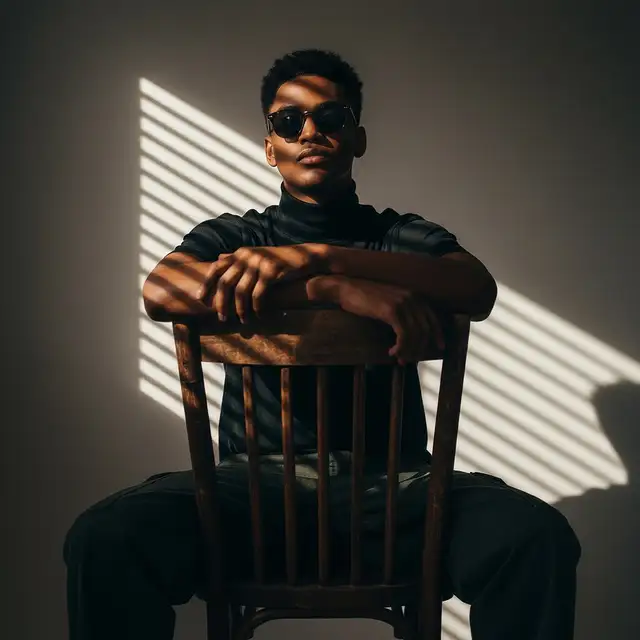
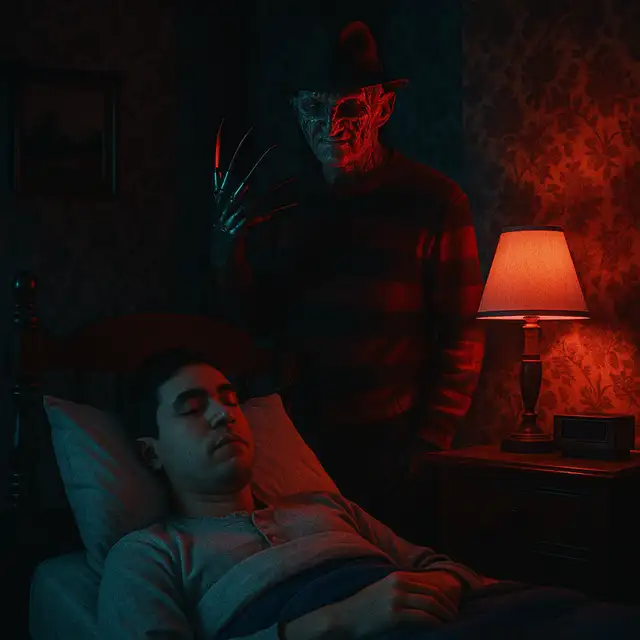
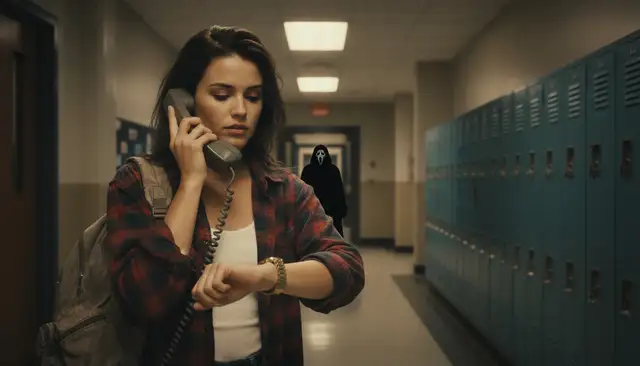
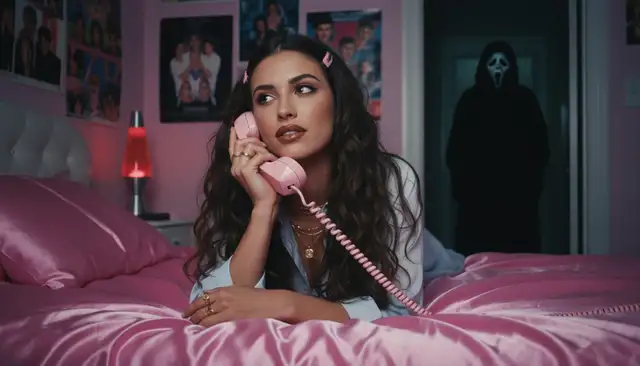

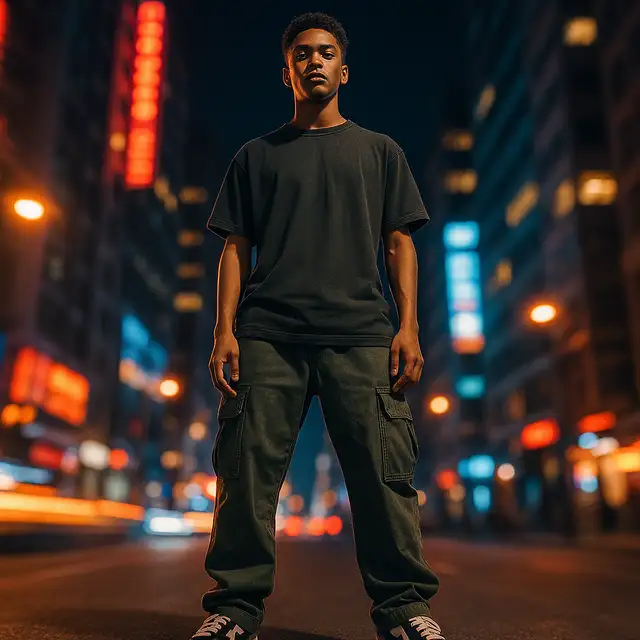
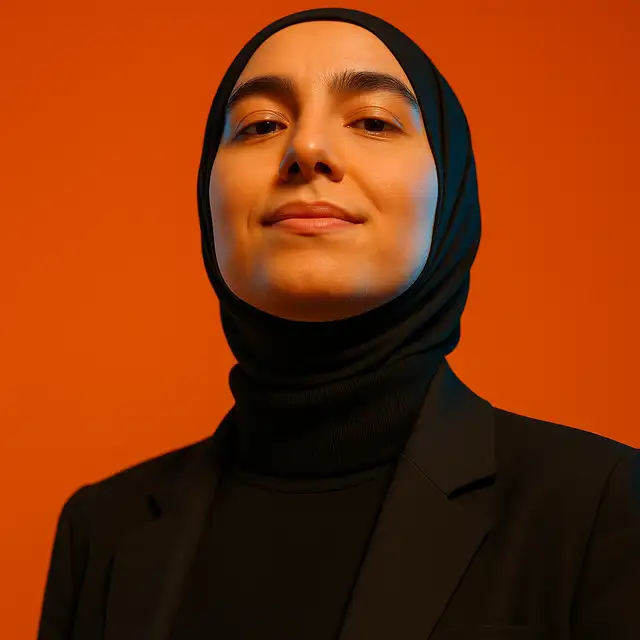
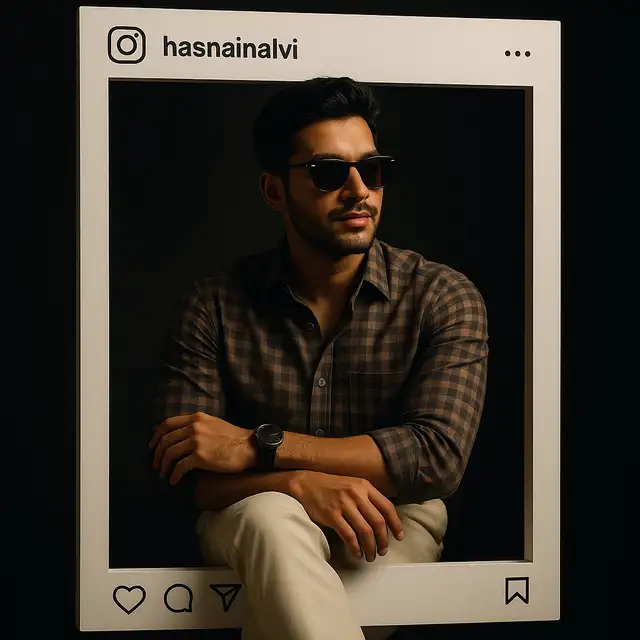
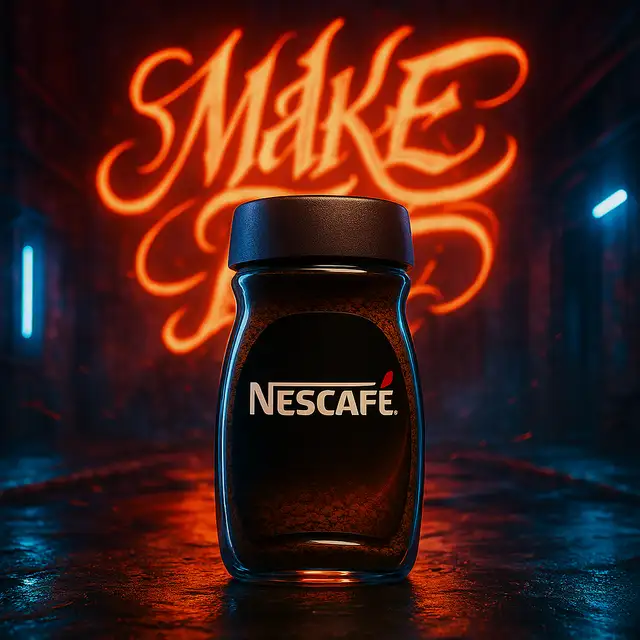
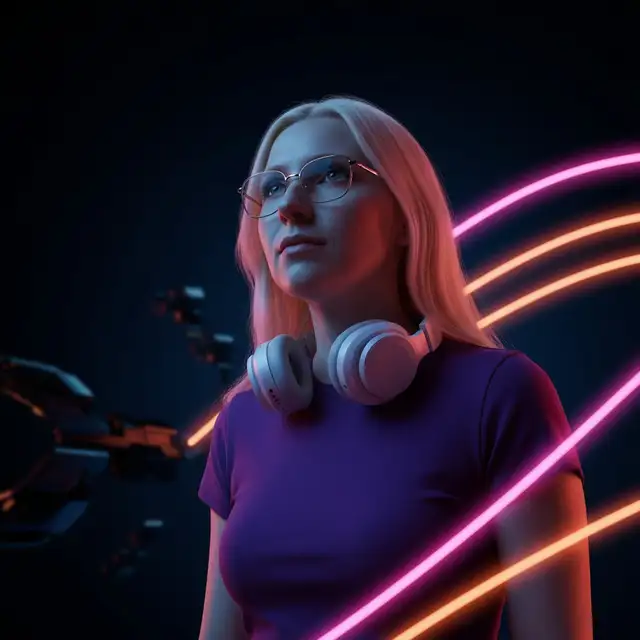
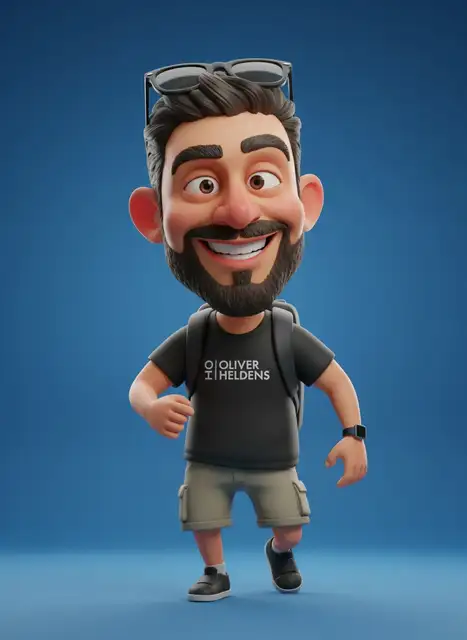
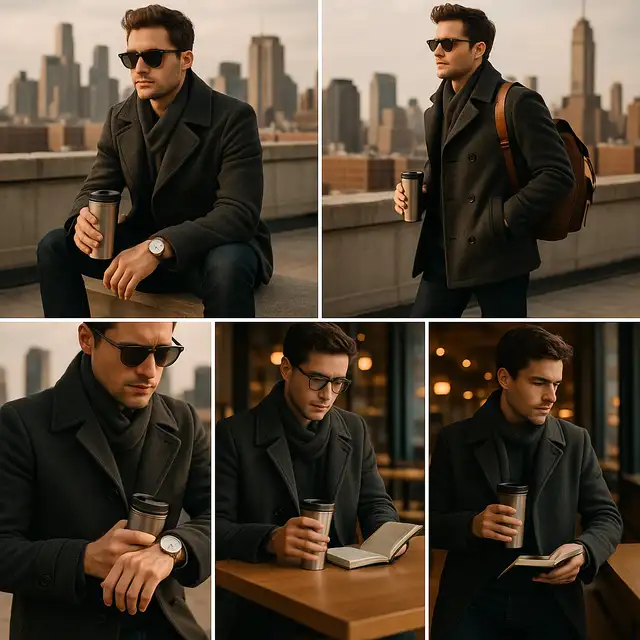
Why people use AI photo prompts
Copy prompt ideas instead of starting from a blank box
Most people do not struggle with the image model. They struggle with wording. A good AI photo prompt gives you a starting structure for the subject, lighting, background, styling, and visual mood so you can iterate faster.
This page is built for browsing, copying, and adapting photo prompts. For a deeper walkthrough, read the prompting guide. If you want to fill placeholders and build reusable prompt patterns, use Prompt Editor.
FAQ
How do I write a better AI photo prompt?
Start with the subject, then add the setting, lighting, angle, mood, and style. It is usually easier to adapt a prompt example than to write a strong prompt from scratch.
Are these prompts only for one image model?
No. Most AI photo prompts can be adapted across tools. You may need to tweak the wording depending on whether you are generating a new image or editing an existing one.
Can I use these prompts for editing a real photo?
Yes. If you already have a photo and want to change the background, style, or details with text instructions, open the AI photo editor with prompt.