Turn a Photo into Anime with AI
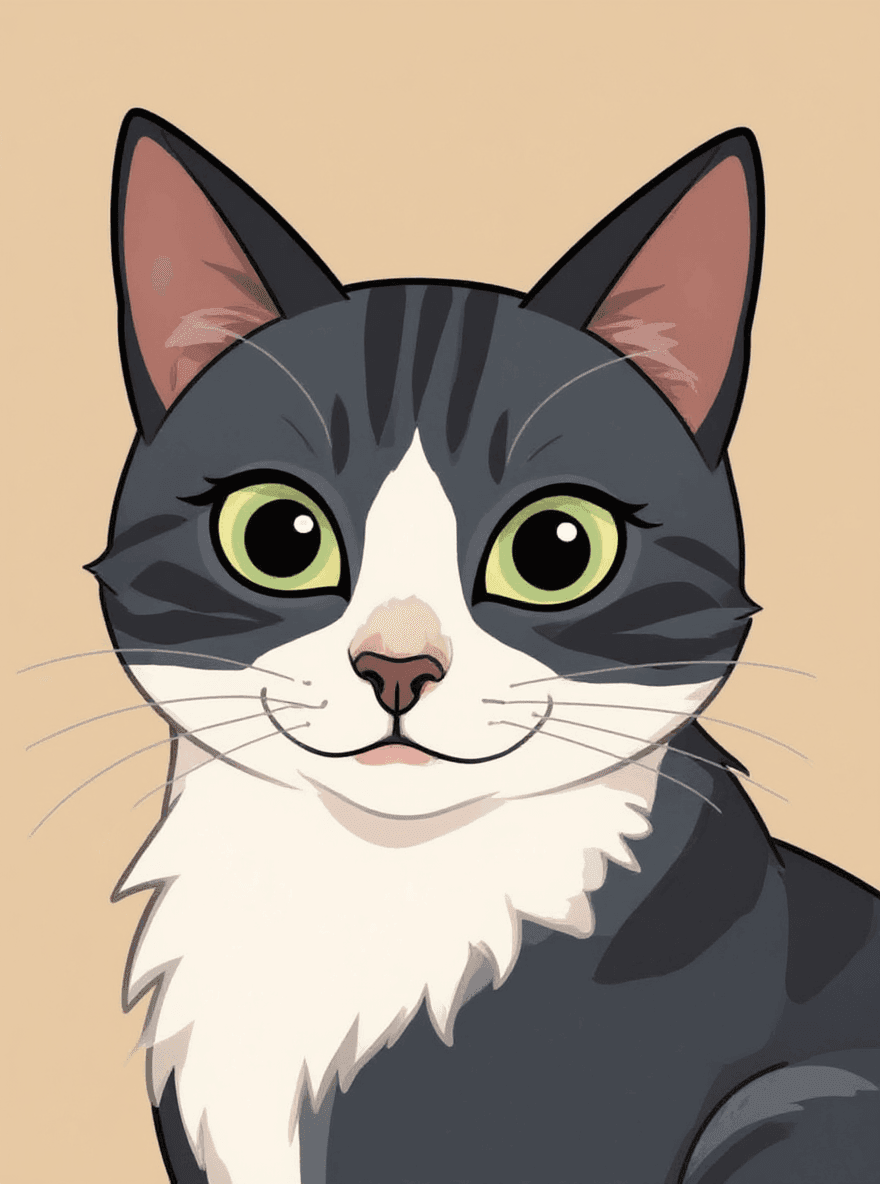
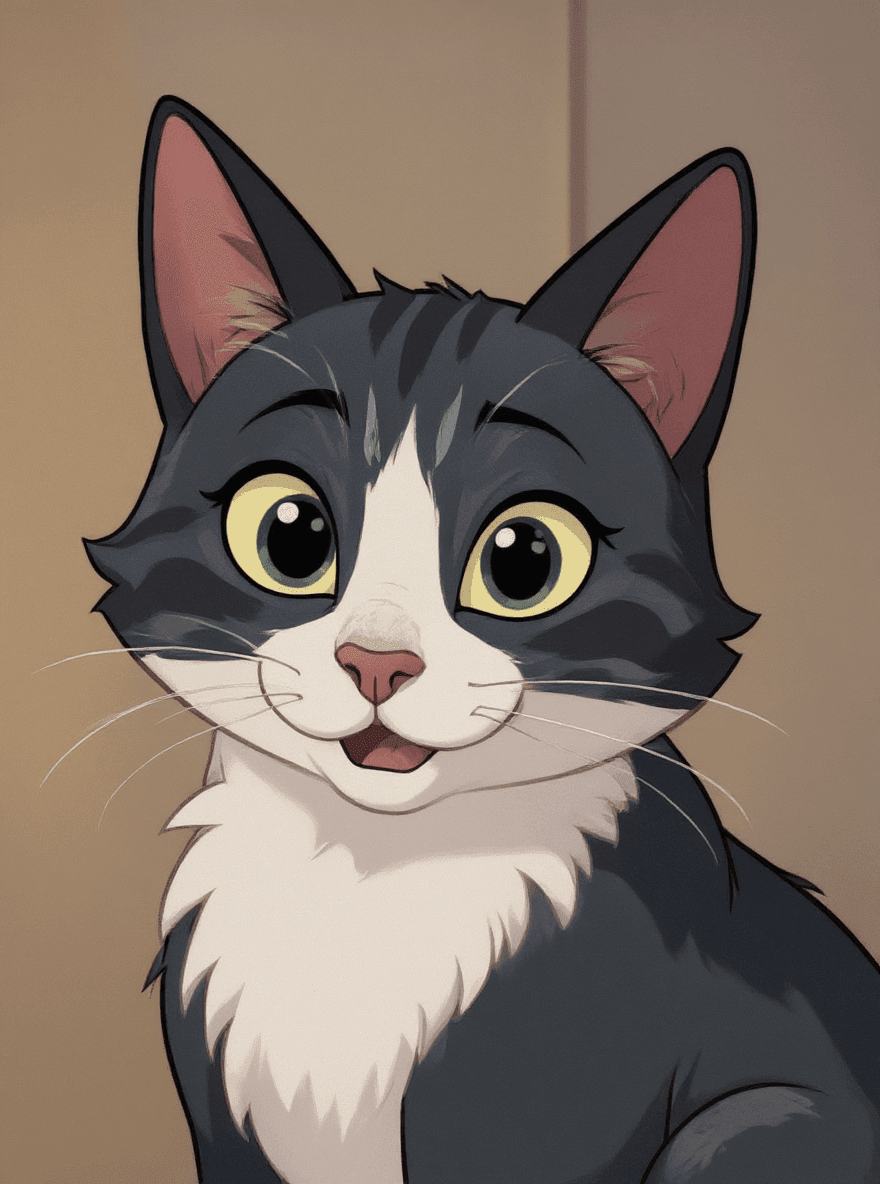
Use Photoprompt as a photo to anime converter. Upload a portrait, pet photo, or creative image and create an anime-style version for avatars, social posts, and visual ideas.
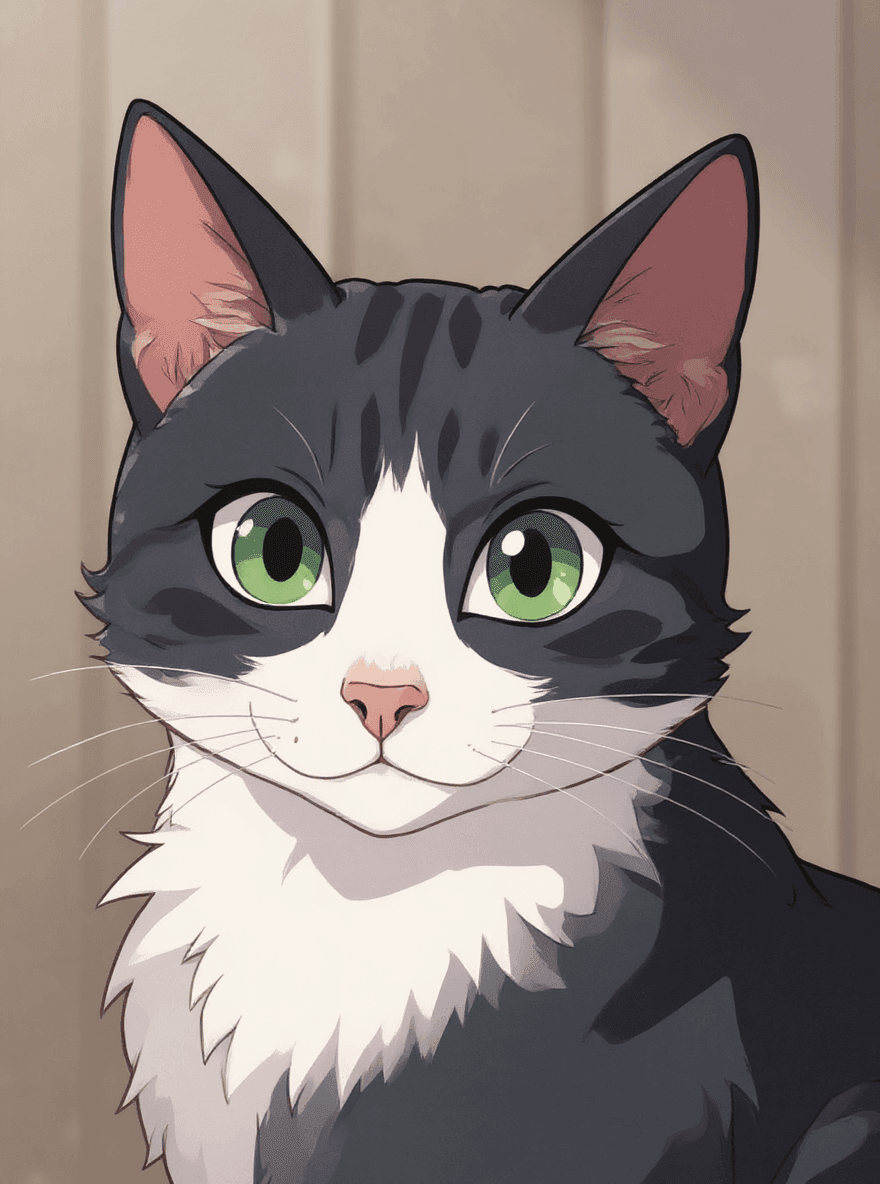
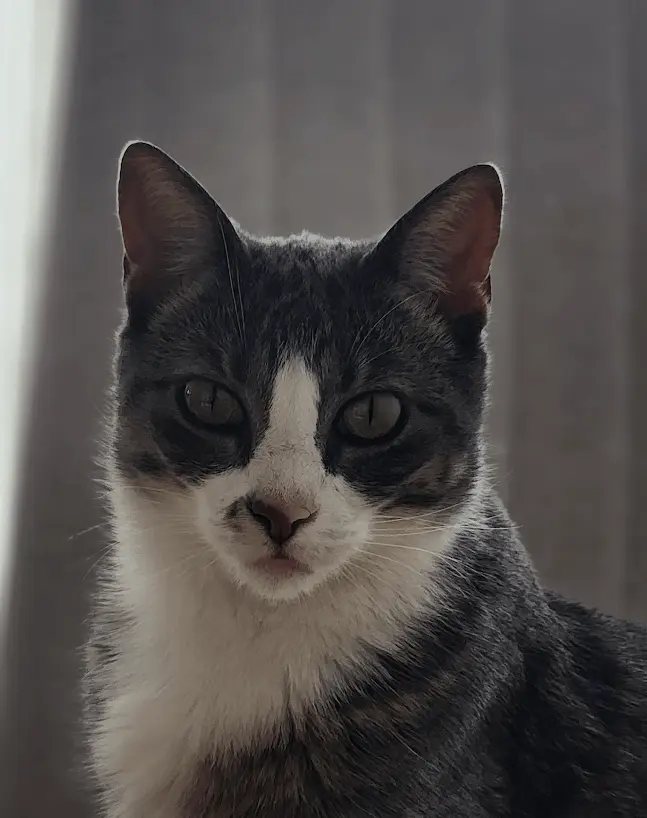
Photo to anime converter for portraits, pets, and creative posts
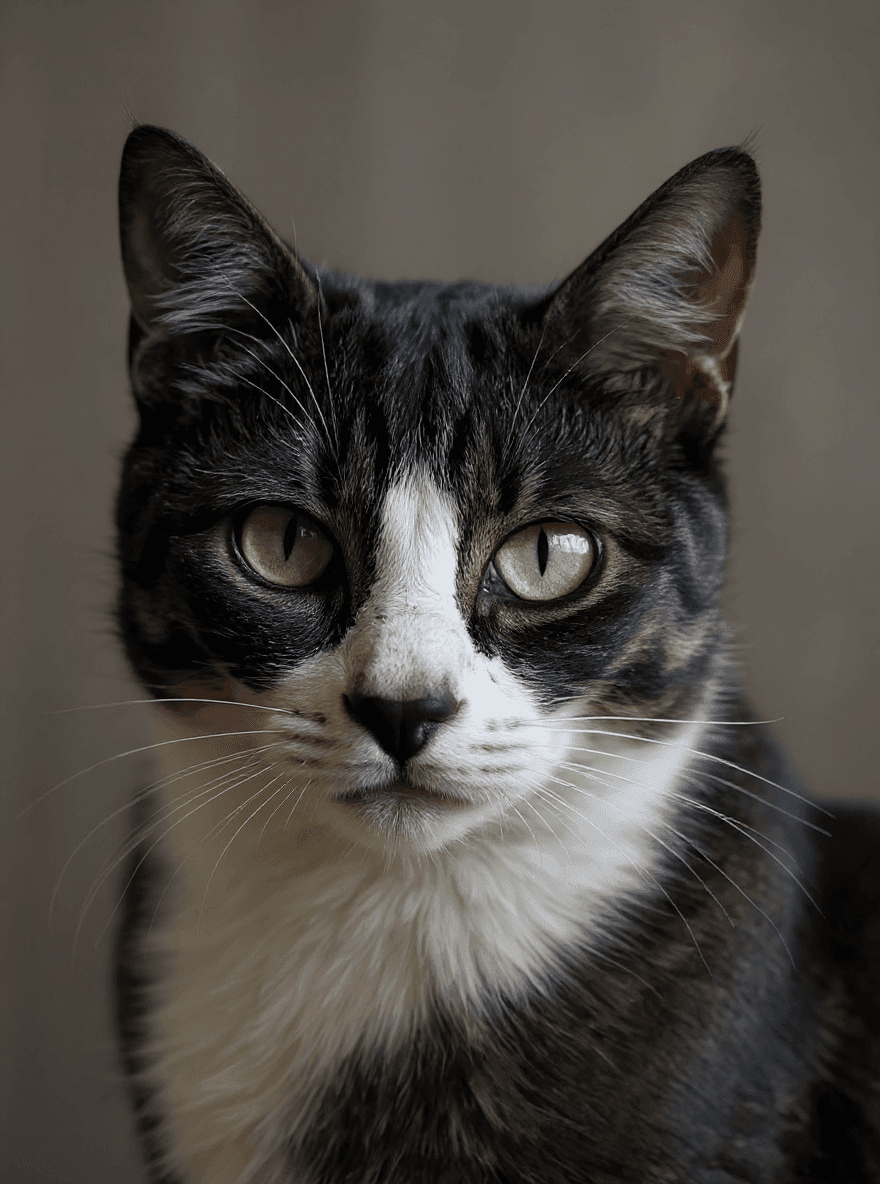
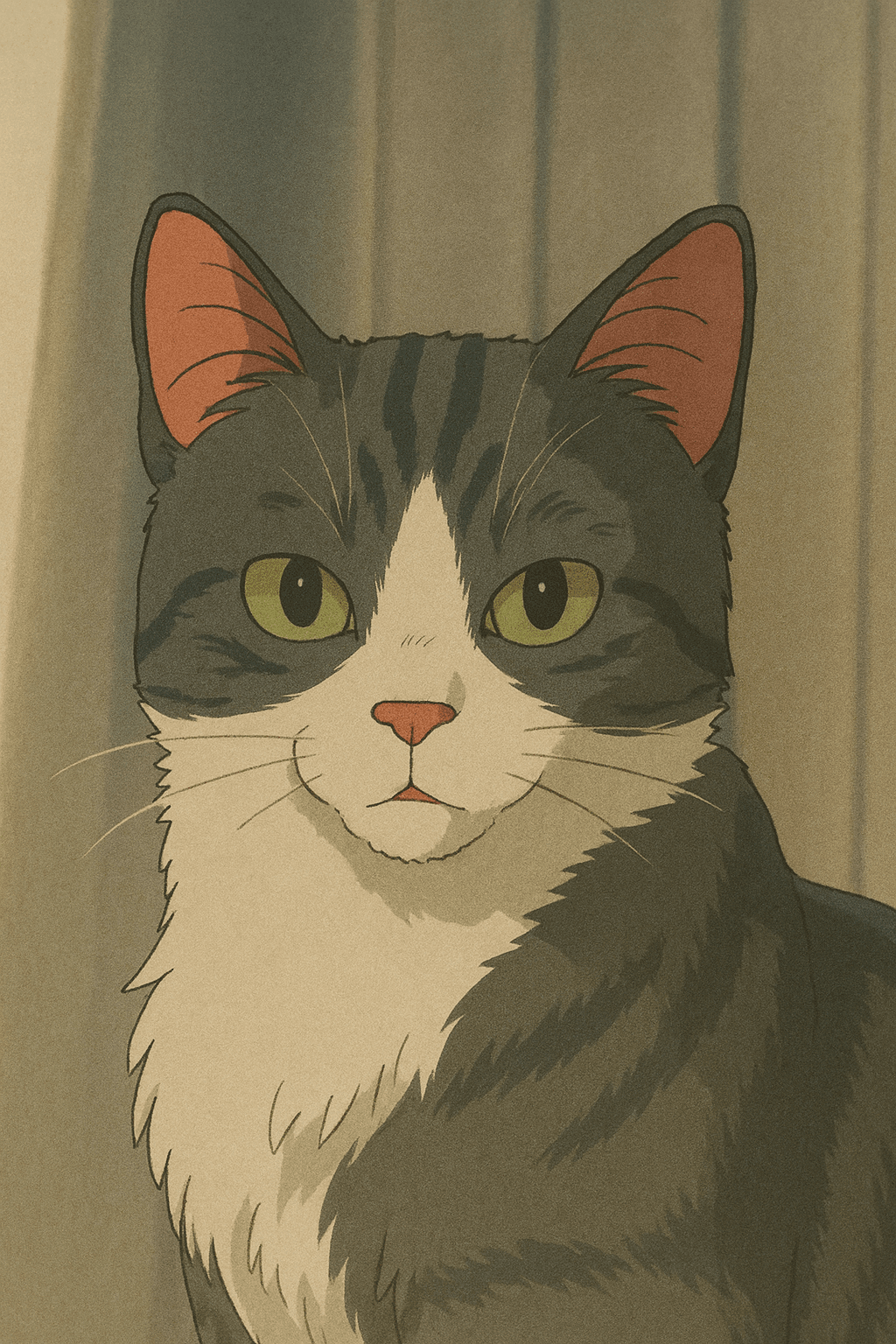
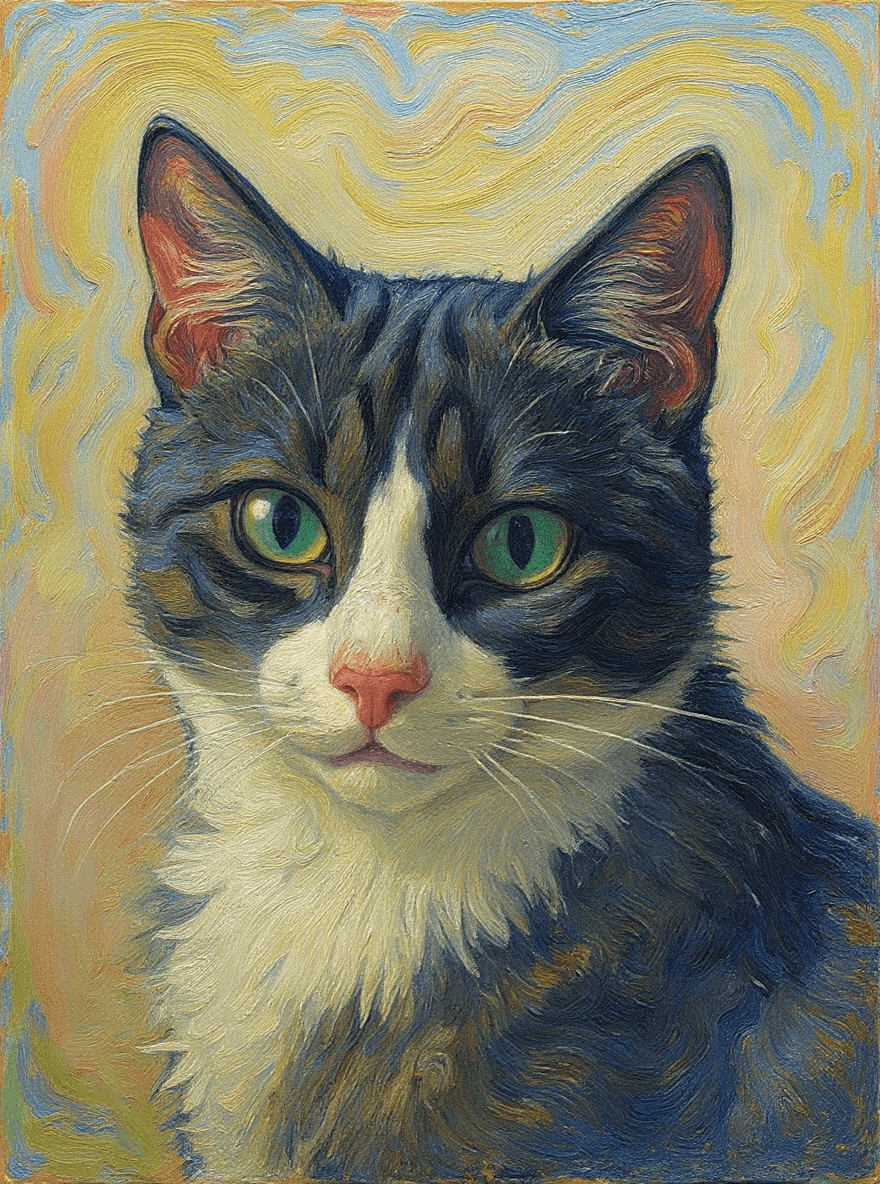
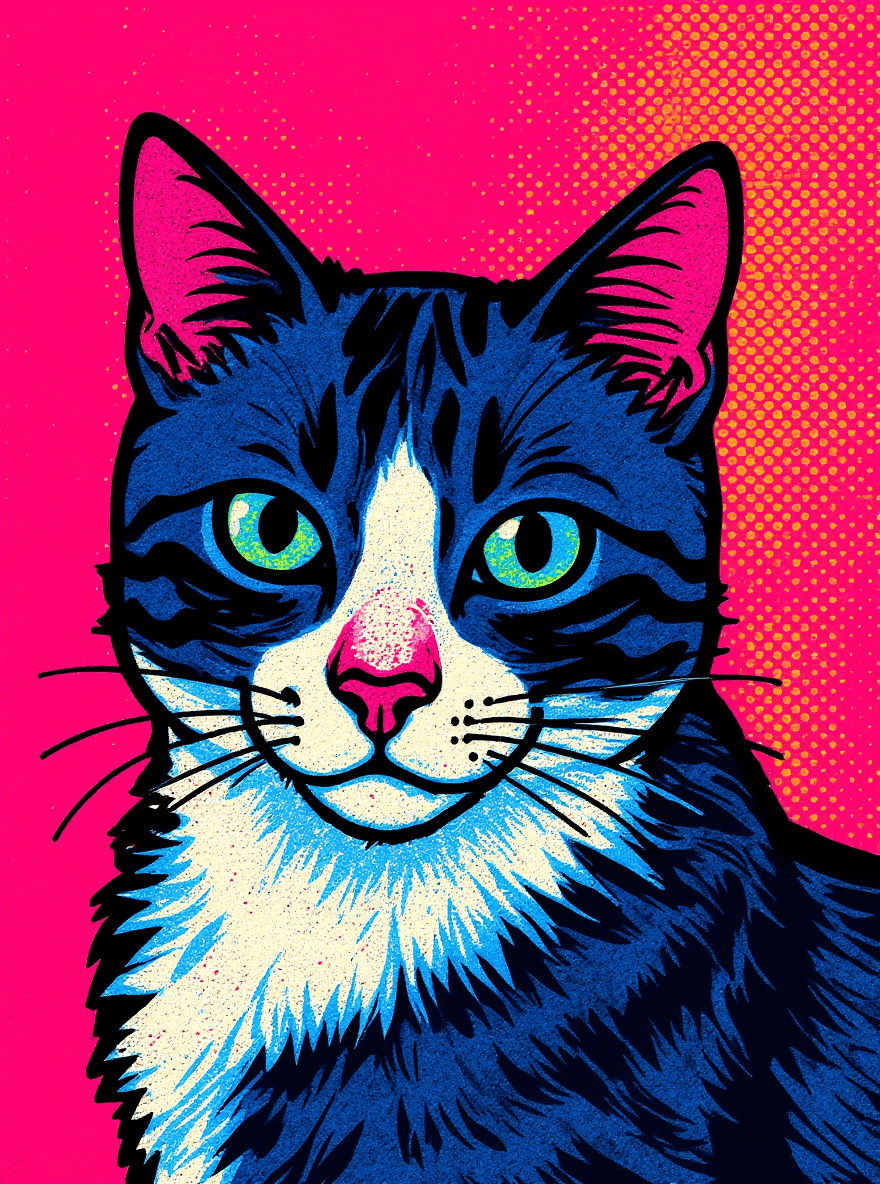
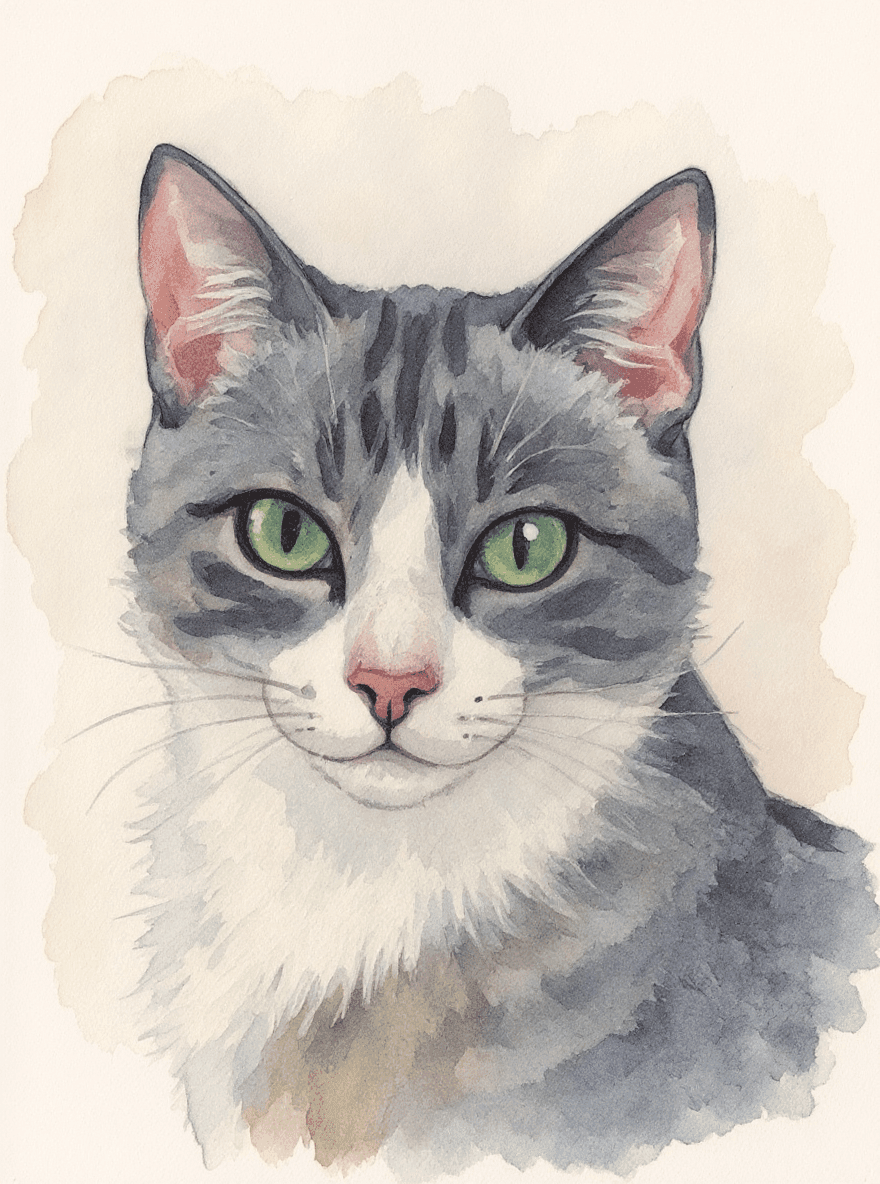
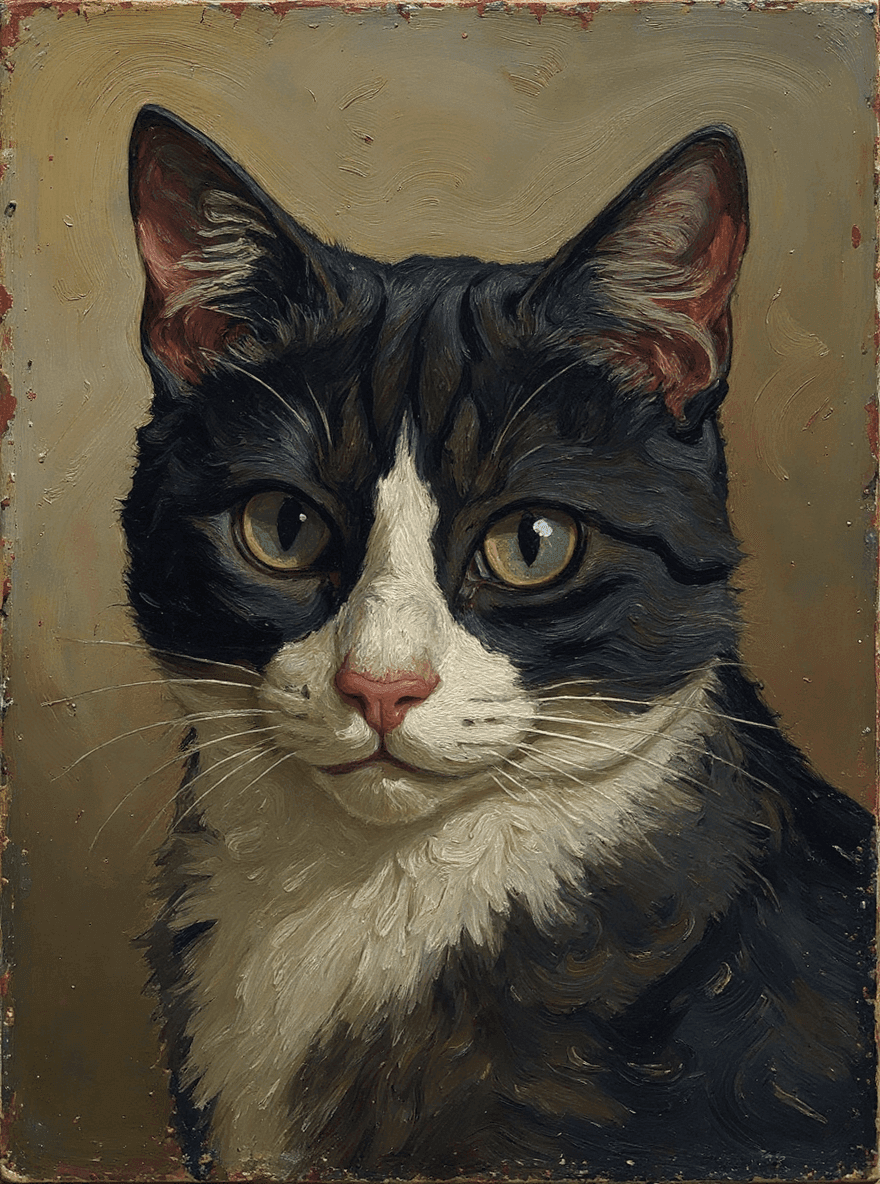
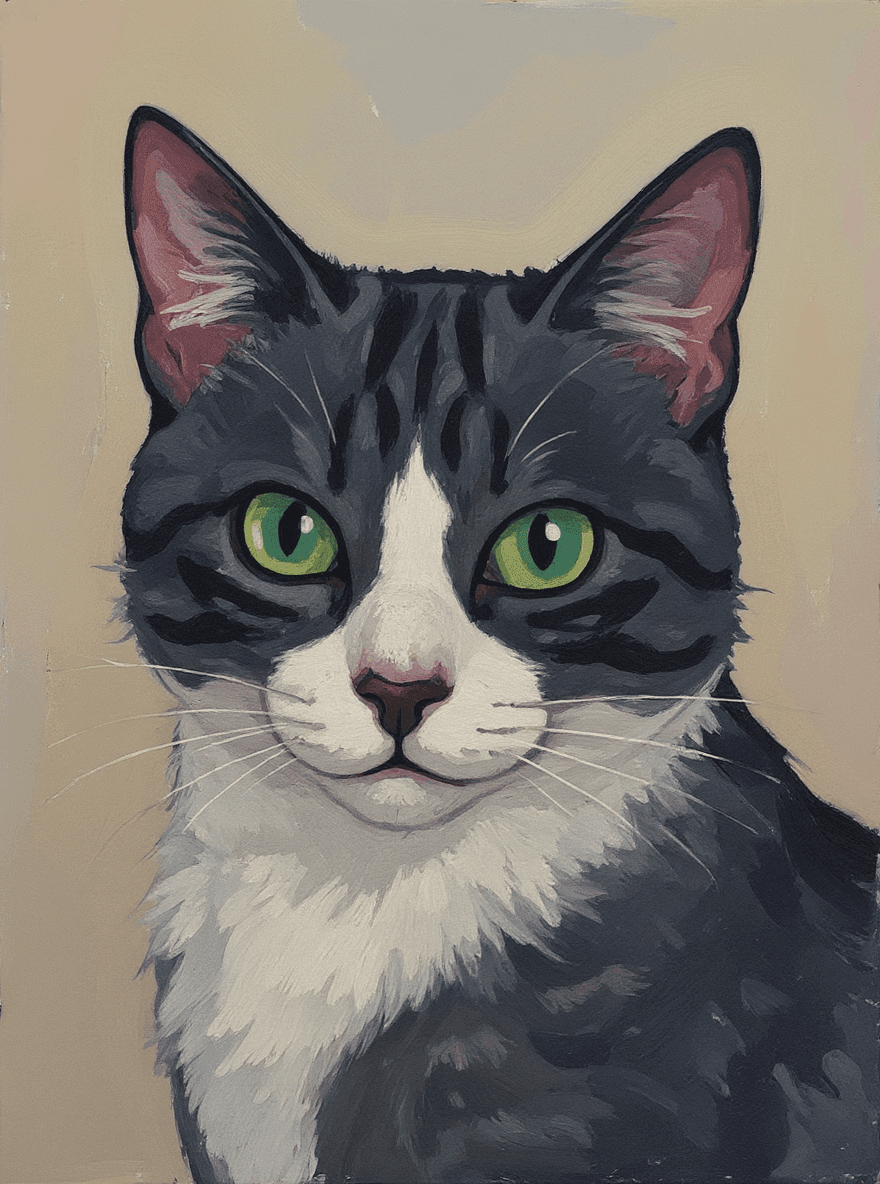
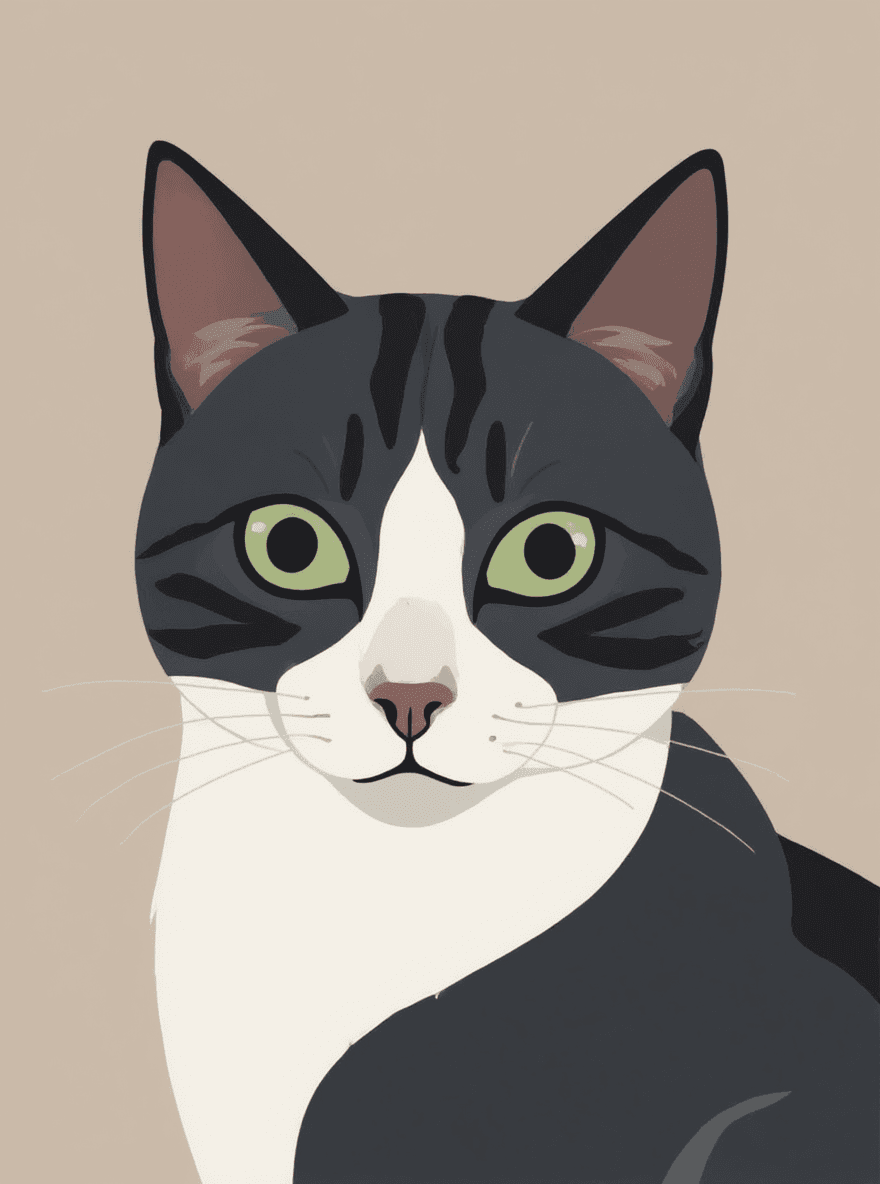
The anime filter turns your photo into an anime-style image while keeping the subject, pose, and composition recognizable. It is built for people searching for a photo to anime converter online: upload an image, preview the style, then use the result as a finished visual or a starting point for another edit.
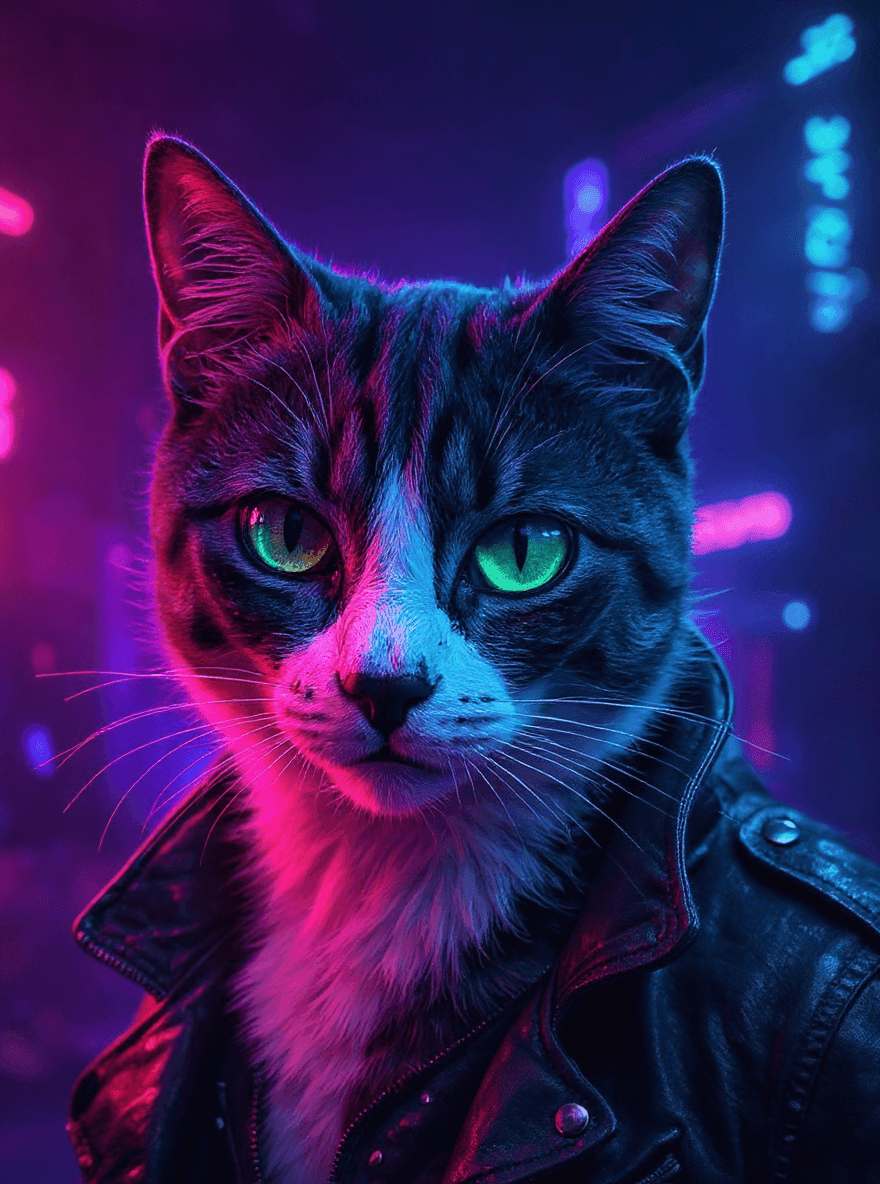
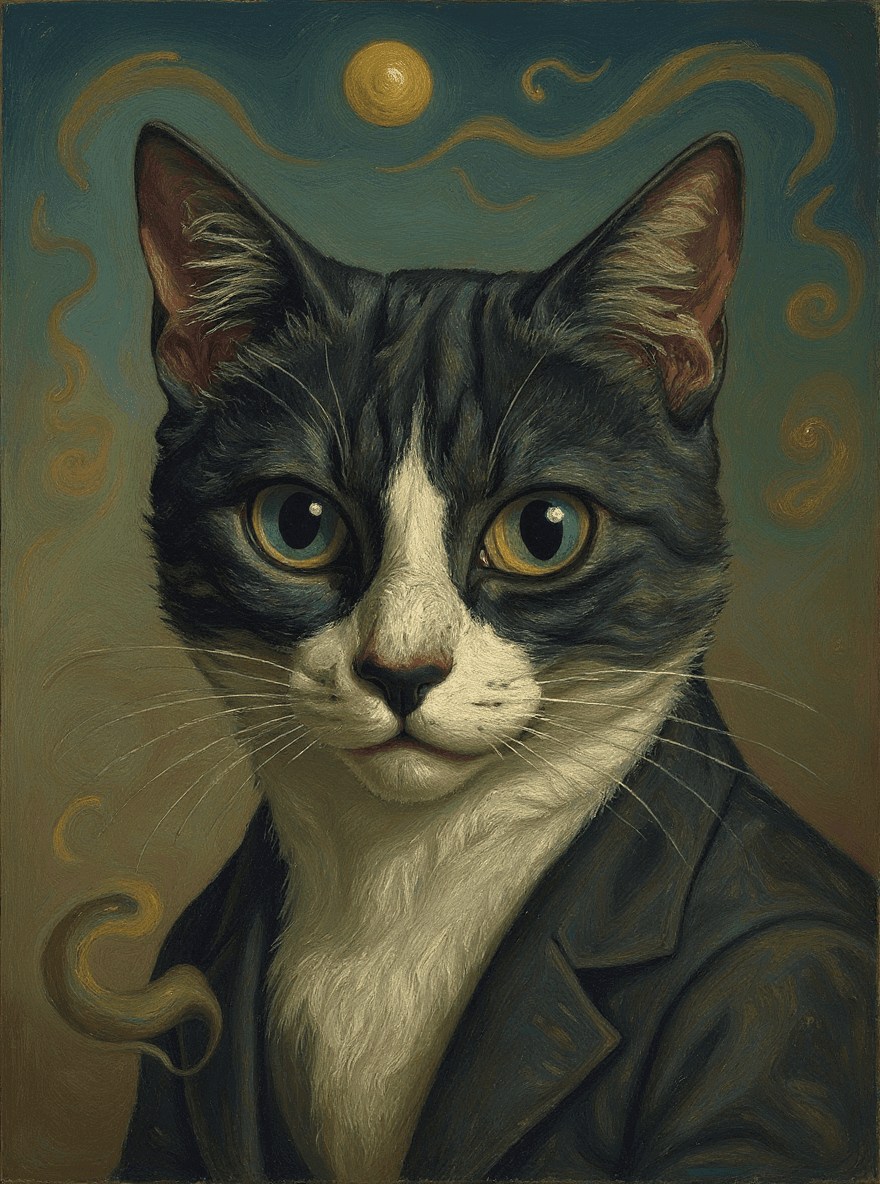
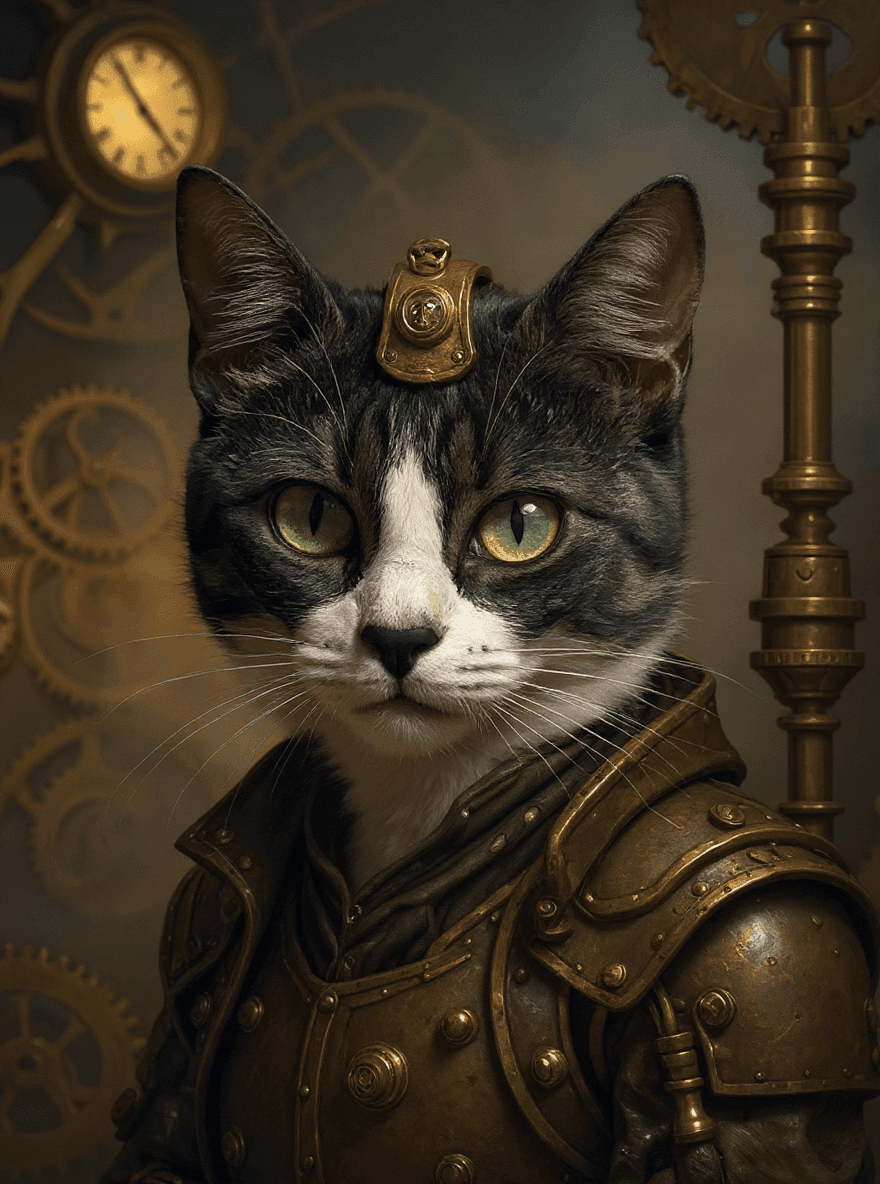
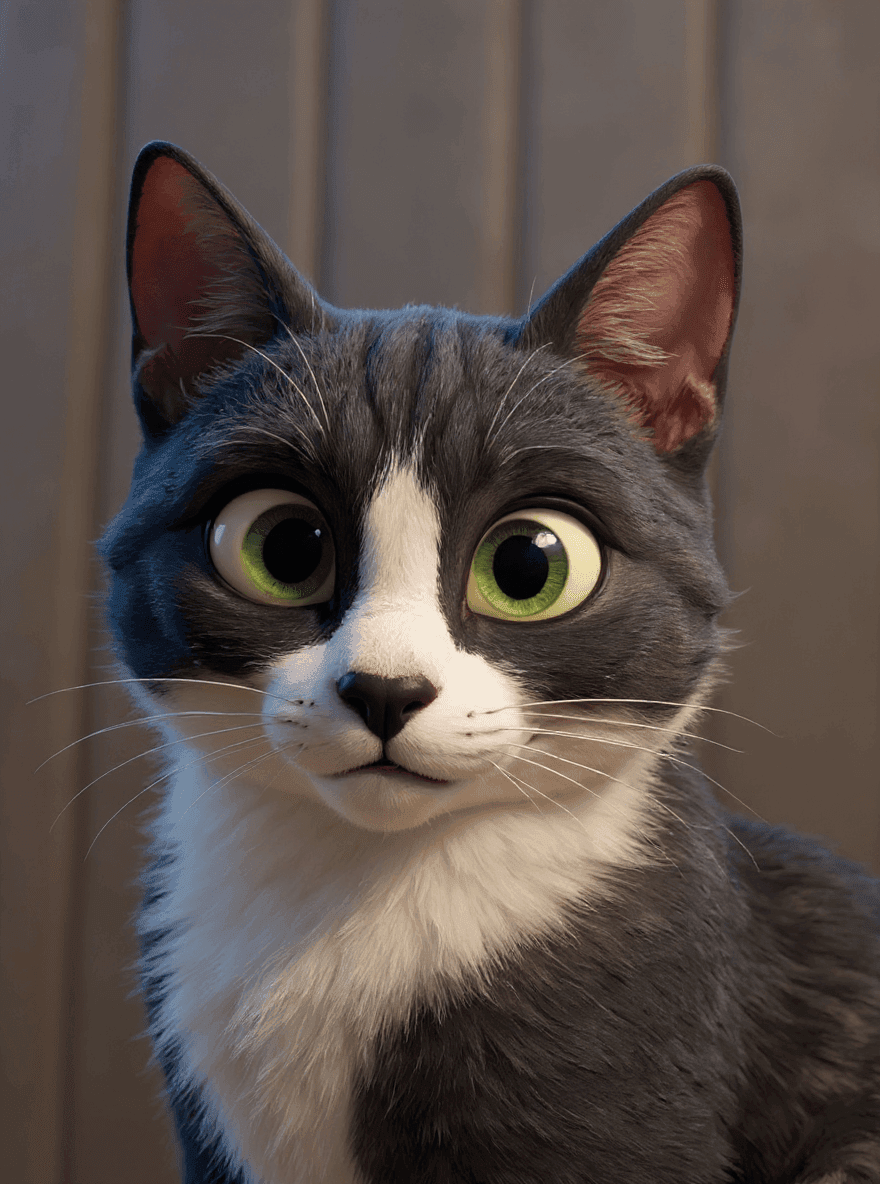
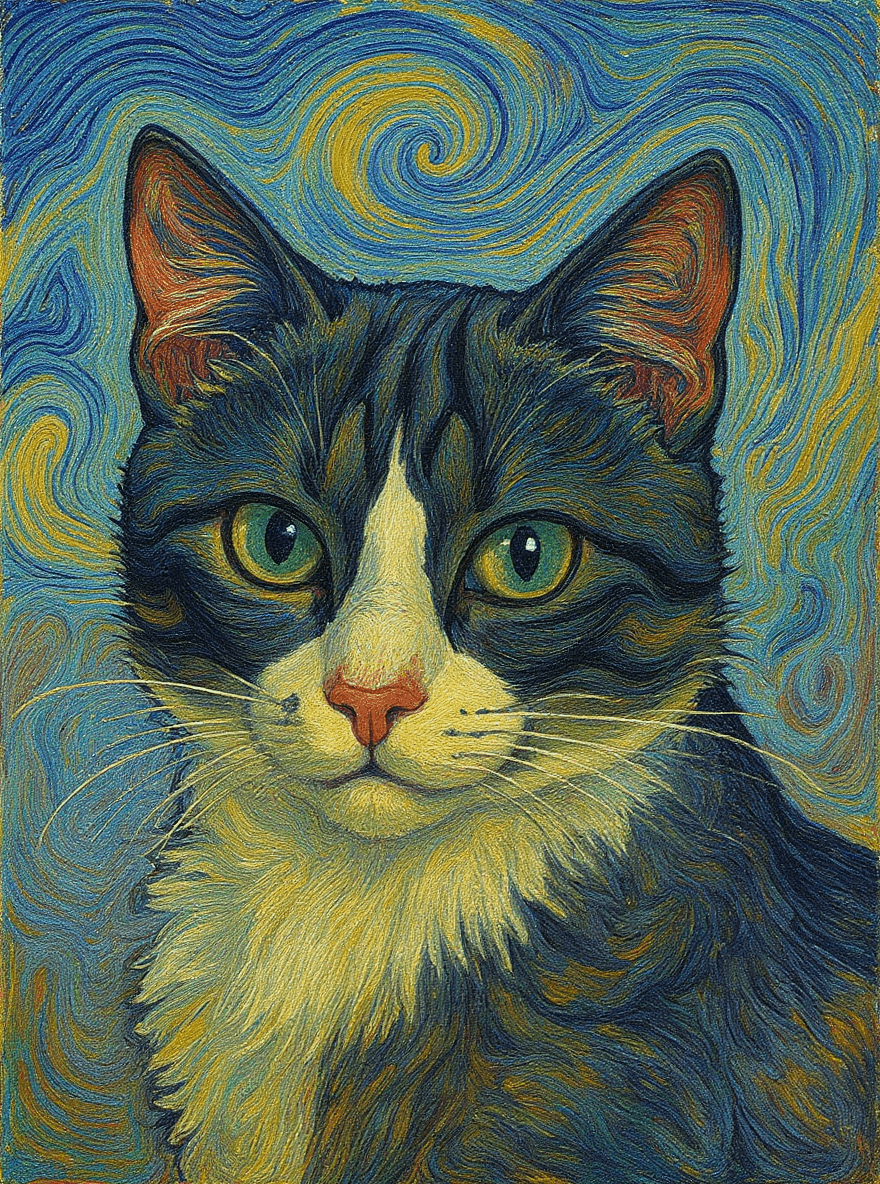
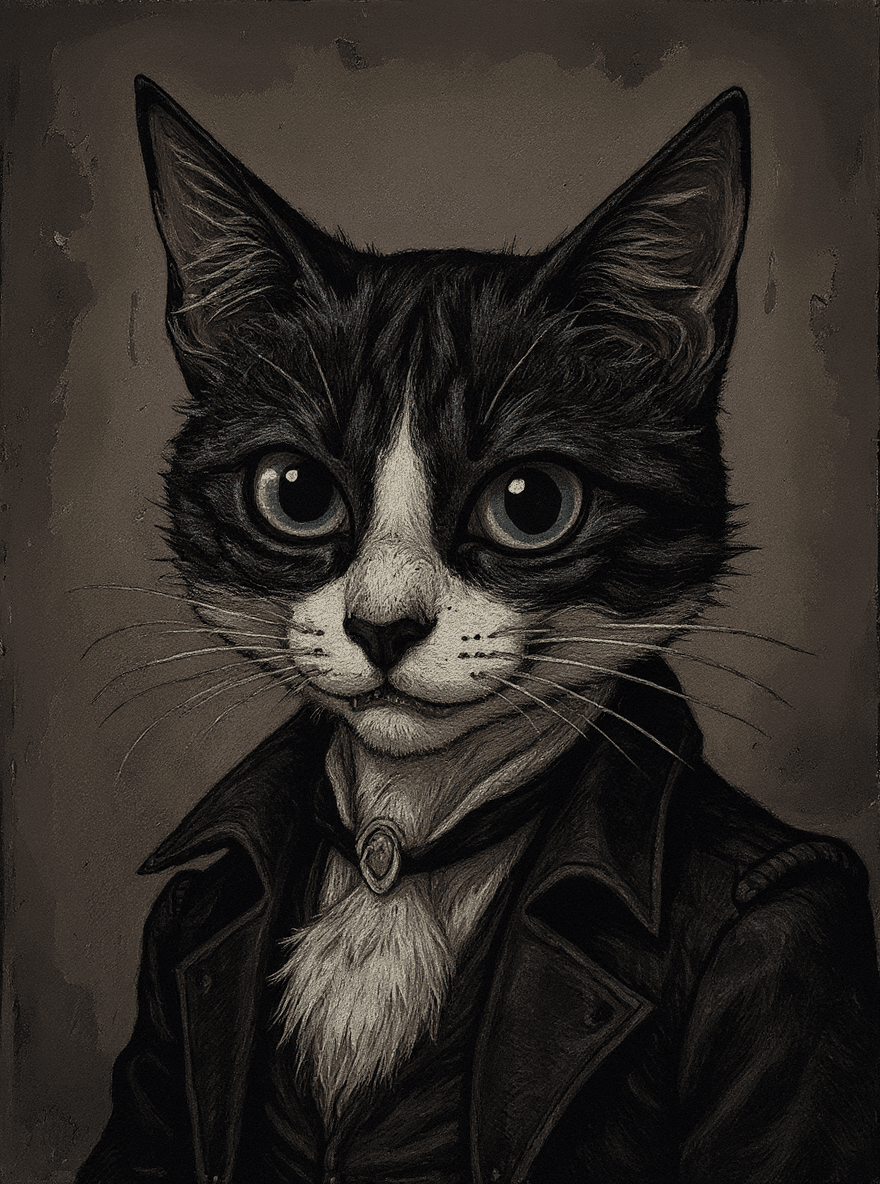
Use it for profile images, pet portraits, creative campaign drafts, thumbnails, and social posts. If you want to compare styles beyond anime, explore the broader AI filters page or try related looks like Ghibli Studio and Cartoon.
Best photos for an anime filter
- Profile pictures and avatars with expressive anime features.
- Pet photos, selfies, and portraits that need a playful style change.
- Social posts, thumbnails, and creative references with a Japanese animation look.
- Before-and-after concepts you can refine later with a custom prompt.
How to turn a photo into anime
- 1. Upload a clear photo. Use a portrait, pet photo, or object with one main subject.
- 2. Apply the anime filter. The AI changes the rendering style while keeping the original composition as the anchor.
- 3. Refine with prompts. Keep editing if you want a different background, softer colors, or a stronger character look.
Tips for better anime-style results
- Use a photo where the main subject is clear and well lit.
- Choose portraits or close-up pet photos when you want stronger character detail.
- Avoid cluttered backgrounds if you want the anime style to focus on the subject.
- Try the result as a starting point, then edit again with a more specific prompt.
Photo to anime questions
Can I turn any photo into anime?
Photoprompt works best with clear portraits, pets, products, and lifestyle photos. The anime filter keeps the original subject recognizable while changing the rendering style, colors, and character details.
Is this the same as an anime avatar maker?
It can be used for avatars, but the page is broader than an avatar maker. You can upload a normal photo and create an anime-style version for profiles, posts, thumbnails, or creative drafts.
What makes a good photo for an anime filter?
Use a sharp image with one main subject, visible facial features, and simple lighting. Busy scenes can still work, but clean portraits usually produce the most useful anime-style result.
Can I edit the anime result after applying the filter?
Yes. Use the anime result as a first pass, then continue editing in Photoprompt with text instructions if you want to change the background, colors, pose, or overall mood.