
AI outfit editing
AI clothes changer for realistic outfit edits
Upload a person photo, describe a new outfit, and create an edited image that keeps the pose and scene intact. Photoprompt is free to try with monthly credits.
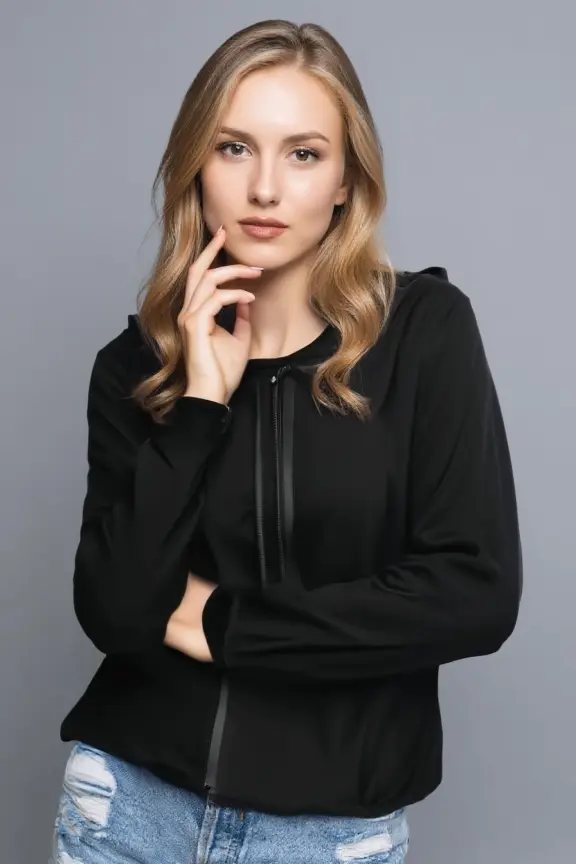 After
After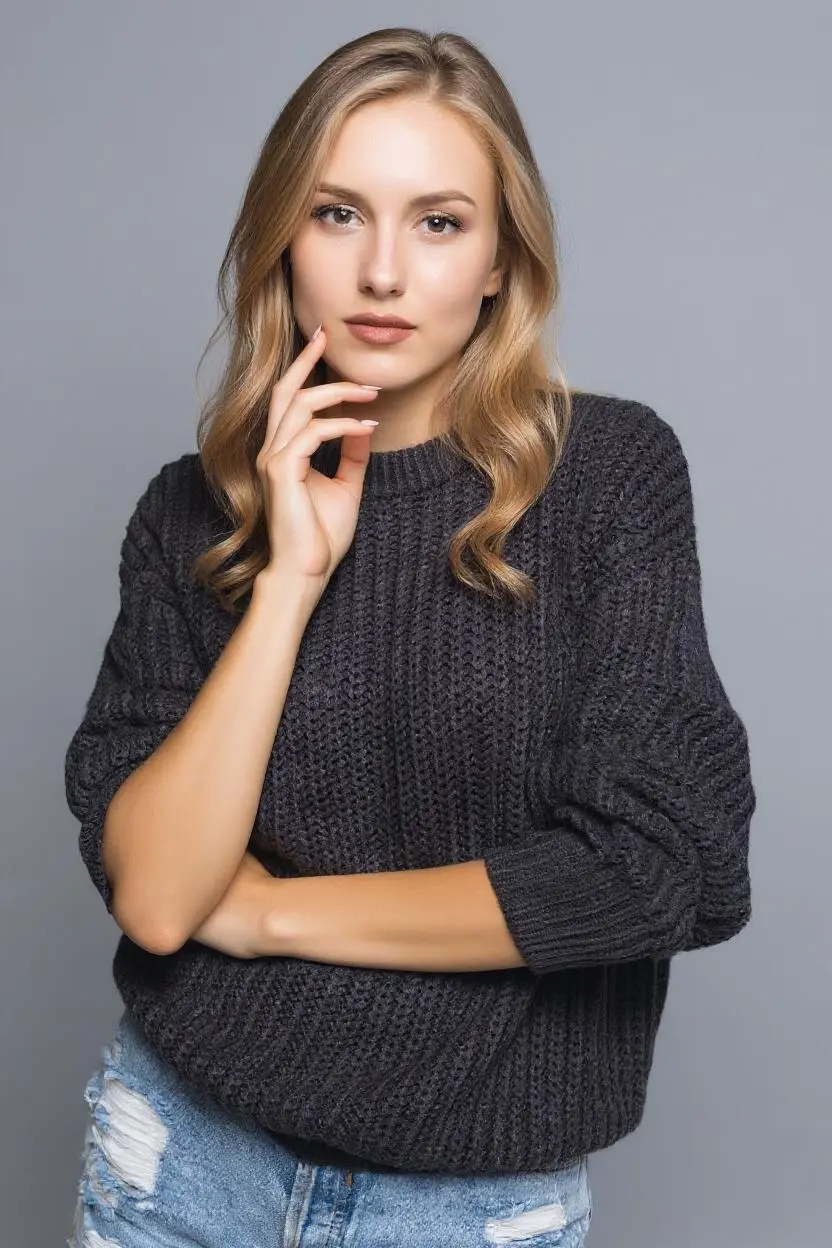 Before
Upload a clear outfit photo
Use a front-facing or lightly angled photo where the current clothing is visible.
Describe the outfit
Specify garment type, color, fabric, fit, and occasion for better AI clothing changes.
Review and refine
Compare the result, then adjust your prompt if the cut, color, or styling needs another pass.
Built for outfit changes, not generic filters
An AI clothes changer needs a specific prompt. Instead of restyling the whole image, tell the model which garment to replace and what should stay the same: the person, face, pose, body shape, background, and lighting.
Change a t-shirt into a black blazer.
Try a summer dress without changing the background.
Replace a jacket color while keeping the same fit.
Create outfit concepts for product or fashion shoots.
Frequently asked questions
- What is an AI clothes changer?
- An AI clothes changer edits a person photo so the outfit can be replaced or restyled while keeping the person, pose, and scene as consistent as possible.
- Can I change clothes in a photo online?
- Yes. Upload a photo, describe the outfit you want, and Photoprompt creates an edited version you can review in your library.
- Is the AI clothes changer free?
- Photoprompt is free to try with monthly credits. Creating more edits may require additional credits.
- What photos work best for changing outfits?
- Clear full-body or half-body photos work best, especially when the original outfit is visible and the pose is not heavily obstructed.
Explore related AI photo tools
Keep moving through the workflow with related public guides and tools.